Welcome

Welcome is a Microsoft Edge Extension to automatically accept when people request to join your Google Meet meeting.

You will need to install an extension such as Tampermonkey, Greasemonkey or Violentmonkey to install this script.

You will need to install an extension such as Tampermonkey to install this script.

You will need to install an extension such as Tampermonkey or Violentmonkey to install this script.

You will need to install an extension such as Tampermonkey or Userscripts to install this script.

You will need to install an extension such as Tampermonkey to install this script.

You will need to install a user script manager extension to install this script.

(Tôi đã có Trình quản lý tập lệnh người dùng, hãy cài đặt nó!)

You will need to install an extension such as Stylus to install this style.

You will need to install an extension such as Stylus to install this style.

You will need to install an extension such as Stylus to install this style.

You will need to install a user style manager extension to install this style.

You will need to install a user style manager extension to install this style.

You will need to install a user style manager extension to install this style.

(I already have a user style manager, let me install it!)

Tác giả
veringsek
Cài đặt hàng ngày
0
Số lần cài đặt
62
Đánh giá
0 0 0
Phiên bản
0.0.6
Đã tạo
11-05-2022
Đã cập nhật
14-05-2022
Kích thước
6 KB
Giấy phép
N/A
Áp dụng cho

icon

Welcome

English 中文

Welcome is a Chromium Extension to automatically accept requests to join your Google Meet meeting.

Install

Get this extension on Chrome Web Store.

Get this extension on Microsoft Edge Addons.

Get this userscript on Greasy Fork.

Usage

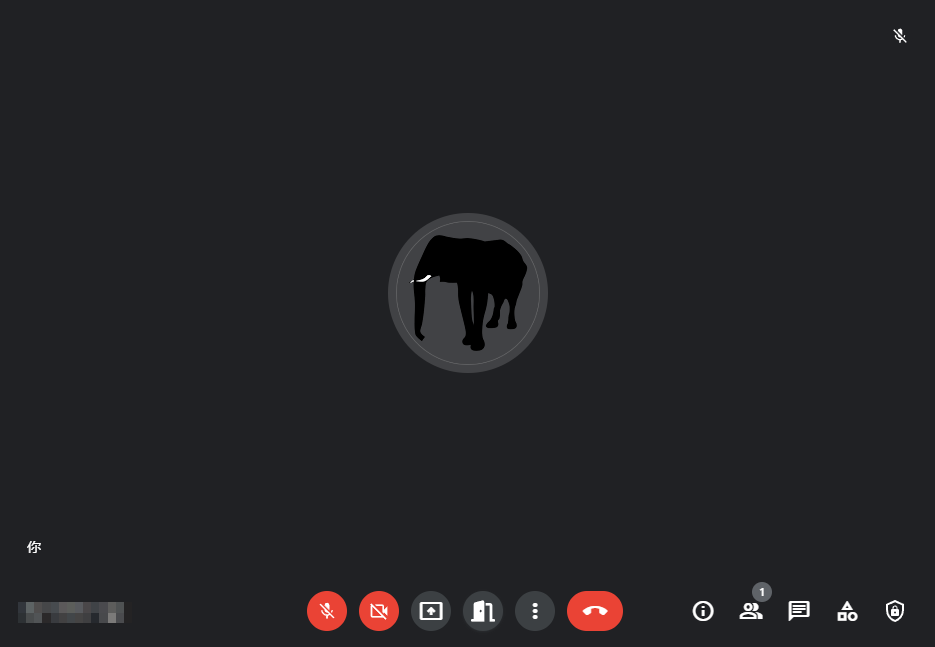
In the meeting room, there will be a door icon at bottom to toggle Welcome on and off. The feature is off by default, and the icon will be a closed door. Whenever the feature is on, the icon will become an open door.
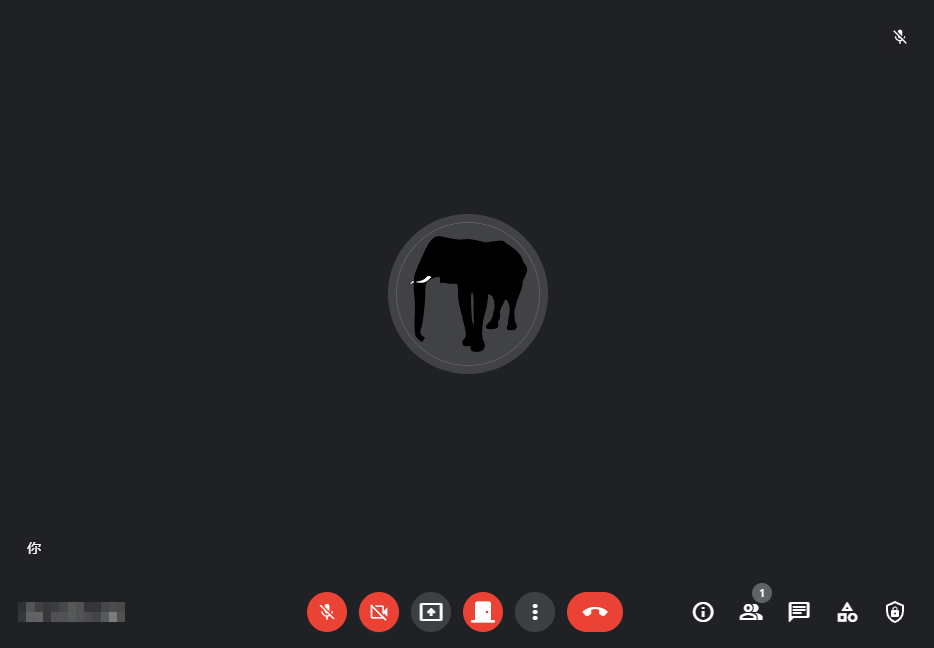
off

on

License

MIT

Copyright © 2022, veringsek