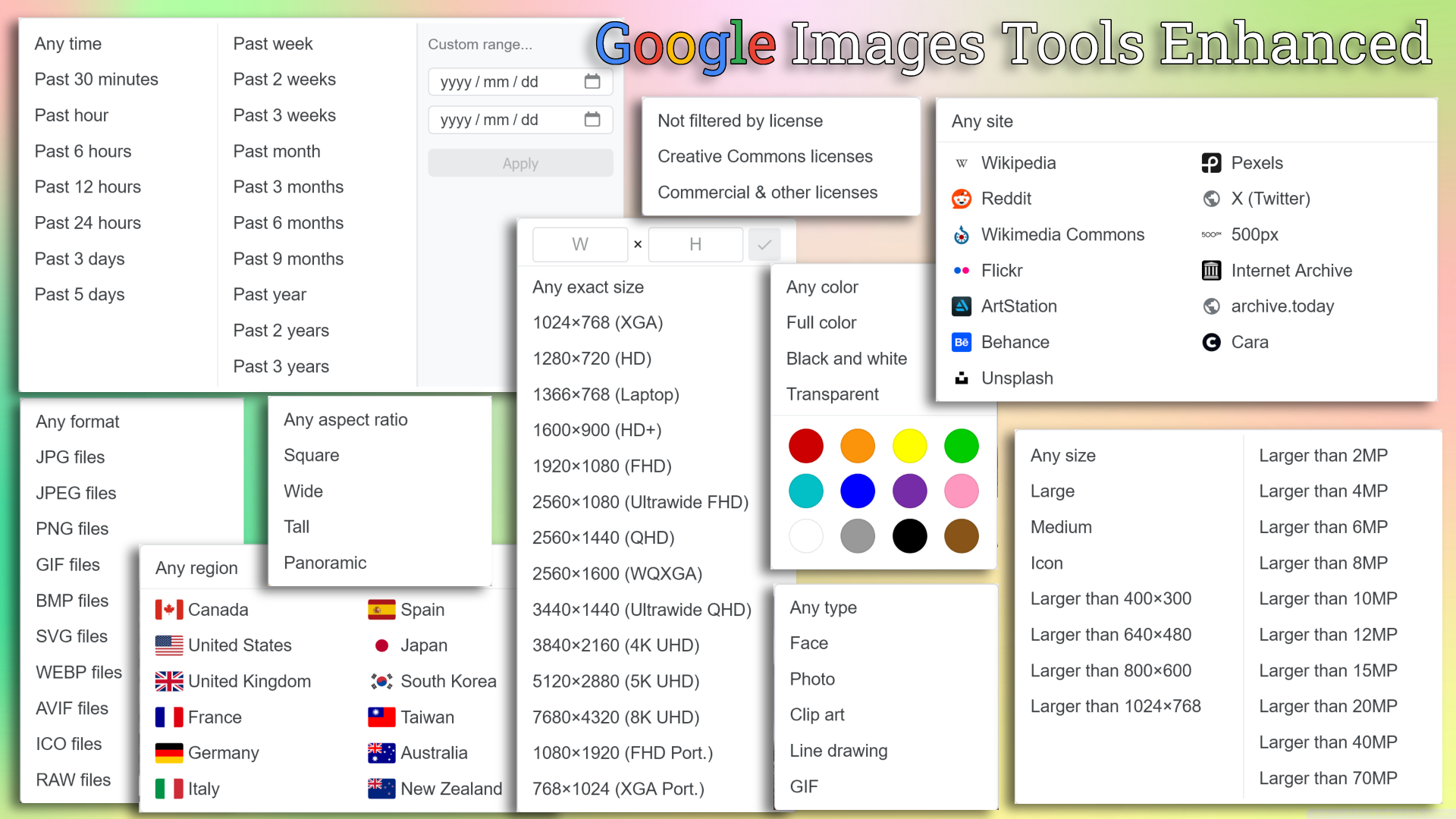
Enhances Google Images with a custom toolbar and expanded filter options: Exact Size, Aspect Ratio, File Type, Region/Site Search & more.
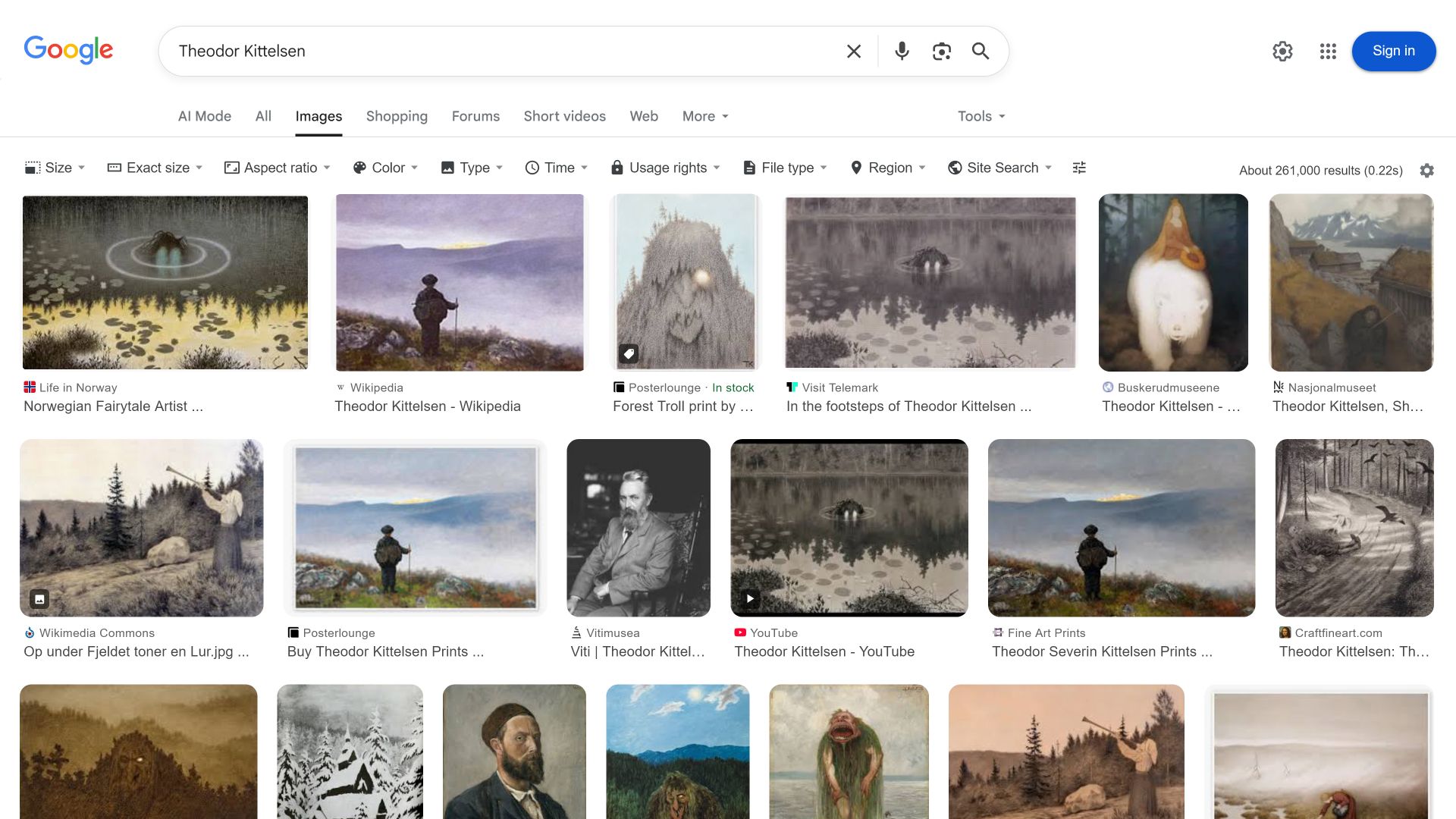
Google Images Tools Enhanced (GITE) adds a custom toolbar resembling the classic Google Images interface. It provides expanded filtering options and a powerful settings panel for customization, offering features that are often hidden or entirely unavailable in the modern layout.
GITE introduces a unified toolbar above the search results containing standard and advanced filters:
OR logic (e.g., entering twitter.com OR x.com searches both sites simultaneously).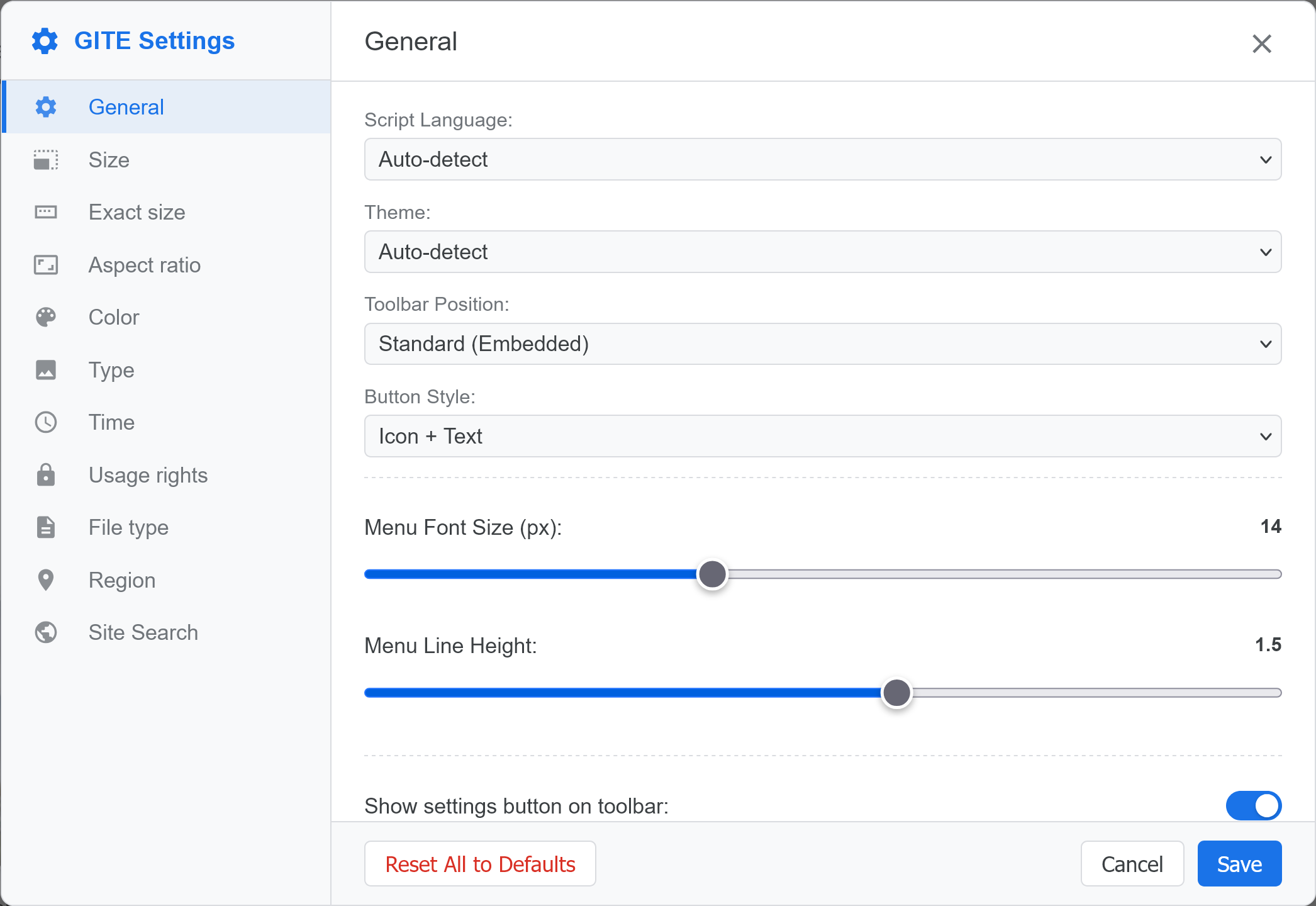
Click the gear icon (⚙️) on the right side of the toolbar to access settings:
Due to Userscript execution limitations, built-in styling options may cause minor flickering during page load.
For a zero-delay, instant experience, we recommend using uBlock Origin (uBO) with the following custom cosmetic filters:
! Hide suggestion chips under the search bar
google.com##.rfiSsc

! Remove search result thumbnail corner radius (restore to square)
google.com##.F0uyec:style(border-radius: 0 !important;)
google.com##.cC9Rib:style(border-radius: 0 !important;)
google.com##.sid-dims:style(border-radius: 0 !important;)
google.com##.RmwKgd:style(border-radius: 0 !important;)
google.com##.bFtXbb:style(border-radius: 0 !important;)
google.com##.my5z3d .CUMKHb:style(border-radius: 0 !important;)
google.com##.LNjG3:style(border-radius: 0 !important;)
google.com##.BfmEZb:style(border-radius: 0 !important;)

! Hide the "Related searches" block at the bottom
google.com##.BA0zte
google.com##.kb0PBd.cvP2Ce:has(.BA0zte)

! Hide detailed information under thumbnails (links, titles, etc.)
google.com##.juwGPd.BwPElf.OCzgxd
google.com##.kb0PBd:has(> .LBcIee)Note: Once these rules are set up in uBO, you can turn off the corresponding options in the GITE settings panel to avoid redundant style processing and optimize performance.
GITE focuses exclusively on adding the Toolbar. To enhance the Image Thumbnails (e.g., showing dimensions on the grid or adding direct links), you can safely pair GITE with the companion scripts below. Note: Please be aware that some of these scripts may have overlapping or conflicting features. To prevent visual clutter or bugs, avoid installing multiple scripts that add the exact same functionality (like a "View Image" button).
udm=2). Note that the legacy tbm=isch parameter is deprecated and typically redirects to udm=2.