GDocs - Focus Mode

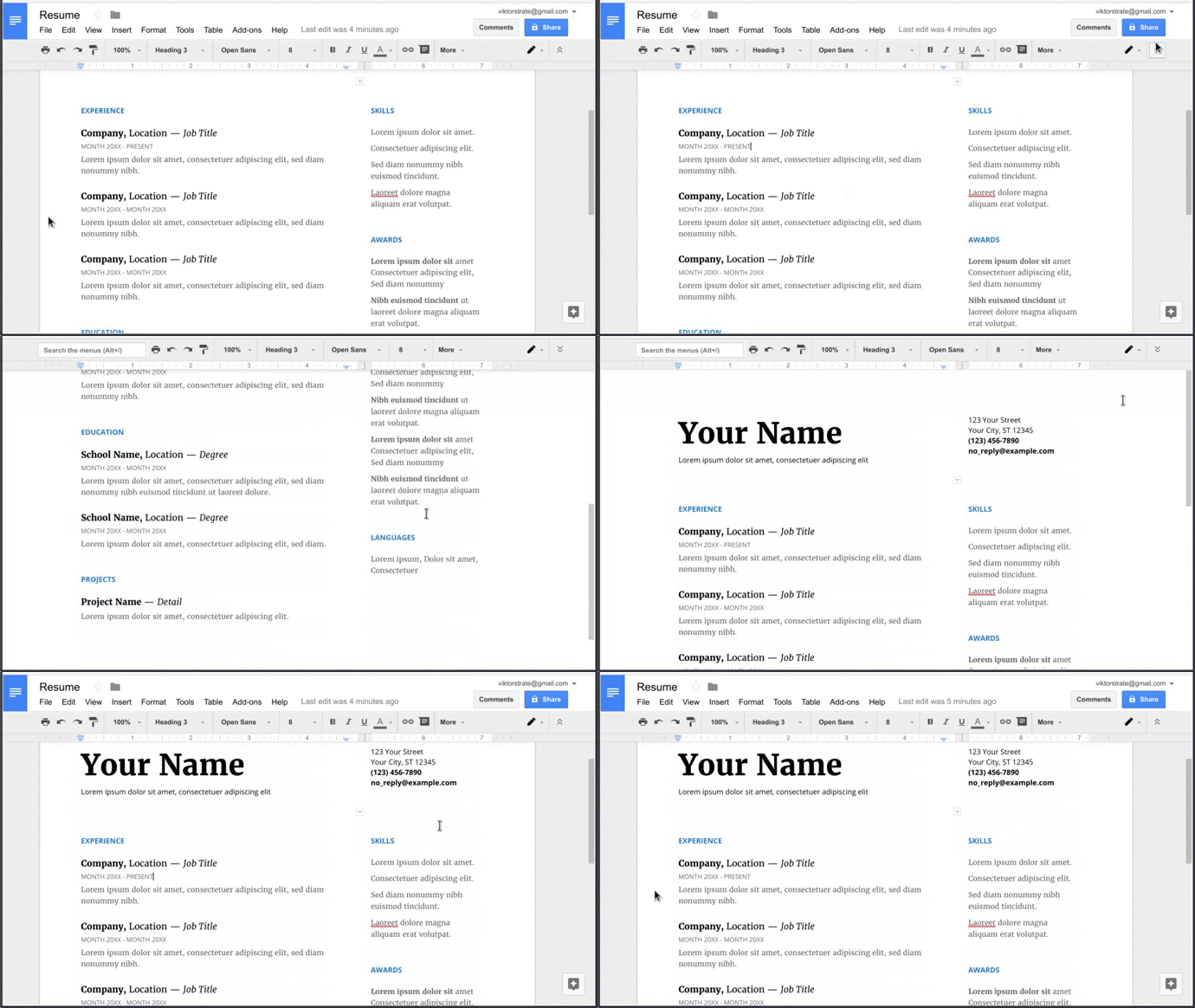
In Google docs press 'Hide the menus' button, to enter focus mode.

You will need to install an extension such as Tampermonkey, Greasemonkey or Violentmonkey to install this script.

You will need to install an extension such as Tampermonkey to install this script.

You will need to install an extension such as Tampermonkey or Violentmonkey to install this script.

You will need to install an extension such as Tampermonkey or Userscripts to install this script.

You will need to install an extension such as Tampermonkey to install this script.

You will need to install a user script manager extension to install this script.

(I already have a user script manager, let me install it!)

You will need to install an extension such as Stylus to install this style.

You will need to install an extension such as Stylus to install this style.

You will need to install an extension such as Stylus to install this style.

You will need to install a user style manager extension to install this style.

You will need to install a user style manager extension to install this style.

You will need to install a user style manager extension to install this style.

(I already have a user style manager, let me install it!)
Upphovsman
viktorstrate
Dagliga installationer
0
Totala installationer
170
Betyg
1 0 0
Version
0.1
Skapad
2017-05-15
Uppdaterad
2017-05-15
Size
1,67 KB
Licens
N/A
Gäller för

Google Docs - Focus Mode

Fork script on GitHub

In Google docs press 'Hide the menus' button, to enter focus mode.

Focus mode, will hide the background, when 'Hide the menus' is pressed.

Example