GreasyFork Premium

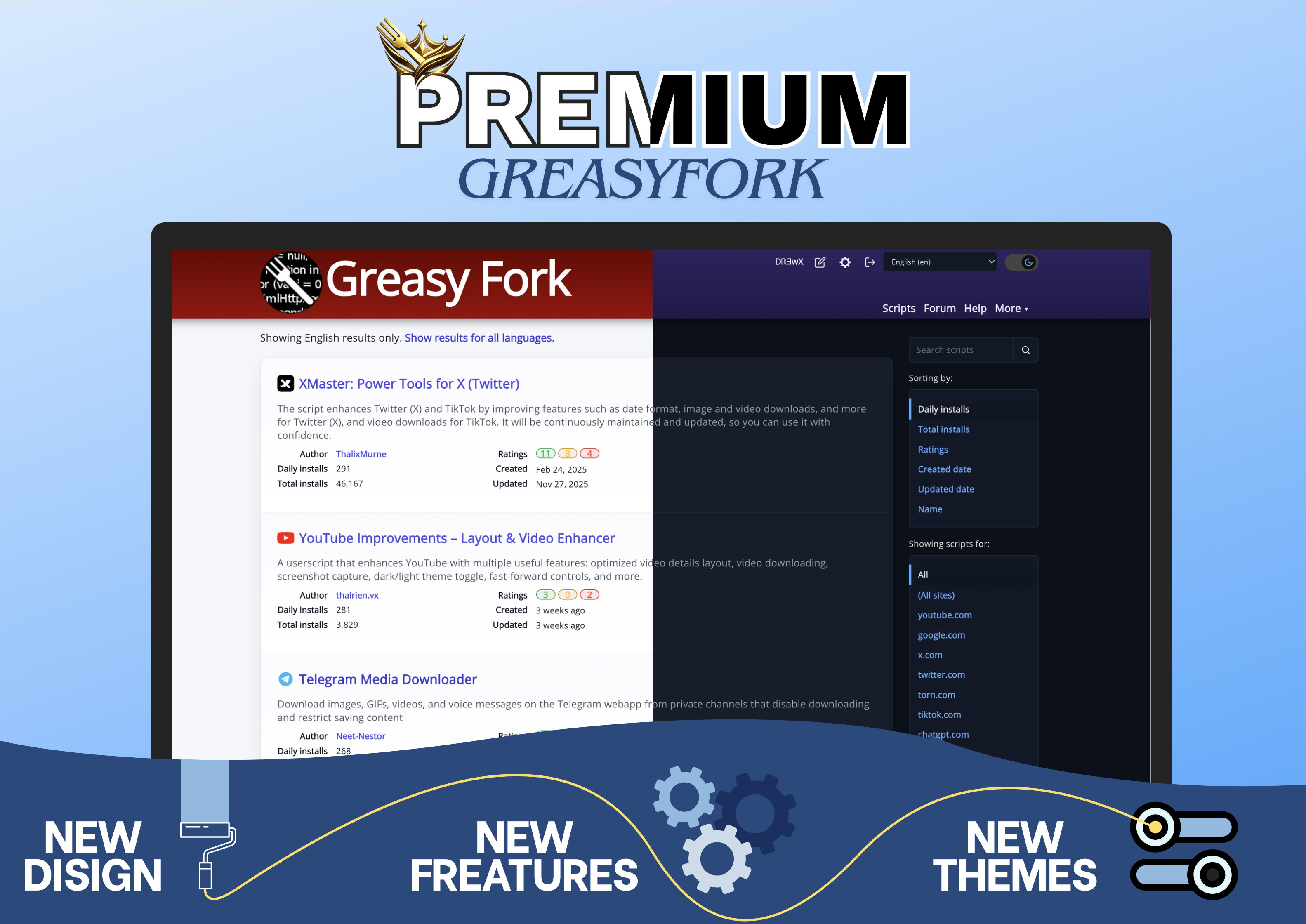
Premium UI enhancement for GreasyFork: modernized interface, instant light/dark theme toggle, improved readability, cleaner layout, and faster access to essential actions.

You will need to install an extension such as Tampermonkey, Greasemonkey or Violentmonkey to install this script.

You will need to install an extension such as Tampermonkey to install this script.

You will need to install an extension such as Tampermonkey or Violentmonkey to install this script.

You will need to install an extension such as Tampermonkey or Userscripts to install this script.

You will need to install an extension such as Tampermonkey to install this script.

You will need to install a user script manager extension to install this script.

(I already have a user script manager, let me install it!)

You will need to install an extension such as Stylus to install this style.

You will need to install an extension such as Stylus to install this style.

You will need to install an extension such as Stylus to install this style.

You will need to install a user style manager extension to install this style.

You will need to install a user style manager extension to install this style.

You will need to install a user style manager extension to install this style.

(I already have a user style manager, let me install it!)

Author
Dℝ∃wX
Daily installs
10
Total installs
28
Ratings
0 0 0
Version
1.0.0
Created
2026-01-17
Updated
2026-01-17
Size
240 KB
License
Apache-2.0
Applies to

GreasyFork Premium


GreasyFork Premium is a userscript that enhances the GreasyFork interface with a more modern, readable, and efficient experience.
The script focuses exclusively on UI and UX improvements, without altering GreasyFork’s core behavior.

Main features

  • Modernized interface with improved layout consistency and visual hierarchy
  • Light and dark themes with instant switching
  • Cleaner design with reduced visual clutter
  • Removal of link underlines for better readability

Navigation and quick actions

  • Script icons display for fast visual identification
  • Settings and script edit buttons added directly to the page
  • Faster access to essential actions without unnecessary navigation

Code readability

  • Improved rendering of script code blocks
  • Syntax highlighting powered by Highlight.js
  • Better readability for scripts and code snippets

Image presenting the script