lc-to-markdown-txt-html

力扣题目描述,讨论发布内容复制 复制为 markdown、txt、html 等格式

You will need to install an extension such as Tampermonkey, Greasemonkey or Violentmonkey to install this script.

You will need to install an extension such as Tampermonkey to install this script.

You will need to install an extension such as Tampermonkey or Violentmonkey to install this script.

You will need to install an extension such as Tampermonkey or Userscripts to install this script.

You will need to install an extension such as Tampermonkey to install this script.

You will need to install a user script manager extension to install this script.

(I already have a user script manager, let me install it!)

You will need to install an extension such as Stylus to install this style.

You will need to install an extension such as Stylus to install this style.

You will need to install an extension such as Stylus to install this style.

You will need to install a user style manager extension to install this style.

You will need to install a user style manager extension to install this style.

You will need to install a user style manager extension to install this style.

(I already have a user style manager, let me install it!)

Author
wuxin0011
Daily installs
0
Total installs
89
Ratings
2 0 0
Version
0.0.8-beta
Created
2024-04-08
Updated
2025-09-19
Size
25.8 KB
License
MIT
Applies to

介绍

lc-to-markdown-txt-html 是 力扣平台将题目内容或者讨论发布内容转换为 markdowntxthtml

安装插件

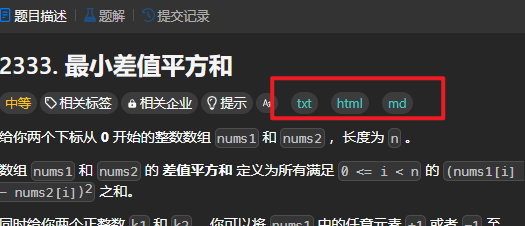
使用

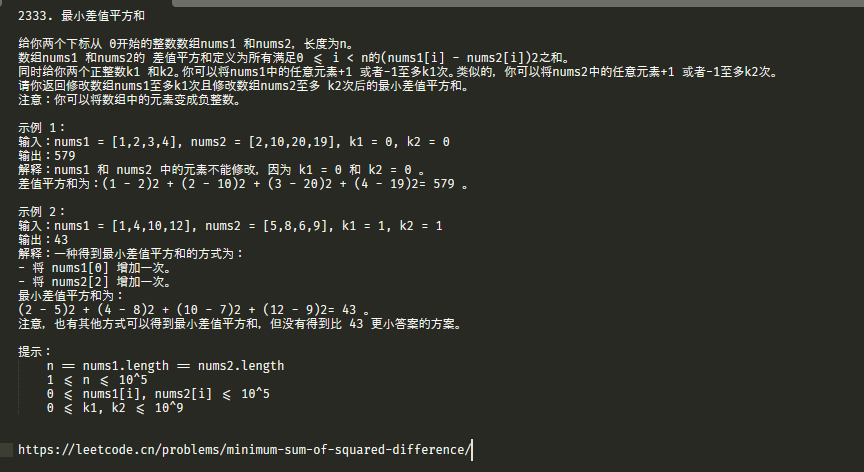
问题描述按钮

image.png

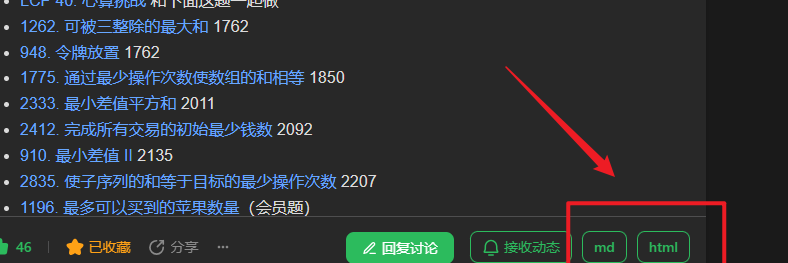
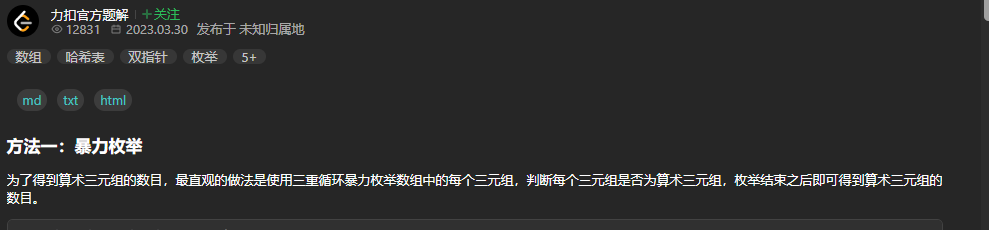
讨论发布页按钮

image.png

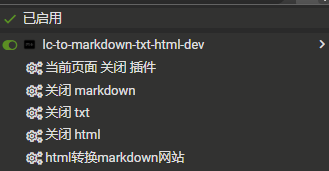
可以手动选择那些显示

image.png

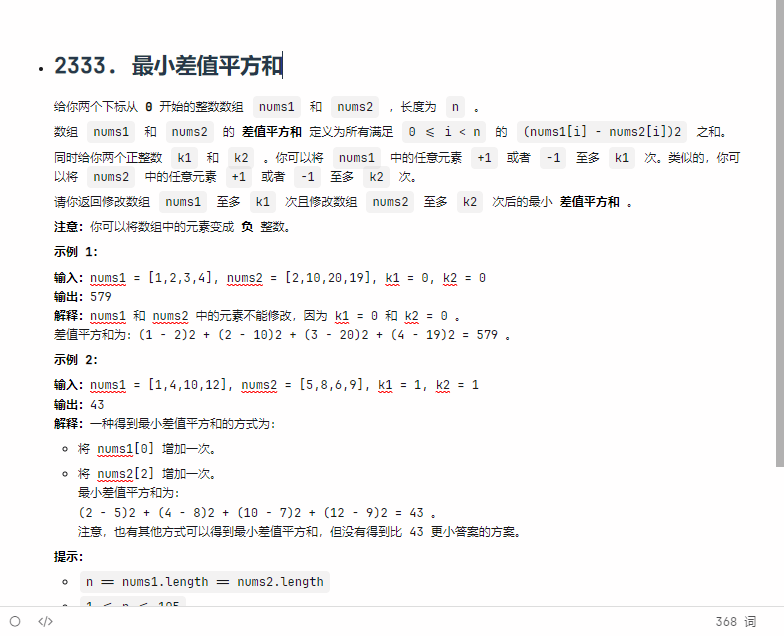
演示

转换 markdown 或者 html

image.png

转换 txt

image.png

复制题解 v0.0.6 开始

image.png

相关链接