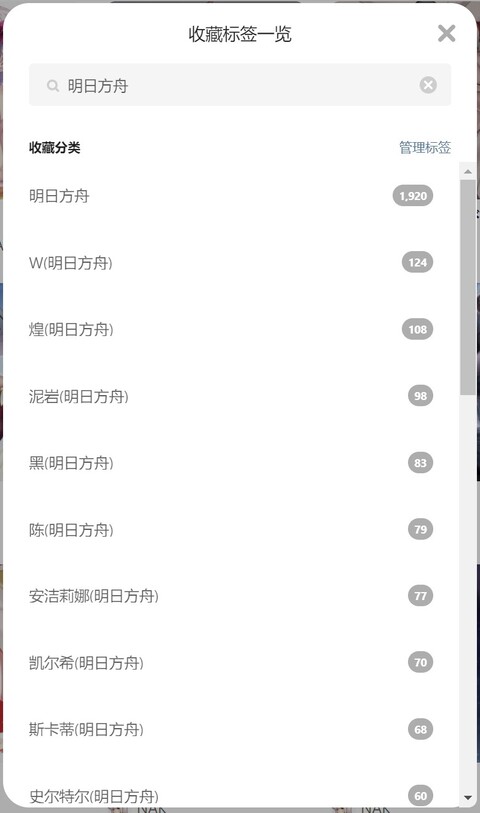
Automatically add existing labels for images in the bookmarks, and users are able to search the bookmarks
Added functions to replace the tag-selection dialog, displaying tags alphabetically (Function Page)
Added functions to regard author name and uid as work tags (Label Page - Advanced)
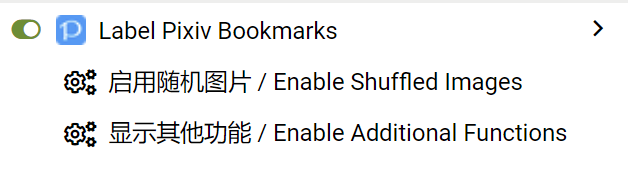
Added functions to show user-labeled tags (in script manager menu)
The script will compare your existing bookmark tags and tags of the image, then find the intersection and save
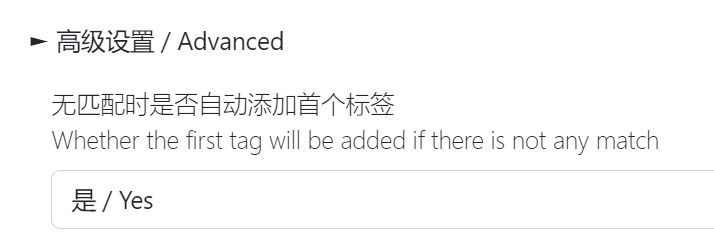
If there is no intersection, the script will skip the image. Or you can configure the script to add the first tag of the image by default.
You might also search your bookmarks by your custom tag
The script is implemented by Pixiv Web APIs. Please open a new issue at GitHub if it was outdated.
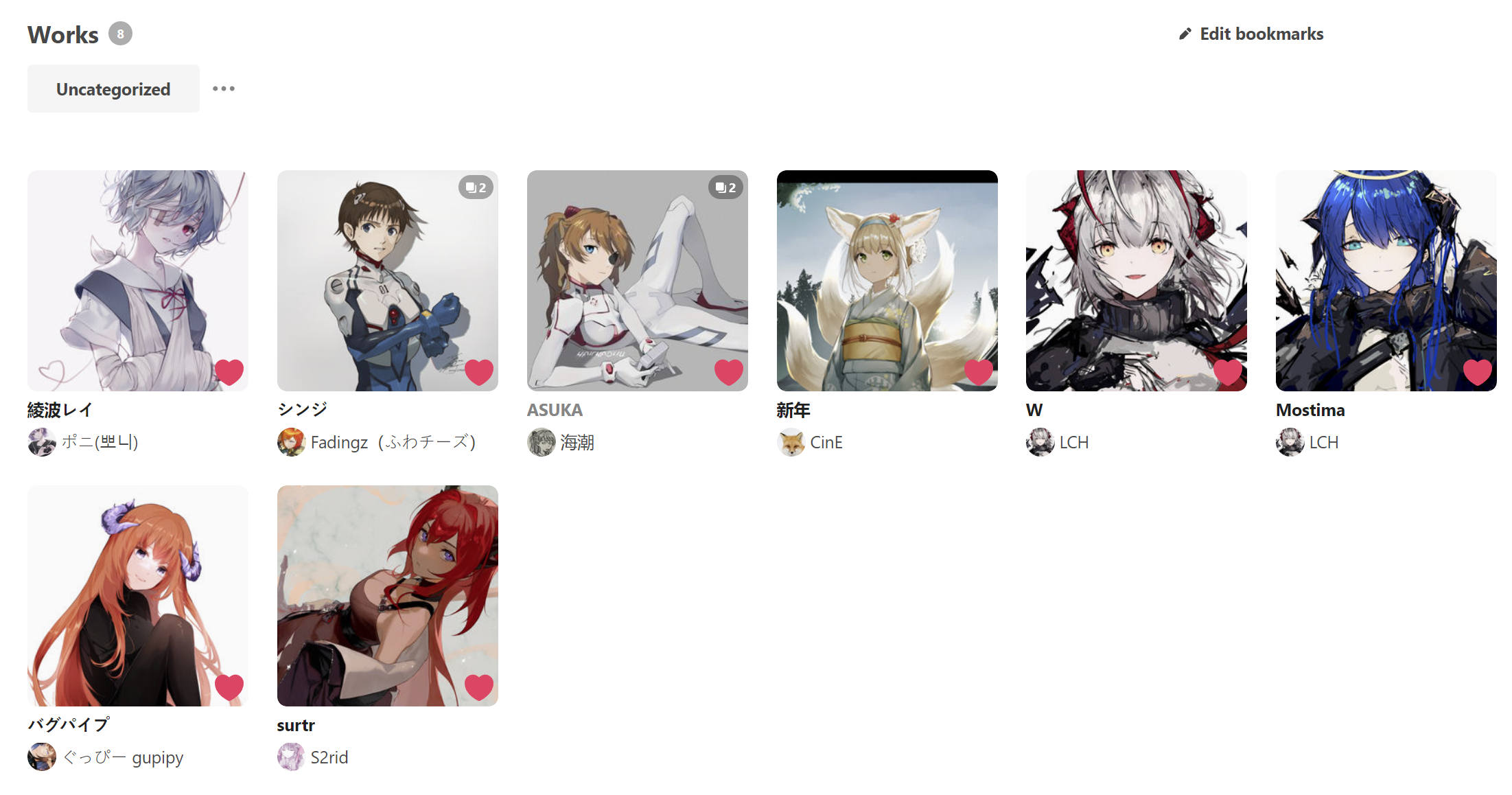
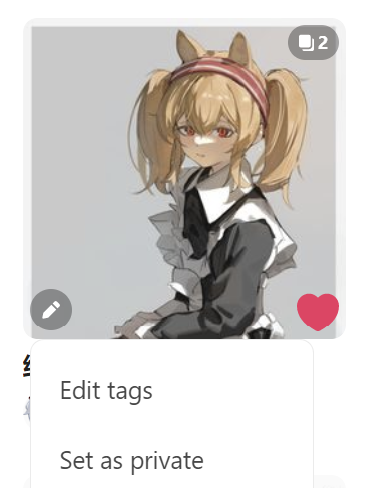
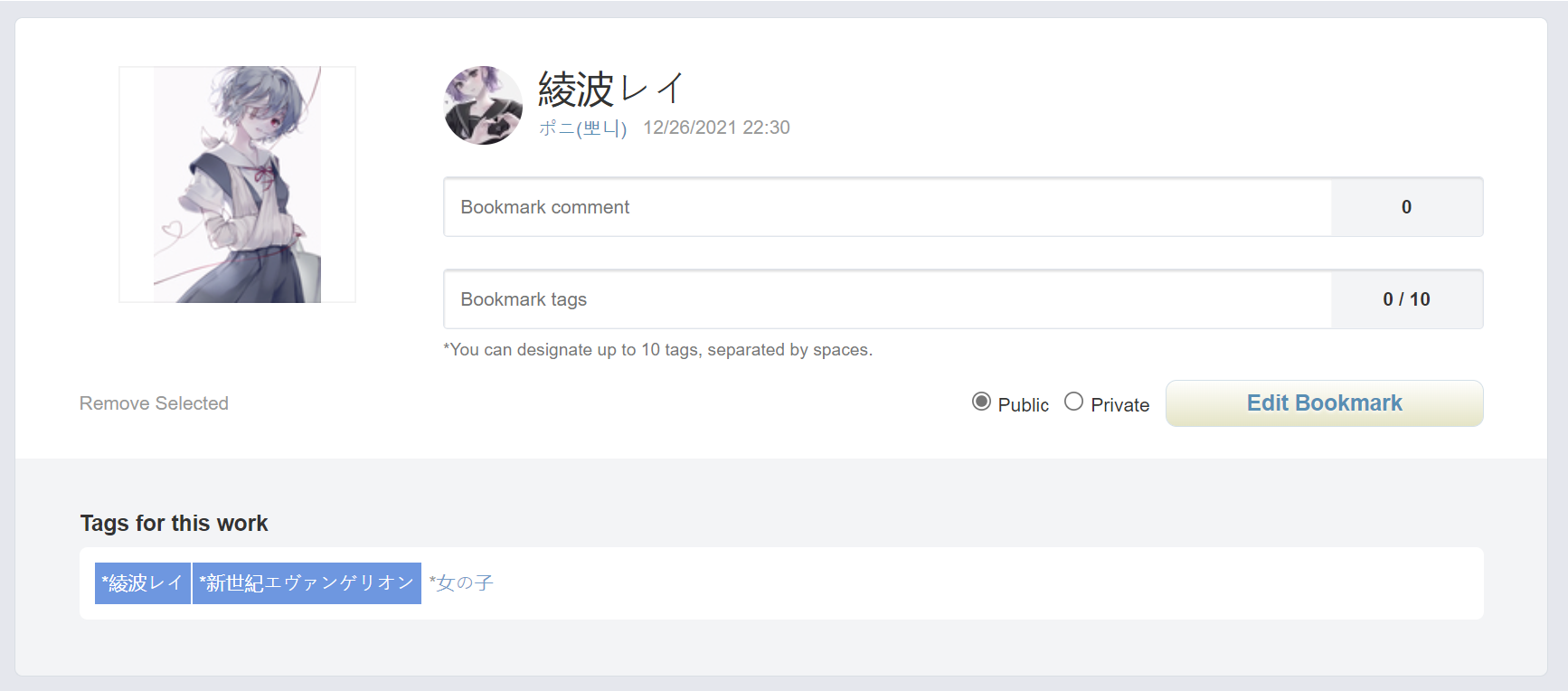
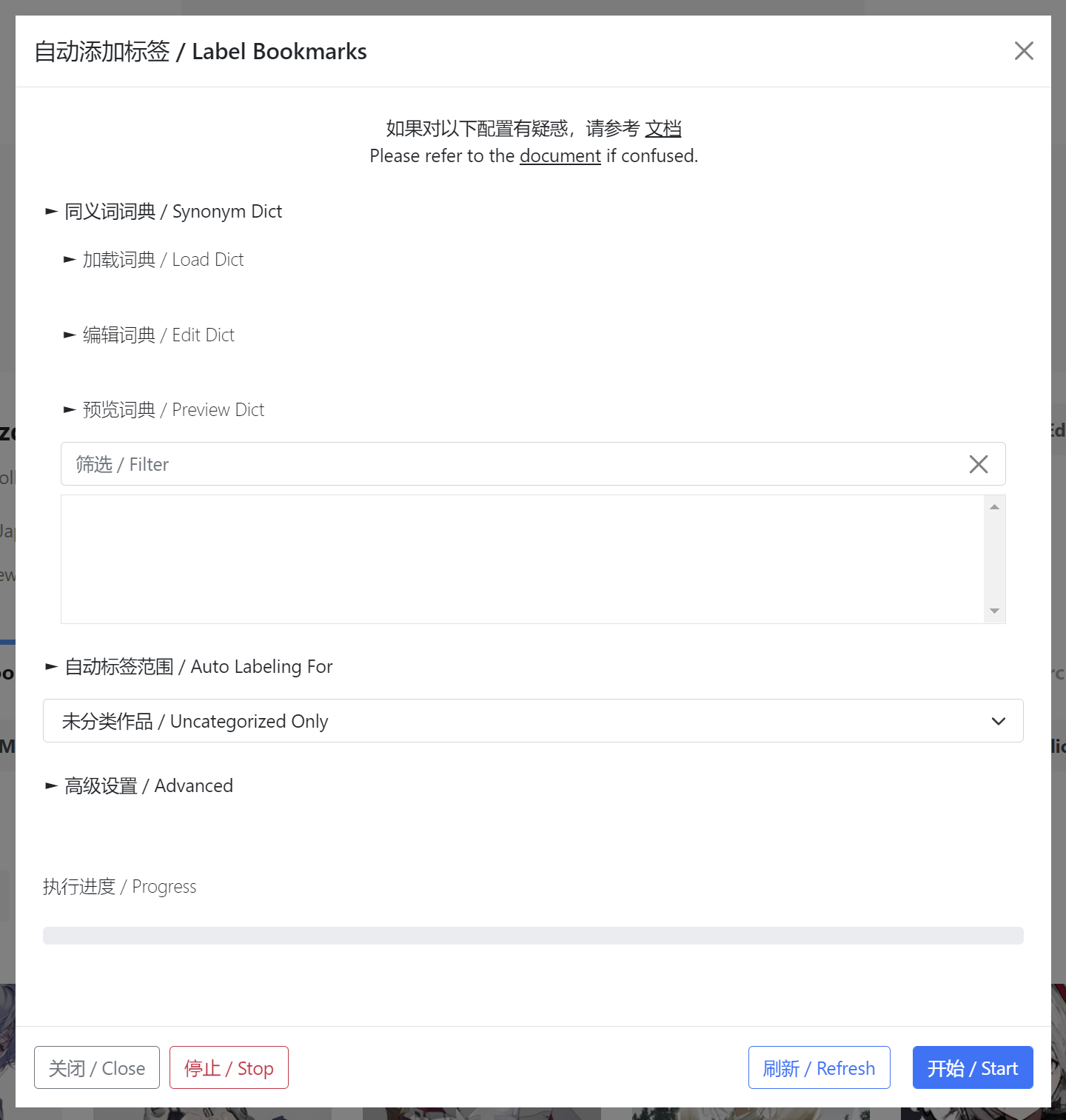
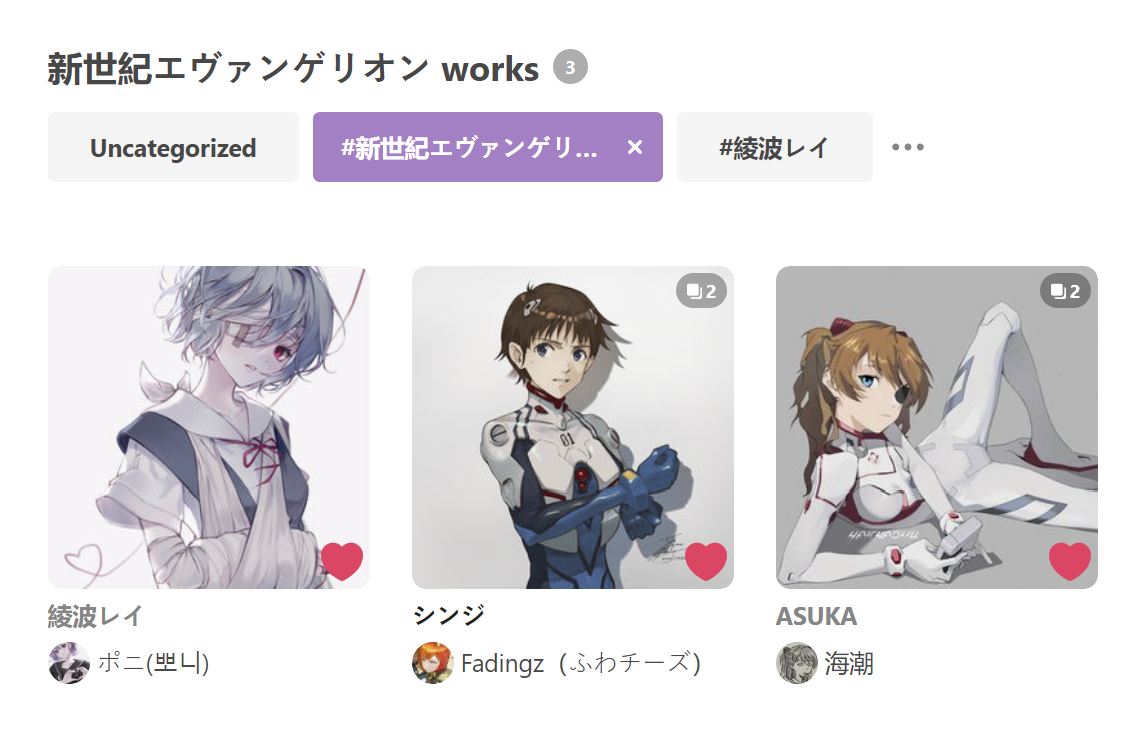
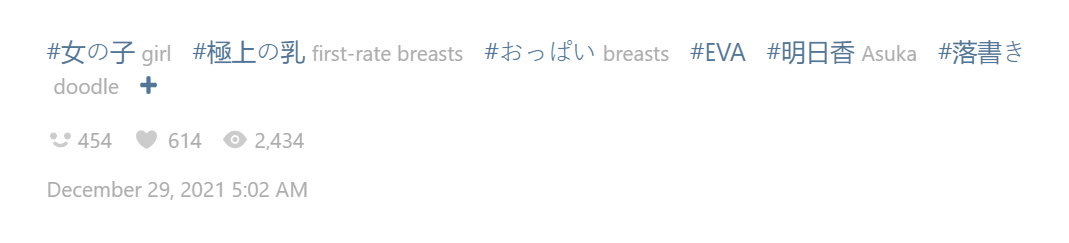
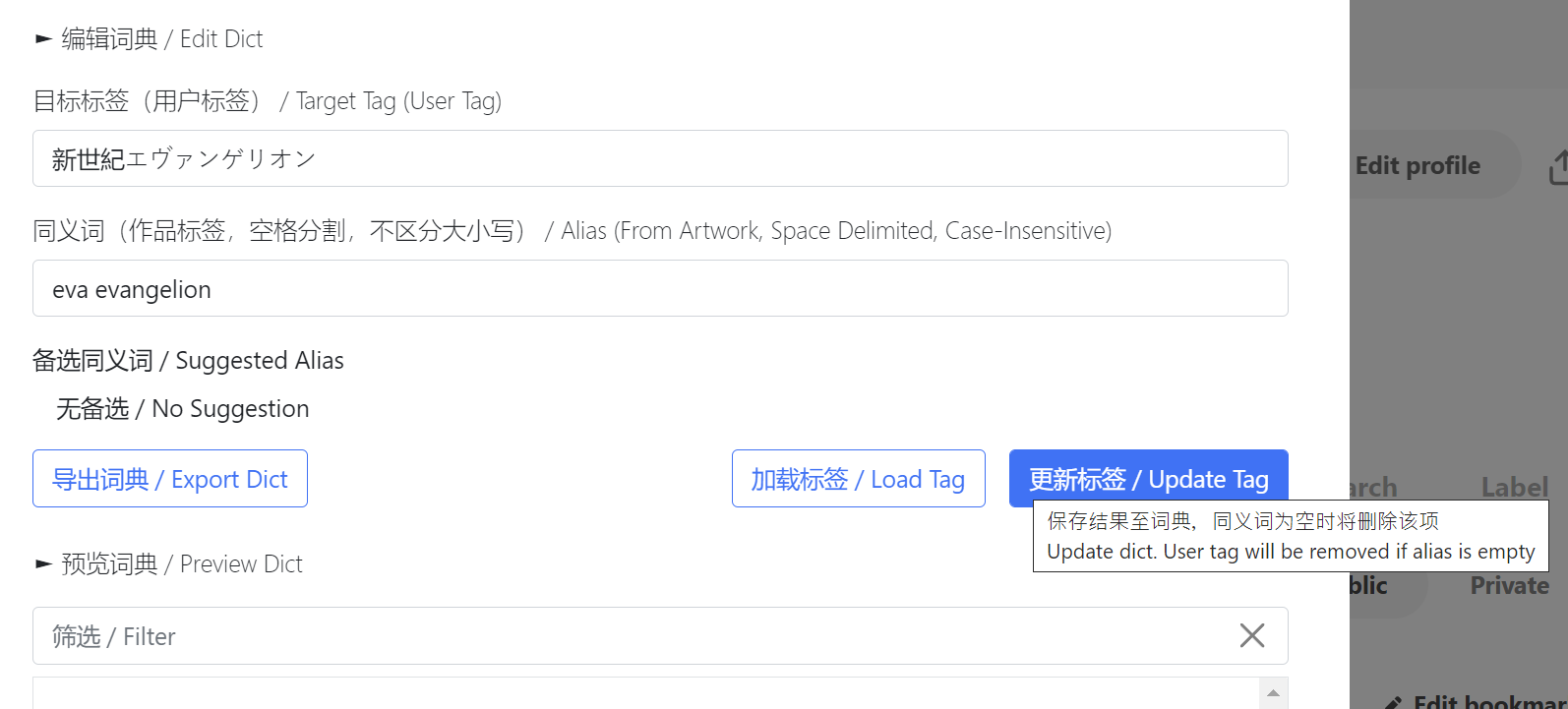
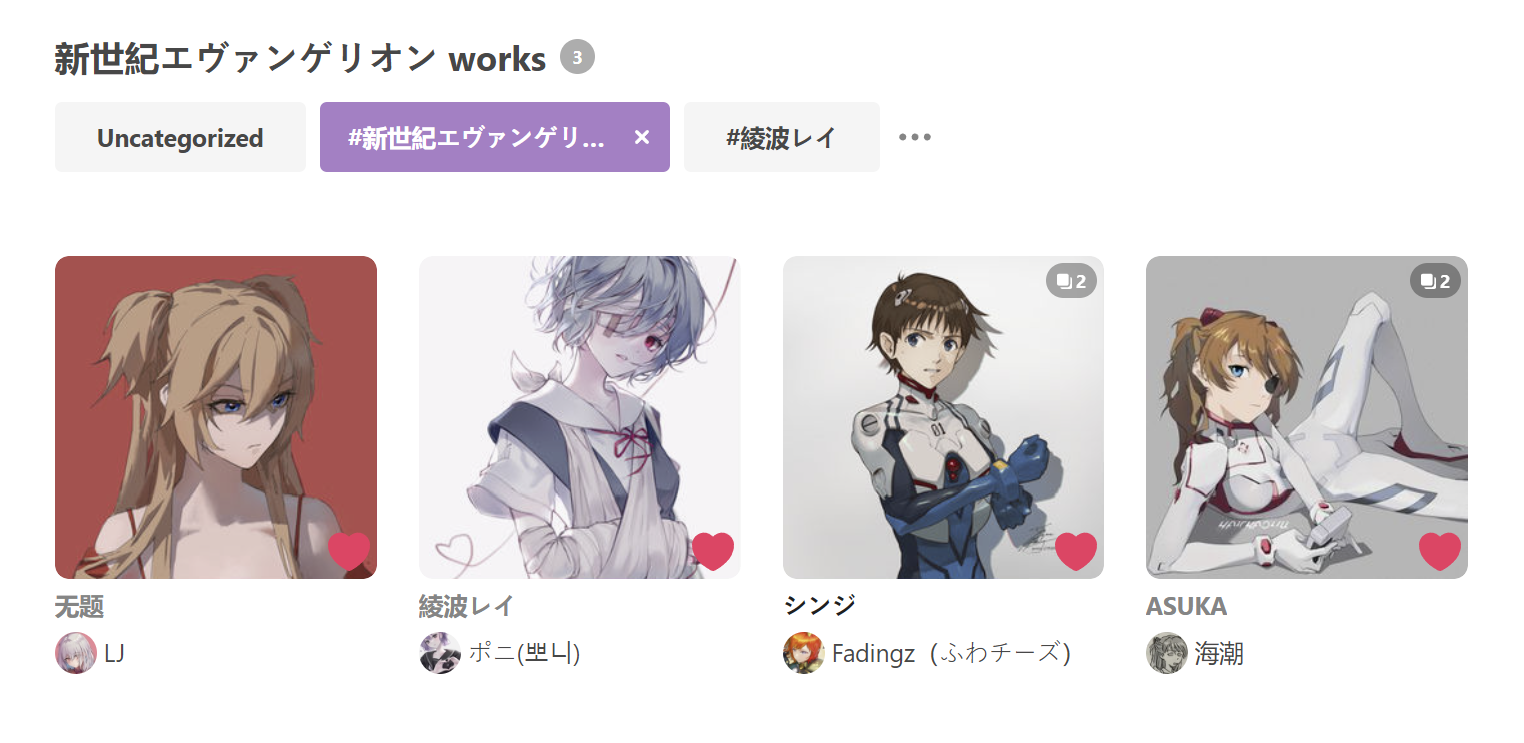
There are a lot of things you can do with this functionality. For example, most character in pixiv use the katakana (片仮名) as its official name, which makes the non-Japanese speakers hard to recognize the name.
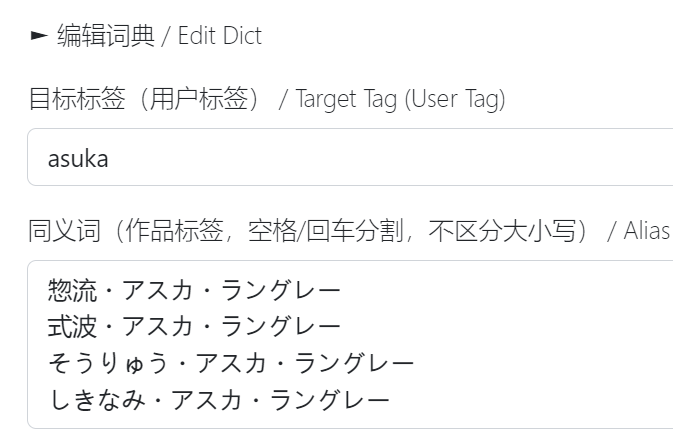
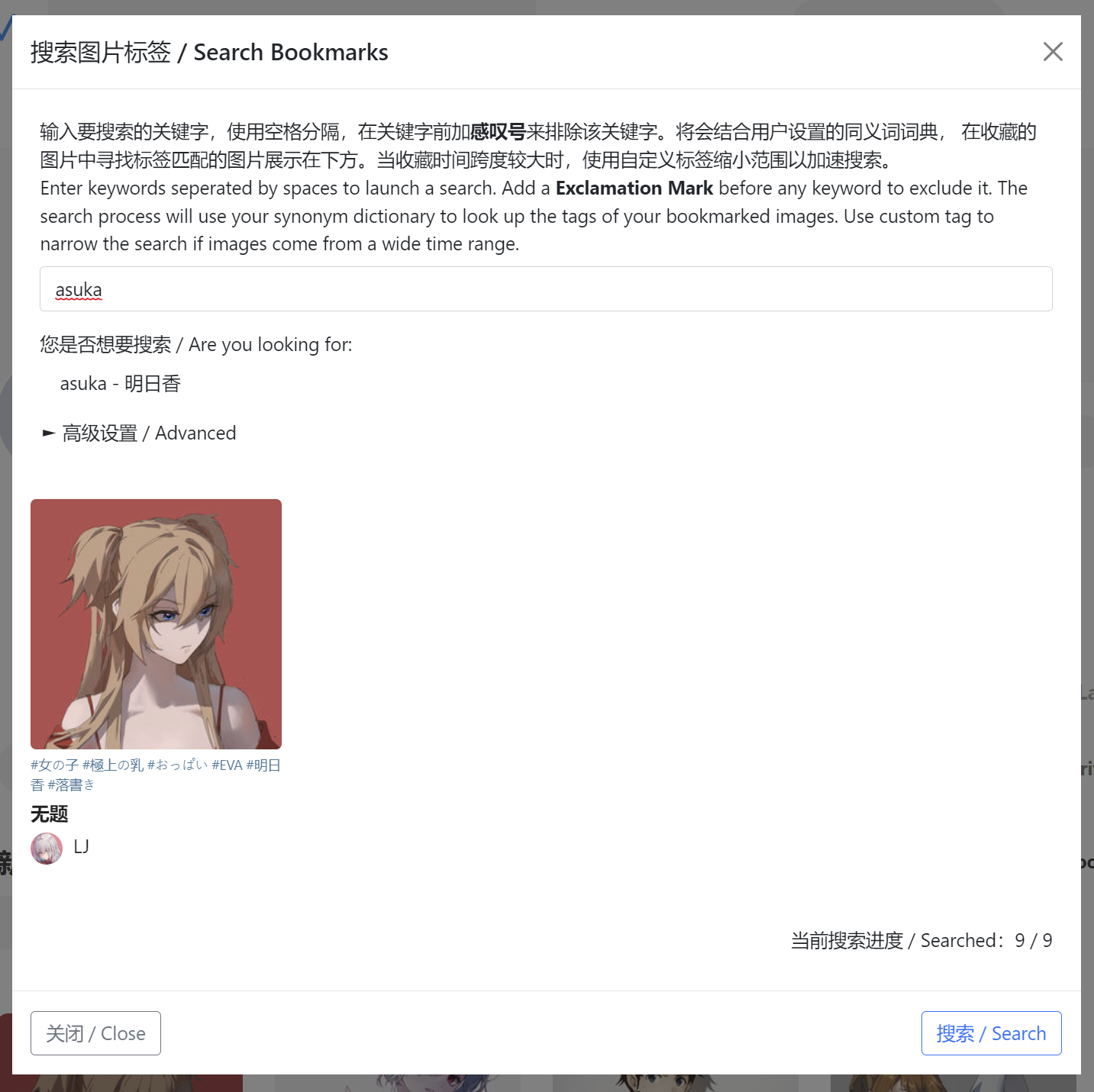
Take Soryu Asuka Langley as an instance. She has at least four kinds of appellations like 惣流・アスカ・ラングレー/式波・アスカ・ラングレー/そうりゅう・アスカ・ラングレー/しきなみ・アスカ・ラングレー. Now we can set asuka as the target tag, and those Japanese names as the alias.
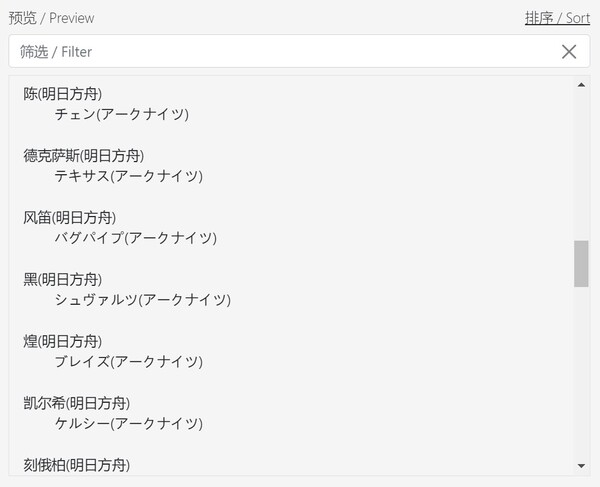
Auto Labeling For
Whether the first tag will be added if there is not any match
Whether ALL work tags will be added to your user tags
Publication Type for Labeling
Whether NSFW works will be labeled as #R-18?
Whether NSFW works will be labeled as #R-18?
Whether AI-generated works will be labeled as AI
Whether author name and uid will be regarded as part of work tags
Whether the work tag and user tag need to be strictly match (both character name and work title)
Some function fails?
The Label button cannot be found on the website
The script cannot work and alert a prompt
The synonym dictionary got lost accidentally
Whether Pixiv will ban my account for the script
The script complies with the MIT license.
Please report bugs or new features expected at GitHub.
