fix Google image popup

show images in popup instead of opening the source

You will need to install an extension such as Tampermonkey, Greasemonkey or Violentmonkey to install this script.

You will need to install an extension such as Tampermonkey to install this script.

You will need to install an extension such as Tampermonkey or Violentmonkey to install this script.

You will need to install an extension such as Tampermonkey or Userscripts to install this script.

You will need to install an extension such as Tampermonkey to install this script.

You will need to install a user script manager extension to install this script.
(I already have a user script manager, let me install it!)

You will need to install an extension such as Stylus to install this style.

You will need to install an extension such as Stylus to install this style.

You will need to install an extension such as Stylus to install this style.

You will need to install a user style manager extension to install this style.

You will need to install a user style manager extension to install this style.

You will need to install a user style manager extension to install this style.

(I already have a user style manager, let me install it!)

Author
Prof_Bum
Daily installs
0
Total installs
710
Ratings
2 0 0
Version
0.4
Created
2020-07-27
Updated
2020-12-19
Size
2.88 KB
License
N/A
Applies to

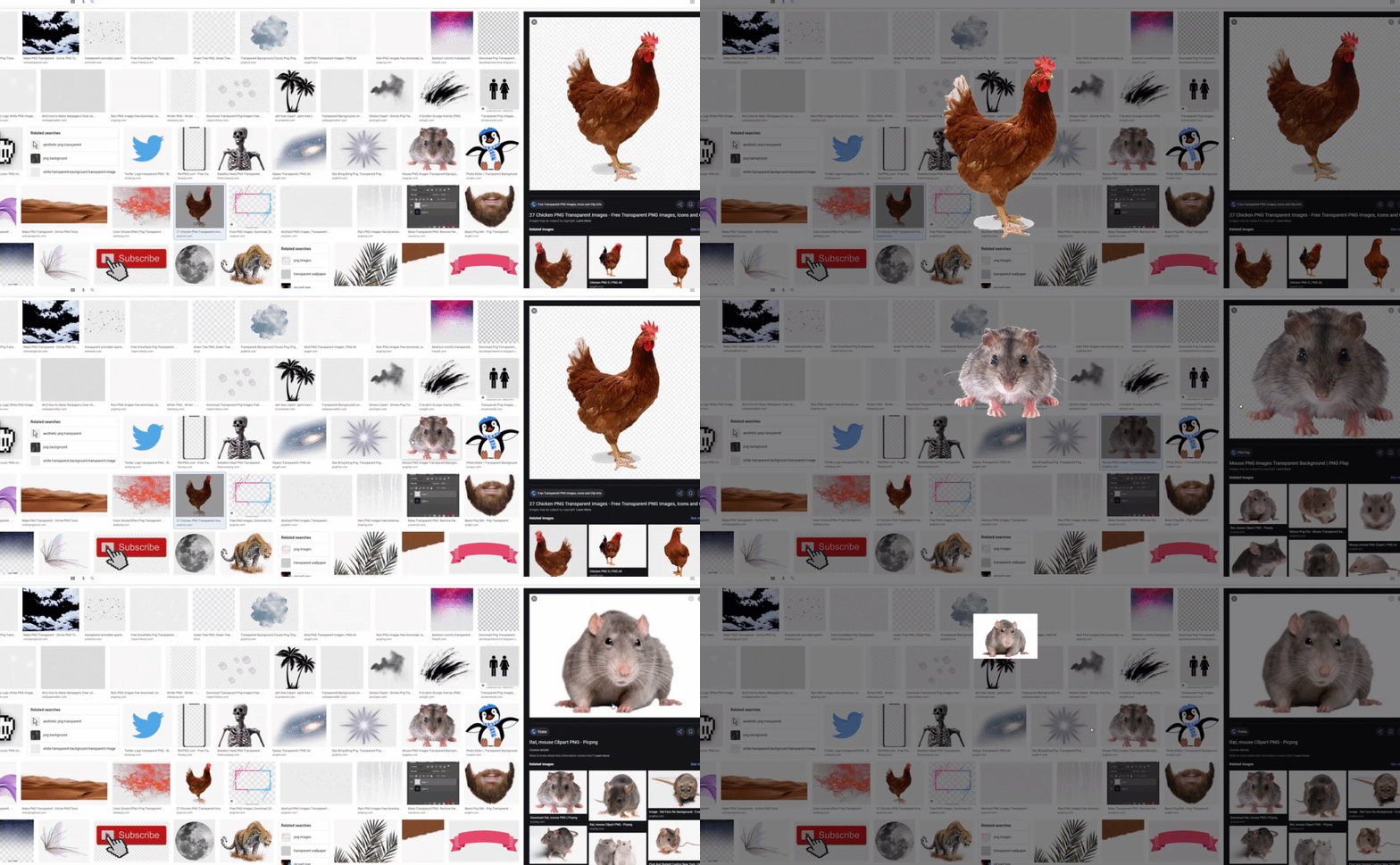
Show google image in popup instead of opening the source. If you want to see the source you need to click on the title:

Result of the script:

It shows the image in the original size so if it's stretch in the google image viewer it won't be stretched in the popup.

Compatible with ultrawide resolutions aswell.