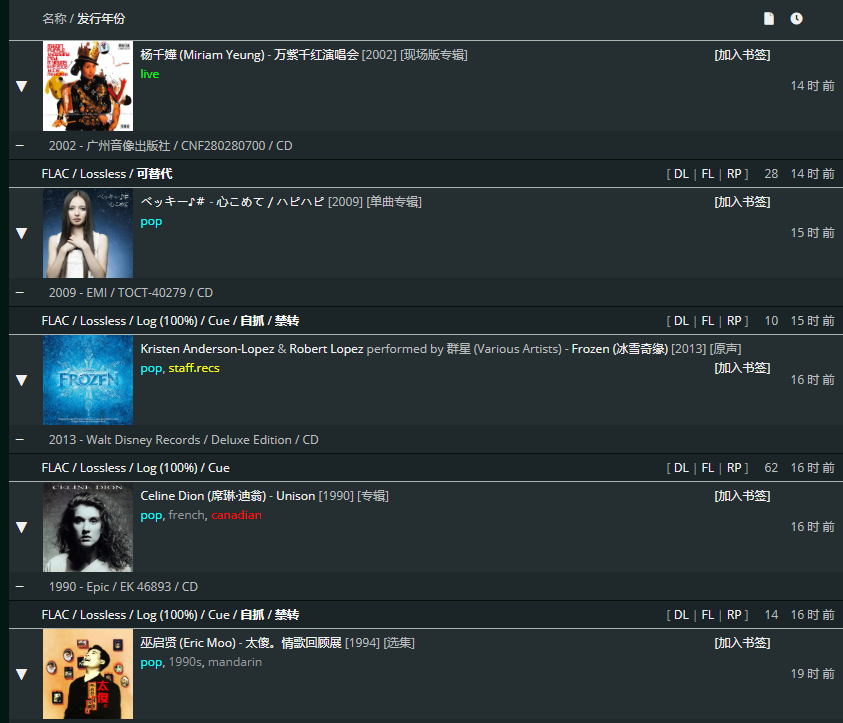
Gazelle Tag Colors

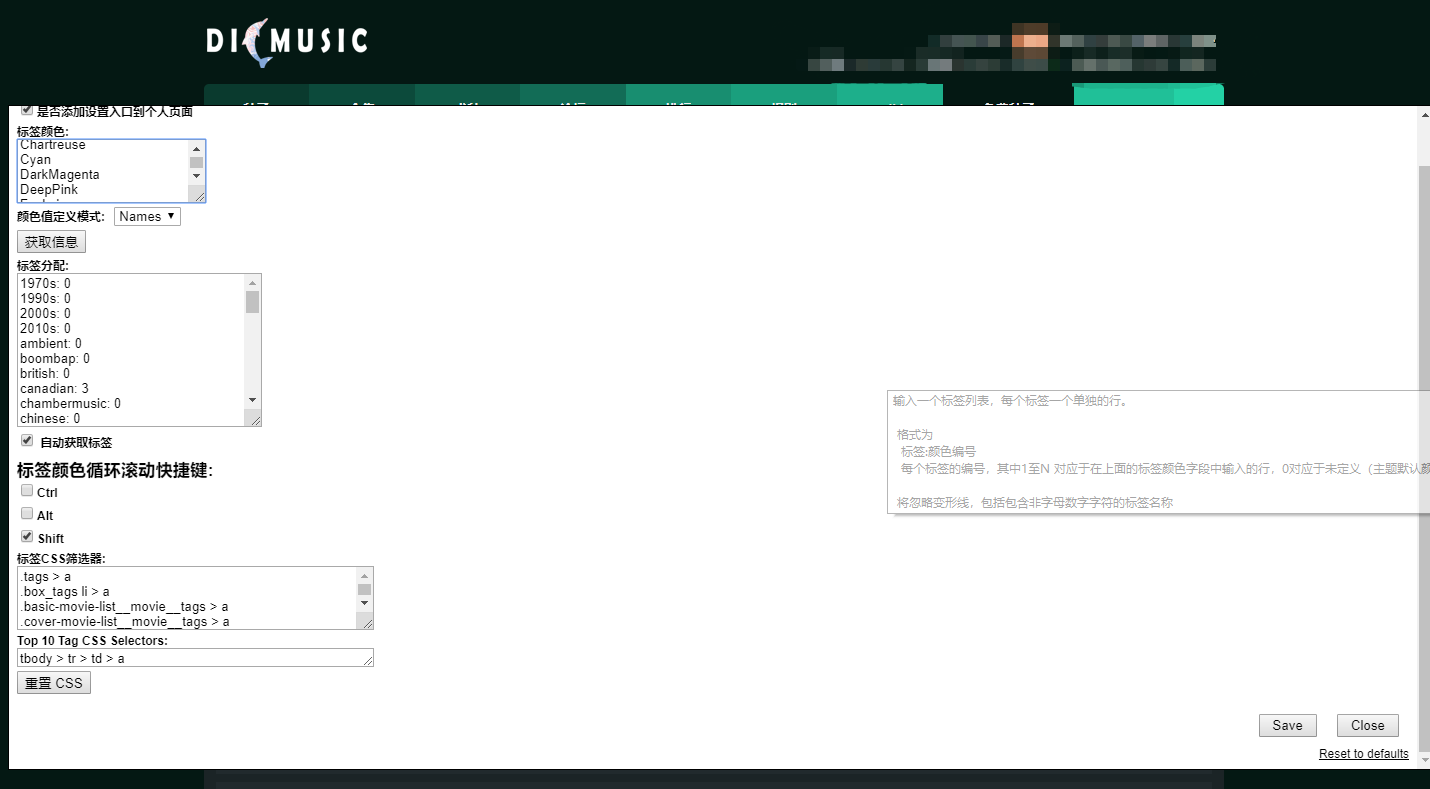
Colorizes tags on Gazelle trackers. Site-specific settings. Shift + Wheel Up/Down on tags to cycle colors. GM/TM menu or Linkbox link to open settings panel / define colors.

You will need to install an extension such as Tampermonkey, Greasemonkey or Violentmonkey to install this script.

You will need to install an extension such as Tampermonkey to install this script.

You will need to install an extension such as Tampermonkey or Violentmonkey to install this script.

You will need to install an extension such as Tampermonkey or Userscripts to install this script.

You will need to install an extension such as Tampermonkey to install this script.

You will need to install a user script manager extension to install this script.
(I already have a user script manager, let me install it!)

You will need to install an extension such as Stylus to install this style.

You will need to install an extension such as Stylus to install this style.

You will need to install an extension such as Stylus to install this style.

You will need to install a user style manager extension to install this style.

You will need to install a user style manager extension to install this style.

You will need to install a user style manager extension to install this style.

(I already have a user style manager, let me install it!)

Author
ylxb2016
Daily installs
0
Total installs
138
Ratings
2 0 0
Version
3.0.0
Created
2019-06-12
Updated
2019-06-12
Size
14.8 KB
License
N/A
Applies to

Colorizes tags on Gazelle trackers. Site-specific settings. Shift + Wheel Up/Down on tags to cycle colors. GM/TM menu or Linkbox link to open settings panel / define colors.

support sites

OPS
DB9
ETD
GGn
iDT
Jpop
libble
NWCD
PTP
RED
TVV
DIC

settings panel

DIC1

Result:

DIC2