Steam Auto Mass Craft Cards Badges in Bulk

(Steam Auto Mass Craft Trading Cards Badges in Bulk) It will automatically use up your gamecard sets for crafting badges. You can control the which card sets and how many sets to craft by using it.

You will need to install an extension such as Tampermonkey, Greasemonkey or Violentmonkey to install this script.

You will need to install an extension such as Tampermonkey or Violentmonkey to install this script.

You will need to install an extension such as Tampermonkey or Violentmonkey to install this script.

You will need to install an extension such as Tampermonkey or Userscripts to install this script.

You will need to install an extension such as Tampermonkey to install this script.

You will need to install a user script manager extension to install this script.

(I already have a user script manager, let me install it!)

You will need to install an extension such as Stylus to install this style.

You will need to install an extension such as Stylus to install this style.

You will need to install an extension such as Stylus to install this style.

You will need to install a user style manager extension to install this style.

You will need to install a user style manager extension to install this style.

You will need to install a user style manager extension to install this style.

(I already have a user style manager, let me install it!)

Author
黑山東雲光圈研究所
Daily installs
0
Total installs
10,371
Ratings
52 0 0
Version
3.14
Created
2017-12-16
Updated
2024-12-21
Size
73.6 KB
License
N/A
Applies to

Steam Badges Cafter

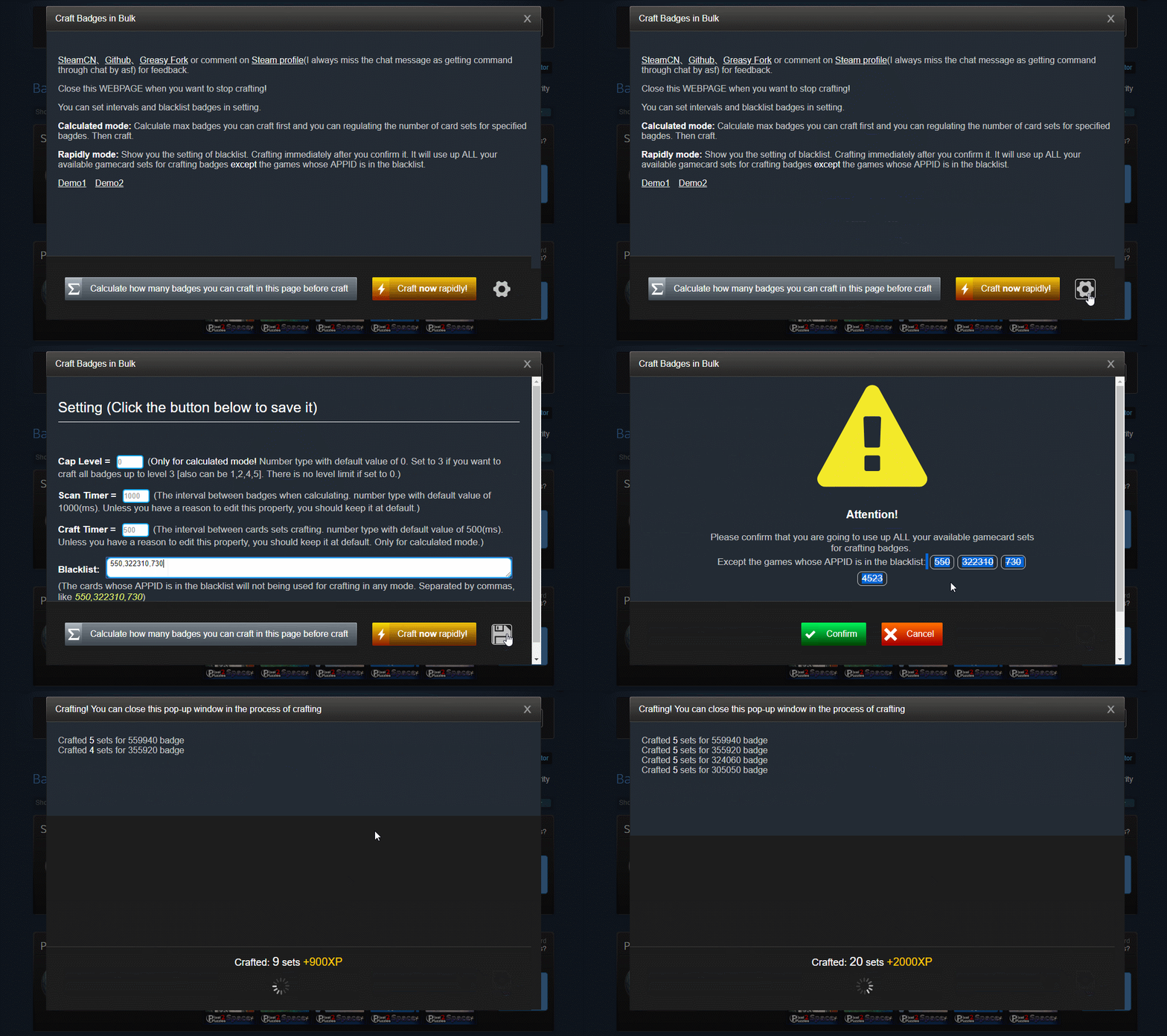
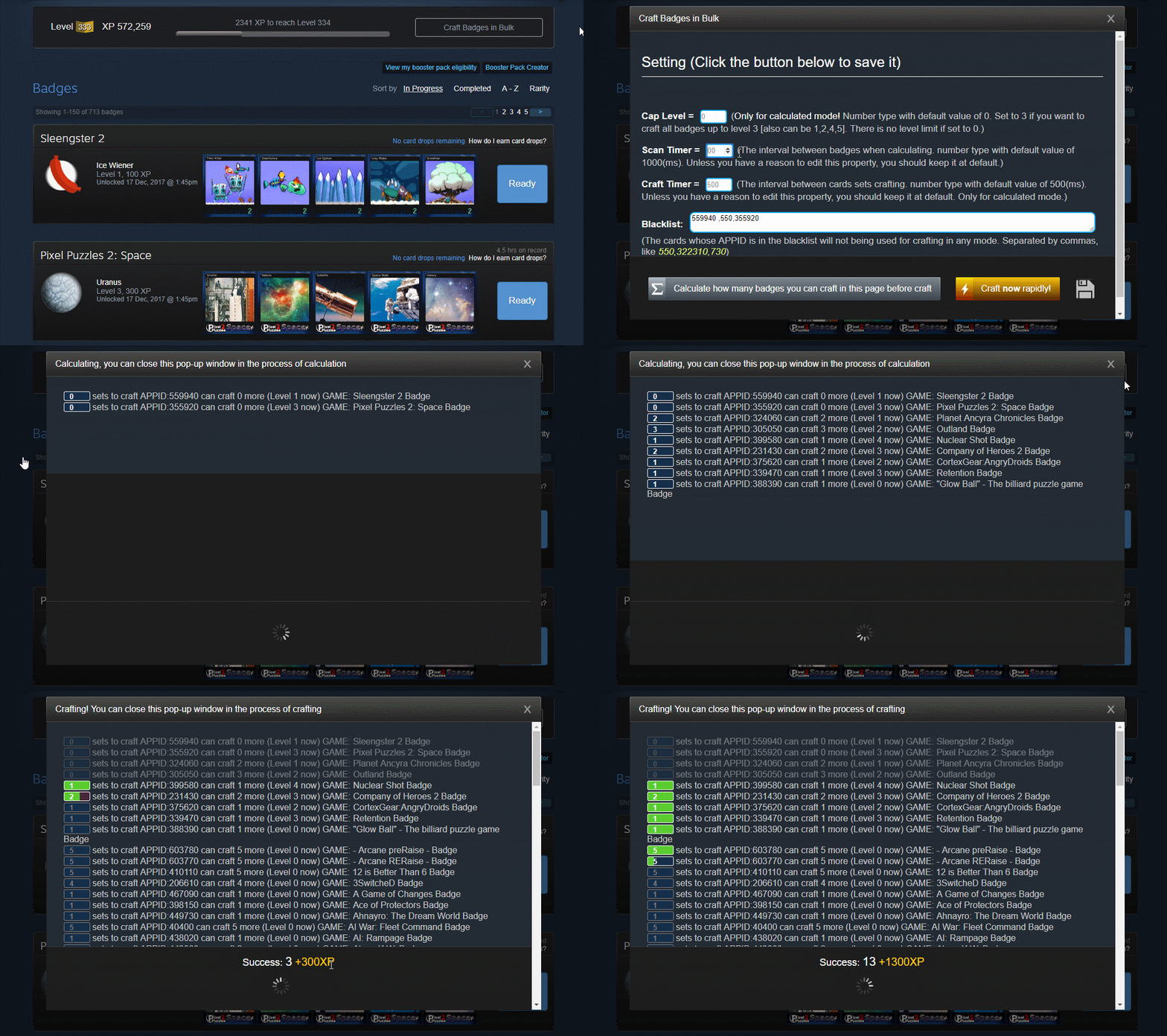
Close Steam badges WEBPAGE when you want to stop crafting! Now you can set intervals and blacklist badges in setting. Guide on Steam
Istall(check this link if it's your first time using this kind of userscript)

  1. Install Tampermonkey first. (available for Chrome, Edge, Safari, Firefox, Opera Next, Dolphin[Android], UC[Android]).
  2. Click here and install the script by clicking the green button.
  3. You can use the Steam badges crafter script at badges page by clicking the button on right side.

2 Crafting modes

  • Calculated mode: Scan and calculate max badges you can craft first and you can regulating the number of card sets for specified bagdes. Then craft.
  • Rapidly mode: 【#NOTE 2020:This function is deprecated since Steam introducing the native bulk craft API. Please calculate first.】
  • Steam level calculator

Demo

Rapid mode demo Calculation mode demo