A userscript that collapses markdown headers
A userscript that collapses markdown headers
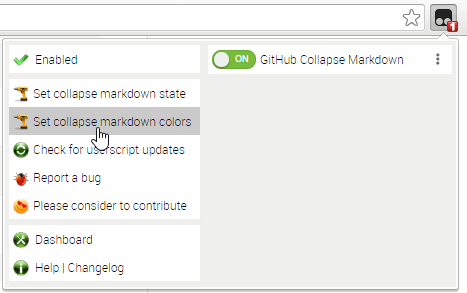
Use the userscript addon to change these settings (see screenshot below):
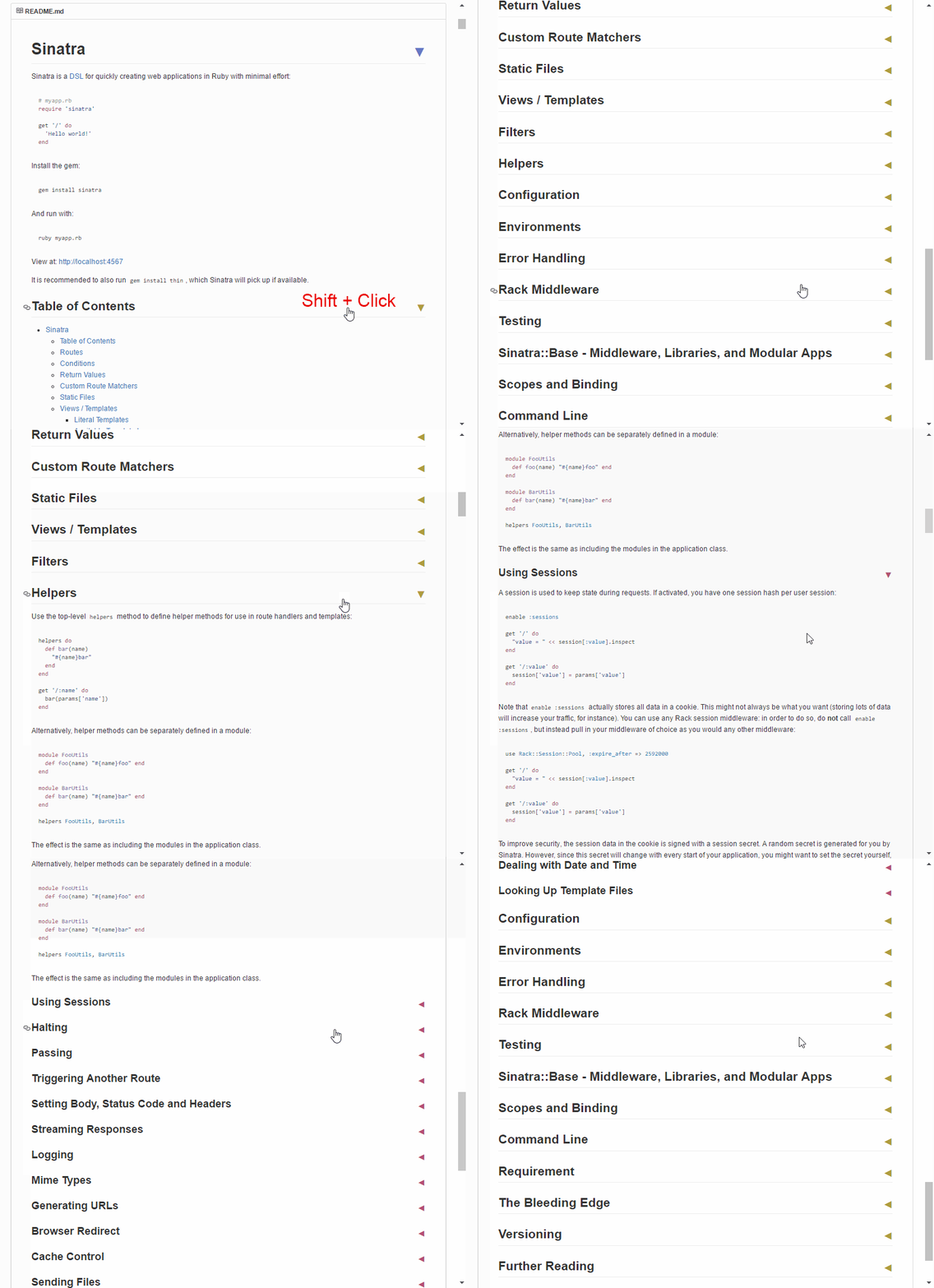
collapsed (expanded by default) which collapses all header content initially. // palette generated by http://tools.medialab.sciences-po.fr/iwanthue/
// (colorblind friendly; soft)
["#6778d0", "#ac9c3d", "#b94a73", "#56ae6c", "#9750a1", "#ba543d"]
These six colors apply to the H1 through H6 header arrows respectively.