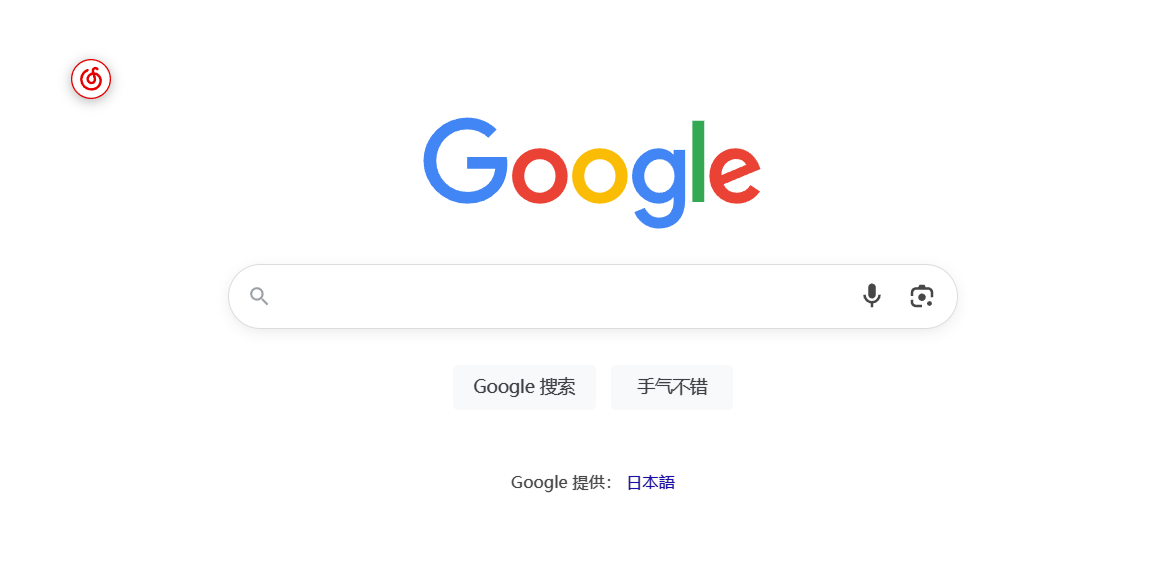
Click a floating button to get the last played song from Last.fm and search it on Netease Music
You will need to install an extension such as Tampermonkey, Greasemonkey or Violentmonkey to install this script.
You will need to install an extension such as Tampermonkey to install this script.
You will need to install an extension such as Tampermonkey or Violentmonkey to install this script.
You will need to install an extension such as Tampermonkey or Userscripts to install this script.
You will need to install a user script manager extension to install this script.
(I already have a user script manager, let me install it!)
You will need to install an extension such as Stylus to install this style.
ستحتاج إلى تثبيت إضافة مثل Stylus لتثبيت هذا النمط.
ستحتاج إلى تثبيت إضافة لإدارة أنماط المستخدم لتتمكن من تثبيت هذا النمط.
ستحتاج إلى تثبيت إضافة لإدارة أنماط المستخدم لتثبيت هذا النمط.
(لدي بالفعل مثبت أنماط للمستخدم، دعني أقم بتثبيته!)
这是一个油猴脚本,可以在任何网页上显示一个浮动按钮, 点击后自动获取 Spotify 最近播放的歌曲并在 网易云音乐中搜索。
本脚本本质上是提供给日常用SP播放器的用户 SP账号必须关联last.fm 目前没找到更好的获取正在播放歌曲的更好途径
Netease2SP.js