Evernote Editor Preview

Adds a preview option to Evernote Editor


Bu betiği kurabilmeniz için Tampermonkey, Greasemonkey ya da Violentmonkey gibi bir kullanıcı betiği eklentisini kurmanız gerekmektedir.

Bu betiği yüklemek için Tampermonkey gibi bir uzantı yüklemeniz gerekir.

Bu betiği kurabilmeniz için Tampermonkey ya da Violentmonkey gibi bir kullanıcı betiği eklentisini kurmanız gerekmektedir.

Bu betiği kurabilmeniz için Tampermonkey ya da Userscripts gibi bir kullanıcı betiği eklentisini kurmanız gerekmektedir.

Bu betiği indirebilmeniz için ayrıca Tampermonkey gibi bir eklenti kurmanız gerekmektedir.

Bu komut dosyasını yüklemek için bir kullanıcı komut dosyası yöneticisi uzantısı yüklemeniz gerekecek.

(Zaten bir kullanıcı komut dosyası yöneticim var, kurmama izin verin!)

Bu stili yüklemek için Stylus gibi bir uzantı yüklemeniz gerekir.

Bu stili yüklemek için Stylus gibi bir uzantı kurmanız gerekir.

Bu stili yükleyebilmek için Stylus gibi bir uzantı yüklemeniz gerekir.

Bu stili yüklemek için bir kullanıcı stili yöneticisi uzantısı yüklemeniz gerekir.

Bu stili yüklemek için bir kullanıcı stili yöneticisi uzantısı kurmanız gerekir.

Bu stili yükleyebilmek için bir kullanıcı stili yöneticisi uzantısı yüklemeniz gerekir.

(Zateb bir user-style yöneticim var, yükleyeyim!)

Yazar
Amourspirit
Günlük kurulumlar
0
Toplam kurulumlar
27
Değerlendirmeler
0 0 0
Versiyon
1.0.0
Oluşturulma
29.03.2019
Güncellenme
29.03.2019
Boyut
49,3 KB
Lisans
MIT
Geçerli

Evernote Preview Userscript

A bigger view

https://img.shields.io/badge/Install-Install%20user%20script-brightgreen.svg https://img.shields.io/badge/Source-View%20Source%20Code-green.svg GitHub package.json version

THE WHAT

Evernote Preview is a userscript that gives a option to veiw your note in full screen preview mode.

Adds a new Full Screen Preview button fs17.png to the menu.
editor-menu-fsp-btn.png

When the mouse is placed over the button it looks like the following.

button-mouseover.png
Clicking on button puts the note on the page into full screen preview.
This is preview and it is not possible to edit in preview mode.
When in full screen view just press the esc key to exit full screen view.

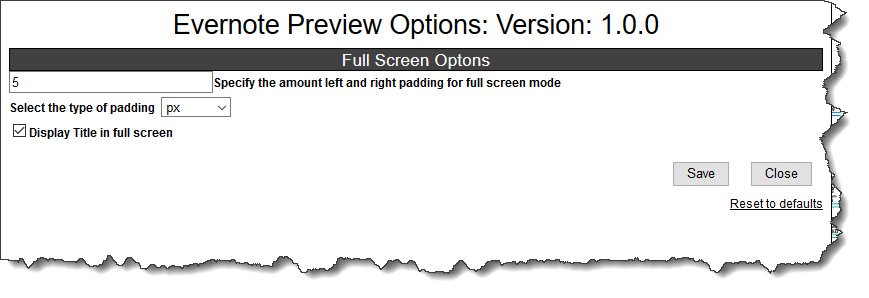
Options can be set by clicking on the Evernote Preview Options:
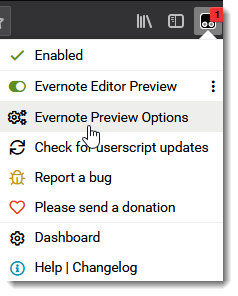
options-menu.png
options.png

THE WHERE

https://img.shields.io/badge/Install-Install%20user%20script-brightgreen.svg https://img.shields.io/badge/Source-View%20Source%20Code-green.svg

Related

Evernote%20Fullscreen-View%20notes%20Fullscreen-blue TinyMCE%20for%20Evernote-Get%20Extended%20Evernote%20Editor-informational.svg

Authors

Paul Moss

Donate

Making a donation is an act of generosity. Your support, however modest it might be, is necessary. paypal.png donate

Screen shots

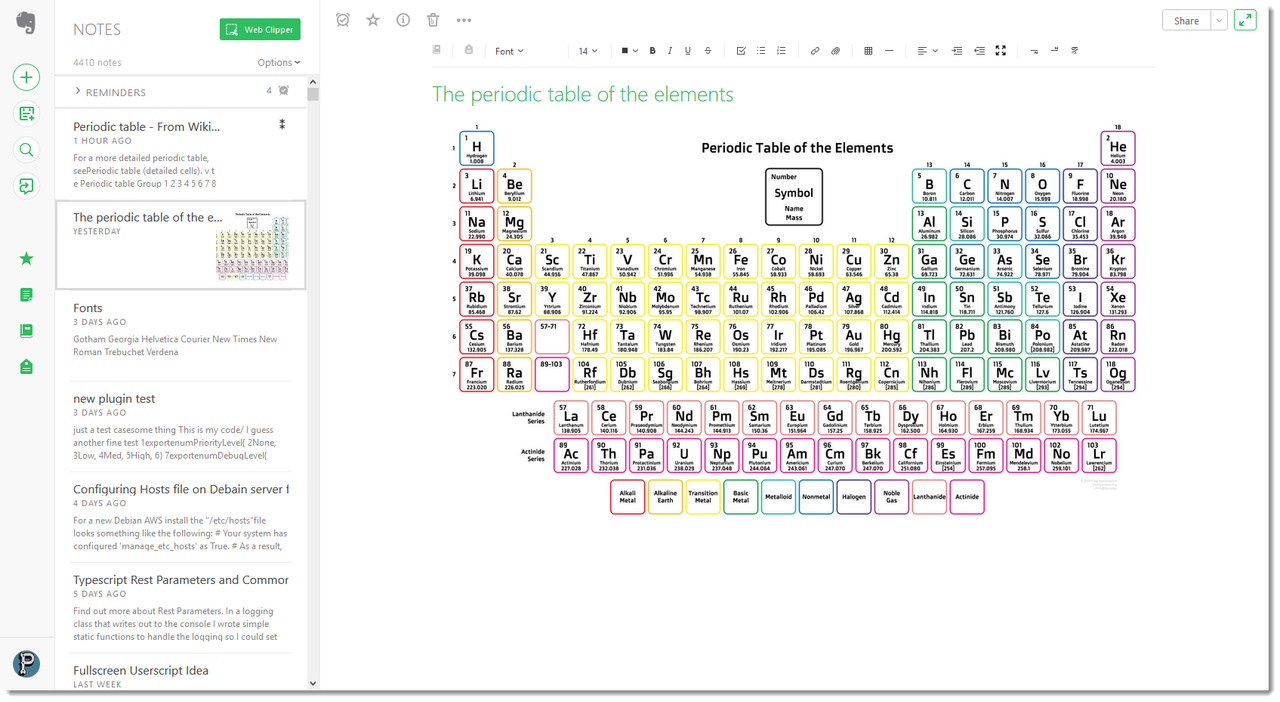
Note in normal edit view.
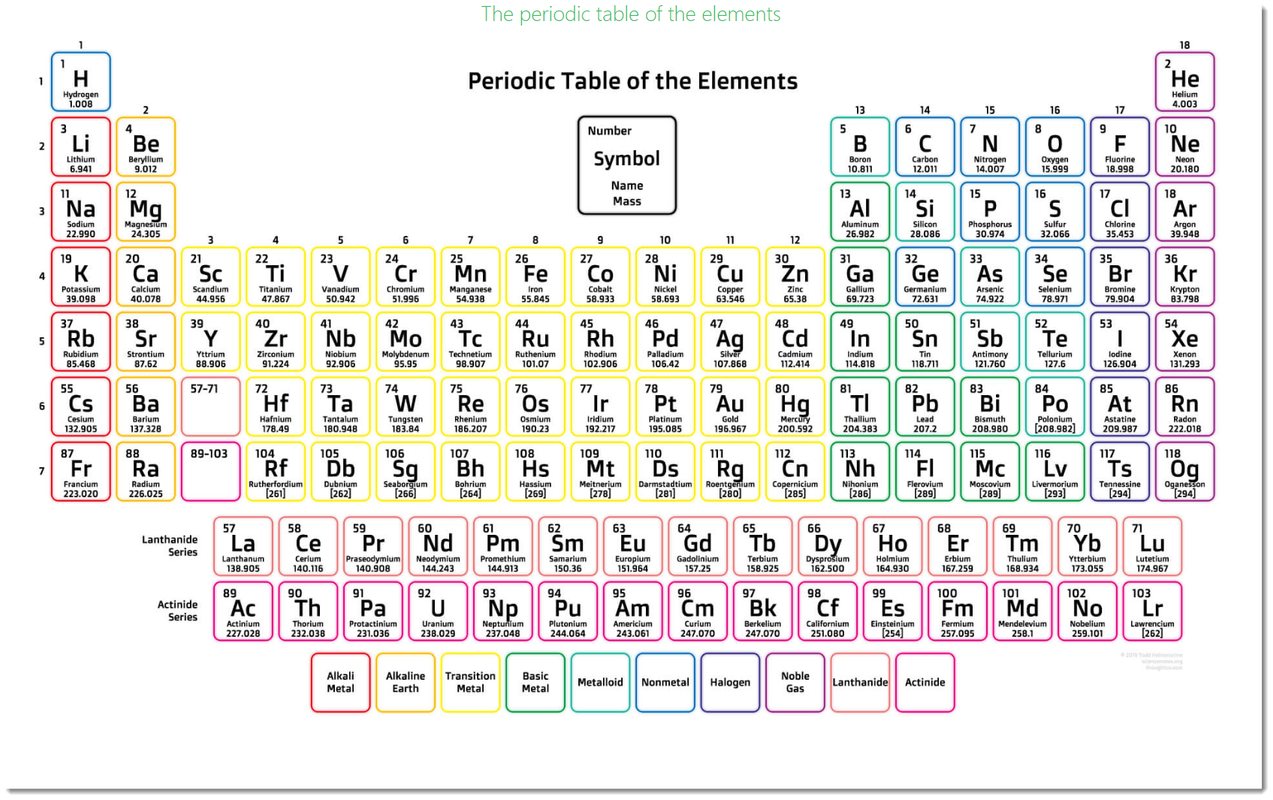
evernote-editor-pte.png Note in full screen:
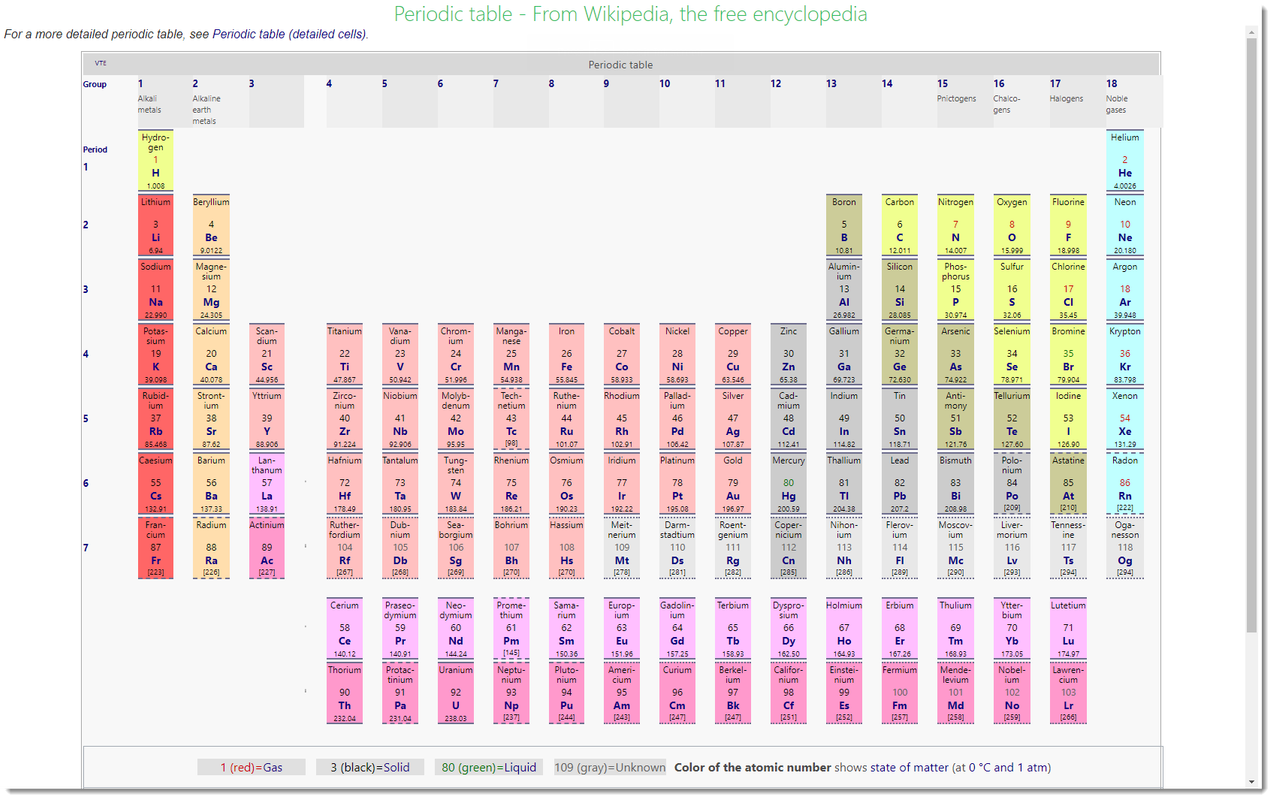
fullscreen-default-pte.png

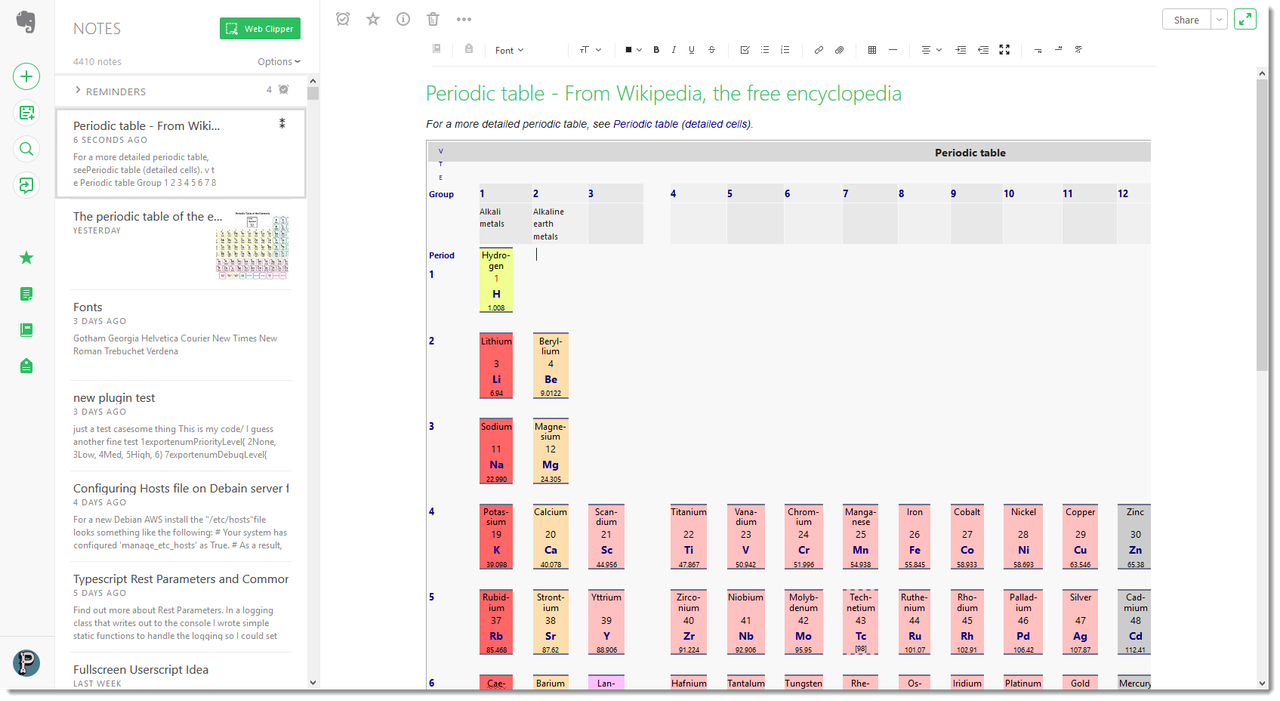
Note in normal edit view.
evernote-editor-wpte.png Note in full screen:
fullscreen-default-wpte.png Note in full screen with title turned off and padding set:
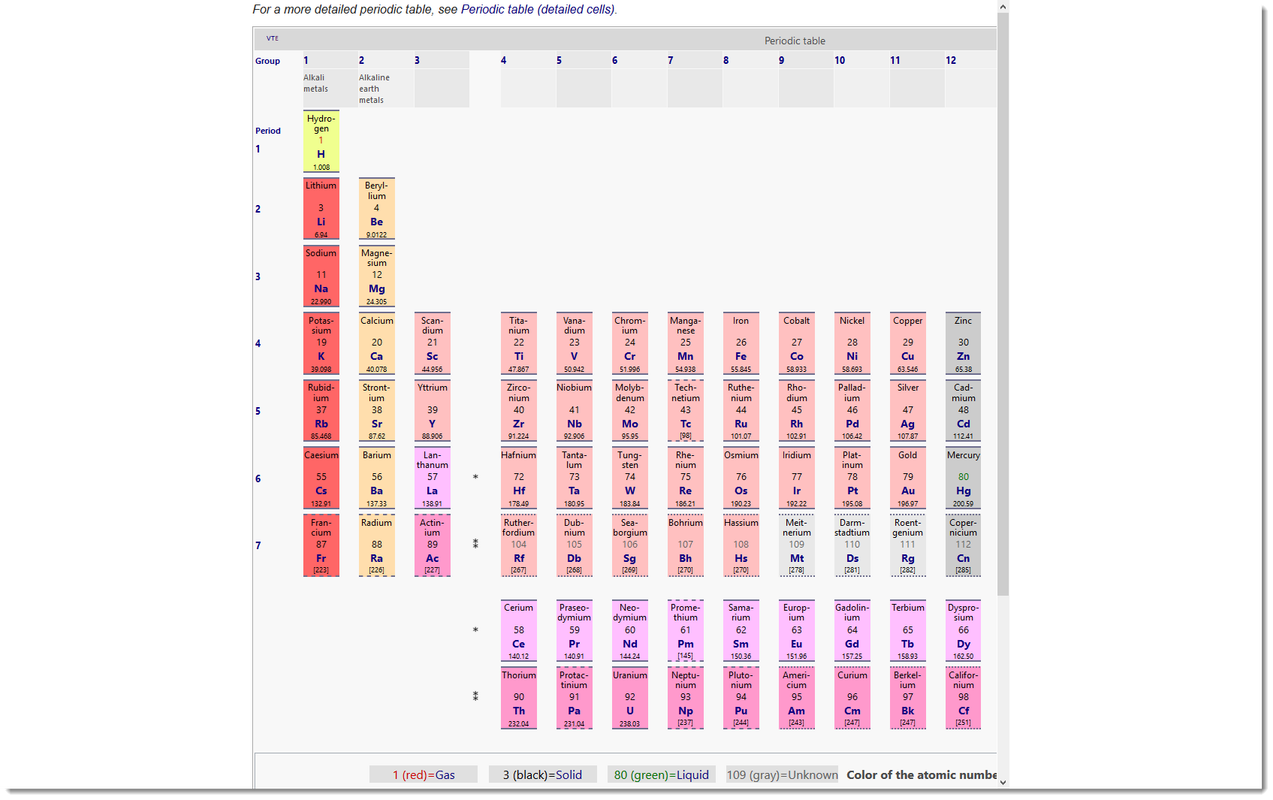
fullscreen-padding-no-title.png

Uses