YouTube PiP

Smart Picture-in-Picture mode with all YouTube controls and functions

이 스크립트를 설치하려면 Tampermonkey, Greasemonkey 또는 Violentmonkey와 같은 확장 프로그램이 필요합니다.

이 스크립트를 설치하려면 Tampermonkey와 같은 확장 프로그램을 설치해야 합니다.

이 스크립트를 설치하려면 Tampermonkey 또는 Violentmonkey와 같은 확장 프로그램이 필요합니다.

이 스크립트를 설치하려면 Tampermonkey 또는 Userscripts와 같은 확장 프로그램이 필요합니다.

이 스크립트를 설치하려면 Tampermonkey와 같은 확장 프로그램이 필요합니다.

이 스크립트를 설치하려면 유저 스크립트 관리자 확장 프로그램이 필요합니다.

(이미 유저 스크립트 관리자가 설치되어 있습니다. 설치를 진행합니다!)

이 스타일을 설치하려면 Stylus와 같은 확장 프로그램이 필요합니다.

이 스타일을 설치하려면 Stylus와 같은 확장 프로그램이 필요합니다.

이 스타일을 설치하려면 Stylus와 같은 확장 프로그램이 필요합니다.

이 스타일을 설치하려면 유저 스타일 관리자 확장 프로그램이 필요합니다.

이 스타일을 설치하려면 유저 스타일 관리자 확장 프로그램이 필요합니다.

이 스타일을 설치하려면 유저 스타일 관리자 확장 프로그램이 필요합니다.

(이미 유저 스타일 관리자가 설치되어 있습니다. 설치를 진행합니다!)

작성자
dmitroderkach
일일 설치 수
2
총 설치 수
56
평점
0 0 0
버전
2.2.11
생성일
2026-01-26
갱신일
2026-02-21
크기
222KB
라이선스
MIT
적용 사이트

YouTube PiP

Smart Picture-in-Picture mode for YouTube with full playback controls and navigation.
✨ Features

Core Functionality

  • 🖼️ Document Picture-in-Picture — Opens YouTube mini player in a separate, always-on-top window using Chrome's Document PiP API
  • 🎮 Media Session Integration — Trigger PiP directly from browser's native media controls (e.g., "Enter Picture-in-Picture" button)
  • 🔄 SPA Navigation — Click on video links inside PiP window to navigate without reloading the page

Playback Controls

  • ⏩ Seek Support — Click or drag the progress bar in PiP window to jump to any point in the video
  • 👍 Like/Dislike — Fully functional like and dislike buttons in PiP window
  • 📋 Context Menu — Right-click menu works seamlessly between main window and PiP

Smart Features

  • 📊 Playlist Panel — Automatic window height adjustment when playlist expands
  • 📝 Title Sync — Window titles stay synchronized between main page and PiP
  • ▶️ State Preservation — Playback position and playing state are preserved when closing PiP

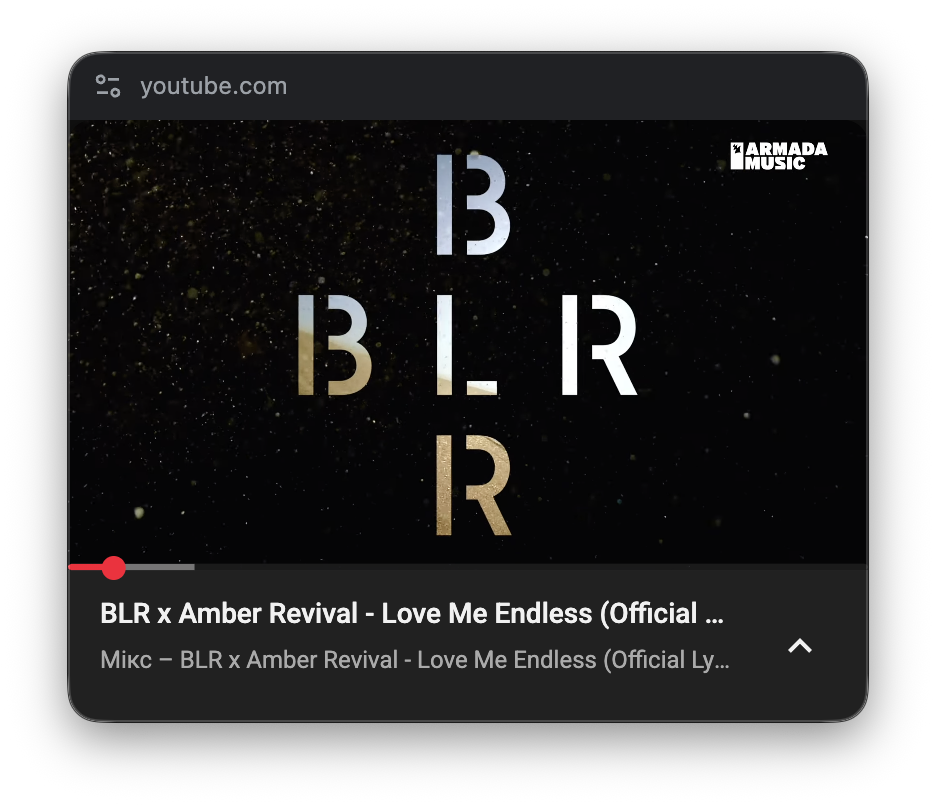
📸 Screenshot

YouTube PiP Window

🔧 Requirements

📥 Installation

  1. Install Tampermonkey browser extension
  2. Click the "Install" button on this page
  3. Confirm installation in Tampermonkey
  4. Open YouTube and play any video

🐛 Debug Mode

Enable detailed logging in DevTools console:

localStorage.setItem('YOUTUBE_PIP_DEBUG', 'true');

Then reload the page. Logs include timestamps and are scoped by module.

🔗 Links

📄 License

MIT License — Free to use, modify, and distribute.

⚠️ Disclaimer

This userscript is not affiliated with, endorsed by, or officially connected to Google LLC or YouTube. It is an independent, third-party tool. Use at your own risk. YouTube's site structure and APIs may change at any time.