CodePTIT Copier

Sửa lỗi dòng trống thừa khi copy Testcase trên CodePTIT

Dovrai installare un'estensione come Tampermonkey, Greasemonkey o Violentmonkey per installare questo script.

You will need to install an extension such as Tampermonkey to install this script.

Dovrai installare un'estensione come Tampermonkey o Violentmonkey per installare questo script.

Dovrai installare un'estensione come Tampermonkey o Userscripts per installare questo script.

Dovrai installare un'estensione come ad esempio Tampermonkey per installare questo script.

Dovrai installare un gestore di script utente per installare questo script.

(Ho già un gestore di script utente, lasciamelo installare!)

Dovrai installare un'estensione come ad esempio Stylus per installare questo stile.

Dovrai installare un'estensione come ad esempio Stylus per installare questo stile.

Dovrai installare un'estensione come ad esempio Stylus per installare questo stile.

Dovrai installare un'estensione per la gestione degli stili utente per installare questo stile.

Dovrai installare un'estensione per la gestione degli stili utente per installare questo stile.

Dovrai installare un'estensione per la gestione degli stili utente per installare questo stile.

(Ho già un gestore di stile utente, lasciamelo installare!)

Autore
nvbangg
Installazioni giornaliere
0
Installazioni totali
9
Valutazione
0 0 0
Versione
1.7
Creato il
15/05/2025
Aggiornato il
12/12/2025
Dimensione
3,16 KB
Licenza
GPL-3.0
Applica a

CodePTIT Copier

Sửa lỗi dòng trống thừa khi Copy trên CodePTIT. Tự động tạo File nhập sẵn Testcase trong VS Code. Hỗ trợ Nộp bài nhanh từ Clipboard

📌 TÍNH NĂNG

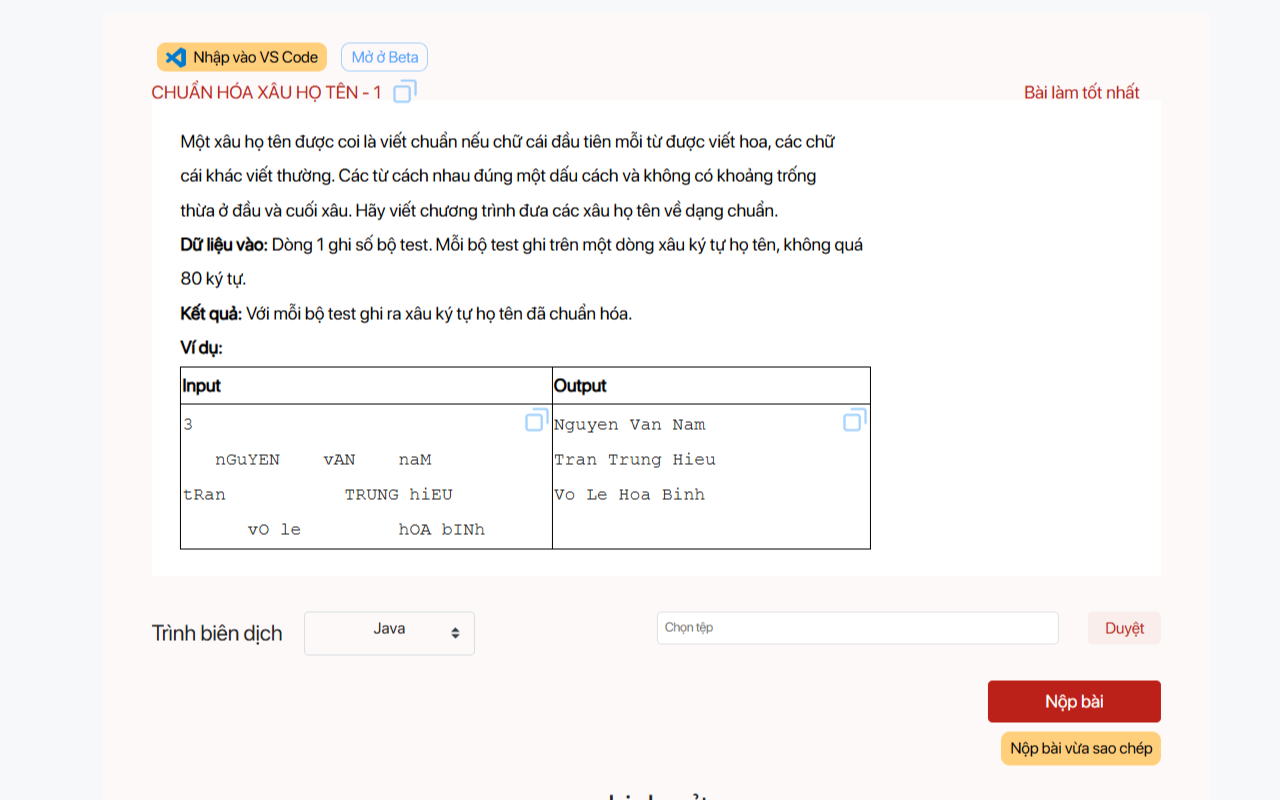
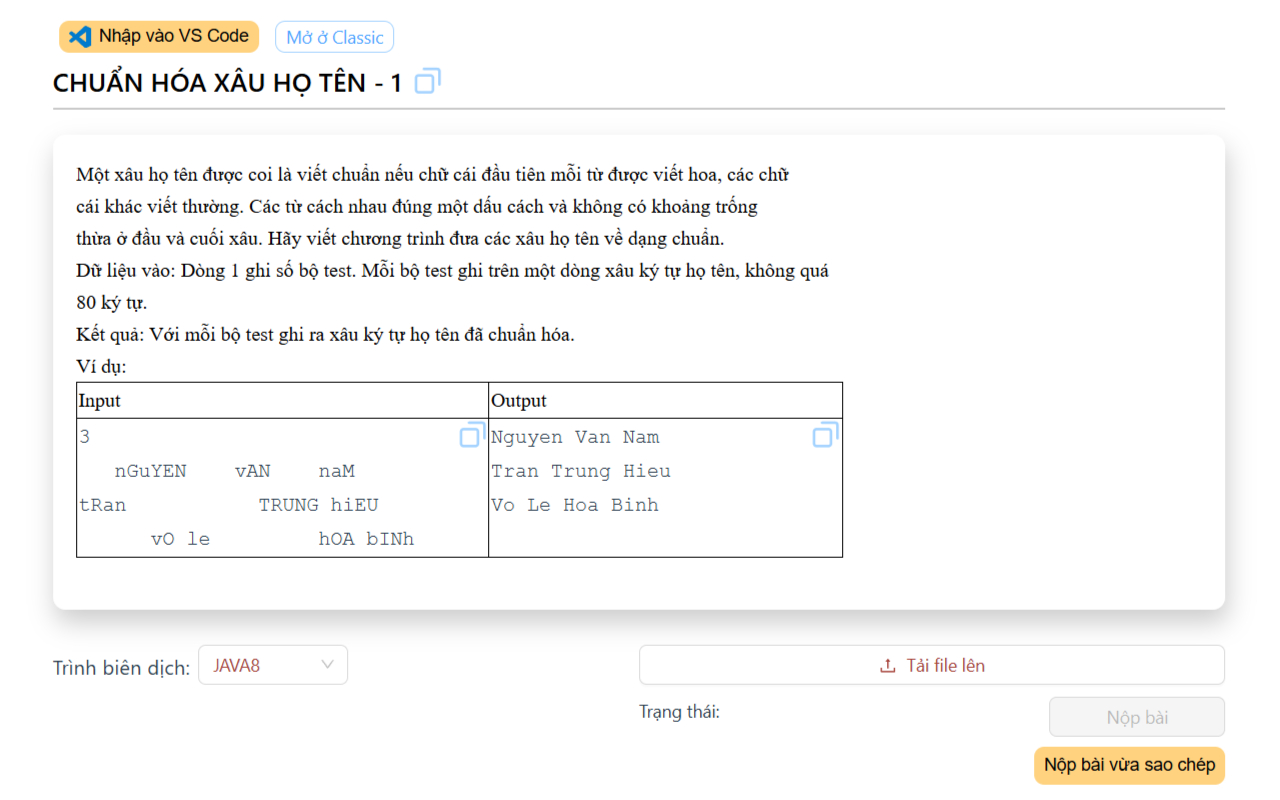
  • 🧹 Sửa lỗi dòng trống thừa khi copy Testcase trên CodePTIT (cho cả trang beta và DB PTIT)
  • ✨ Tự động tạo File nhập sẵn Testcase trong VS Code
    • Ví dụ tự động tạo file J03004_Chuan_Hoa_Xau_Ho_Ten_1.java cho bài CHUẨN HÓA XÂU HỌ TÊN - 1
    • Với Tesecase được nhập sẵn luôn vào CPH trong VS Code
  • 📋 Thêm nút copy nhanh Testcase và Tên file được chuẩn hóa như trên
  • 📤 Hỗ trợ Nộp bài nhanh từ Clipboard với code vừa sao chép
  • ❌ Xóa banner "THỬ NGHIỆM PHIÊN BẢN MỚI" khi làm bài
  • 🔄 Thêm nút để chuyển đổi giữa trang beta và mặc định của một bài
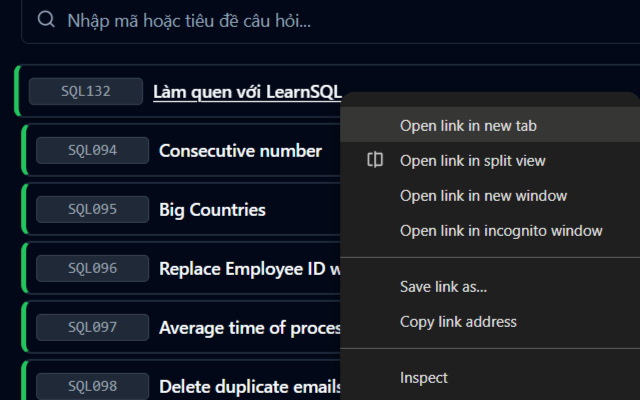
  • 🔗 Thêm cho phép mở bài trong tab mới ở DB PTIT

⬇️ CÁCH CÀI ĐẶT

Homepage Available in the Chrome Web Store

🛠️ (Thêm nếu cần) Code đổi tên tất cả file trong thư mục từ dạng "ID_001" sang dạng "ID001"

  • Lý do là hiện tại CPH luôn định dạng tên file là "ID_001" thay vì "ID001", nếu đã code xong không cần xem lại Testcase mà muốn đổi tên file sang dạng "ID001" thì sử dụng
  • Tải file rename-file.py và di chuyển vào thư mục chứa các code cần đổi tên
  • Chạy file để đổi tên tất cả file trong thư mục đấy lẫn thư mục con bên trong nếu tên file dạng "ID_001"

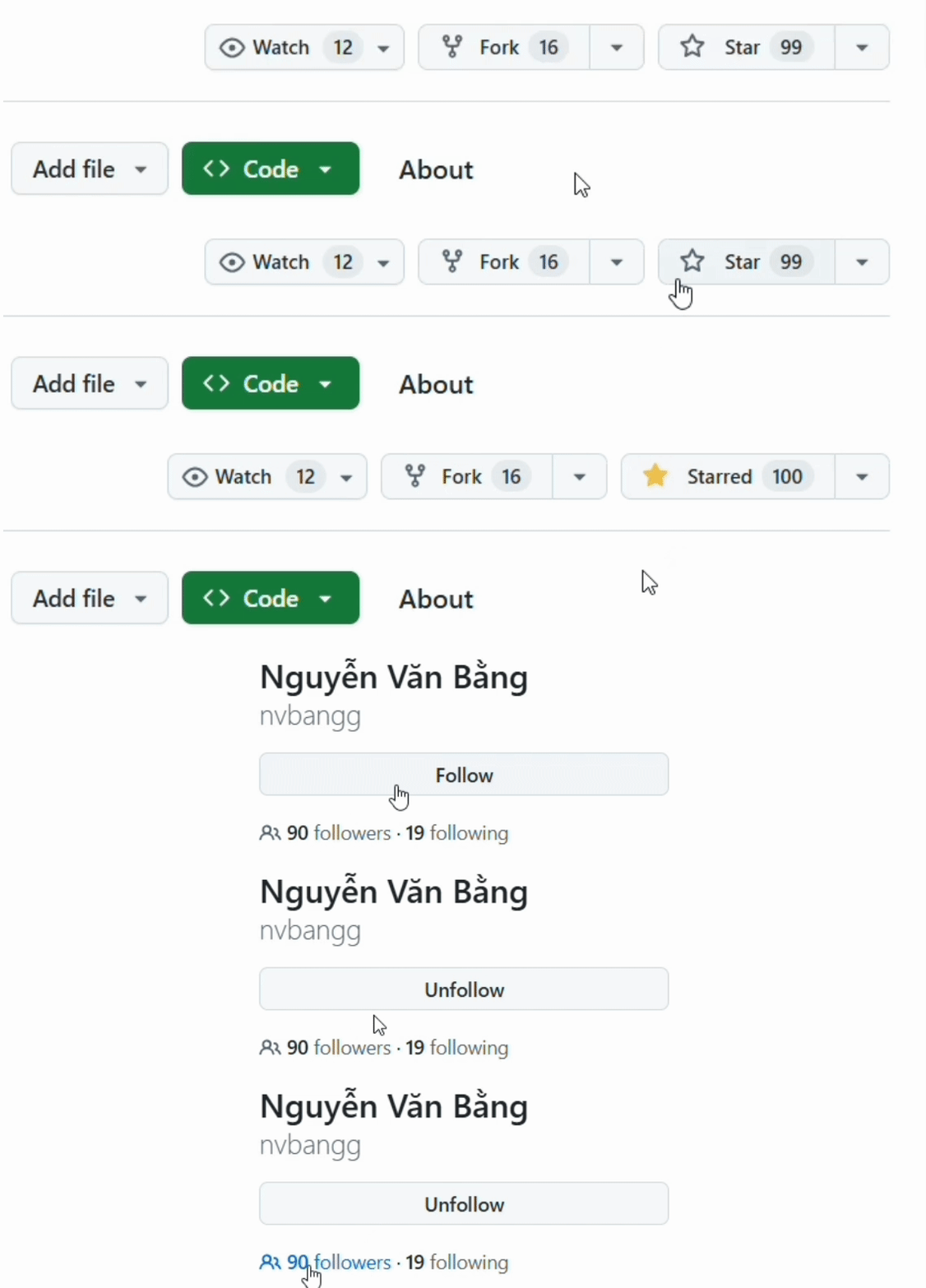
Followers   Stars   Visitors


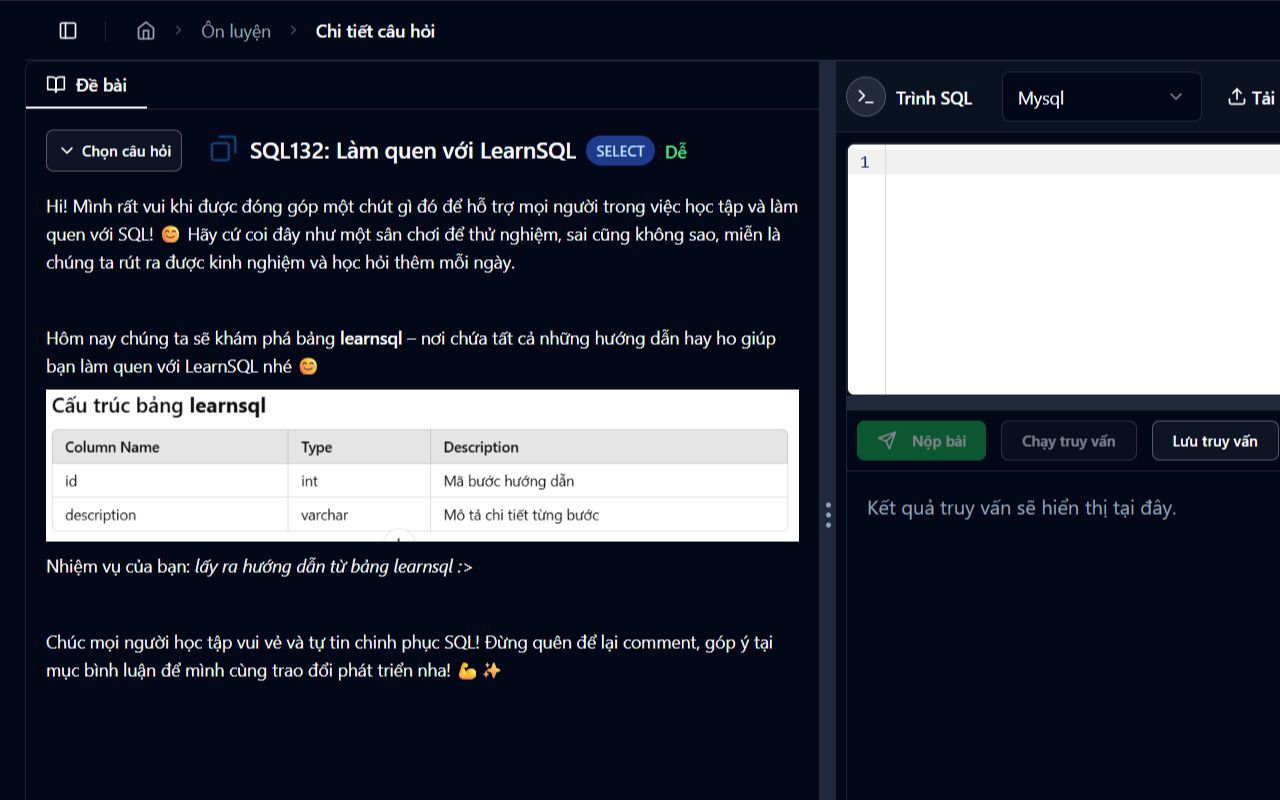
Demo1 Demo2 Demo3 Demo4


⚖️ Privacy Policy & License