Always Active Codespaces

Automatically restarts inactive Codespaces on GitHub Dev when timed out.

Dovrai installare un'estensione come Tampermonkey, Greasemonkey o Violentmonkey per installare questo script.

Dovrai installare un'estensione come Tampermonkey o Violentmonkey per installare questo script.

Dovrai installare un'estensione come Tampermonkey o Violentmonkey per installare questo script.

Dovrai installare un'estensione come Tampermonkey o Userscripts per installare questo script.

Dovrai installare un'estensione come ad esempio Tampermonkey per installare questo script.

Dovrai installare un gestore di script utente per installare questo script.

(Ho già un gestore di script utente, lasciamelo installare!)

Dovrai installare un'estensione come ad esempio Stylus per installare questo stile.

Dovrai installare un'estensione come ad esempio Stylus per installare questo stile.

Dovrai installare un'estensione come ad esempio Stylus per installare questo stile.

Dovrai installare un'estensione per la gestione degli stili utente per installare questo stile.

Dovrai installare un'estensione per la gestione degli stili utente per installare questo stile.

Dovrai installare un'estensione per la gestione degli stili utente per installare questo stile.

(Ho già un gestore di stile utente, lasciamelo installare!)

Autore
sc0ttferren
Installazioni giornaliere
0
Installazioni totali
13
Valutazione
0 0 0
Versione
0.4
Creato il
25/02/2024
Aggiornato il
25/02/2024
Dimensione
1,22 KB
Licenza
MIT
Applica a

How it works:

If you leave your Codespace idling for too long, it'll timeout and go inactive, until the userscript checks that you've gone idle. Once detected, it automatically restarts the Codespace with just a click on the "Restart Codespace" button.
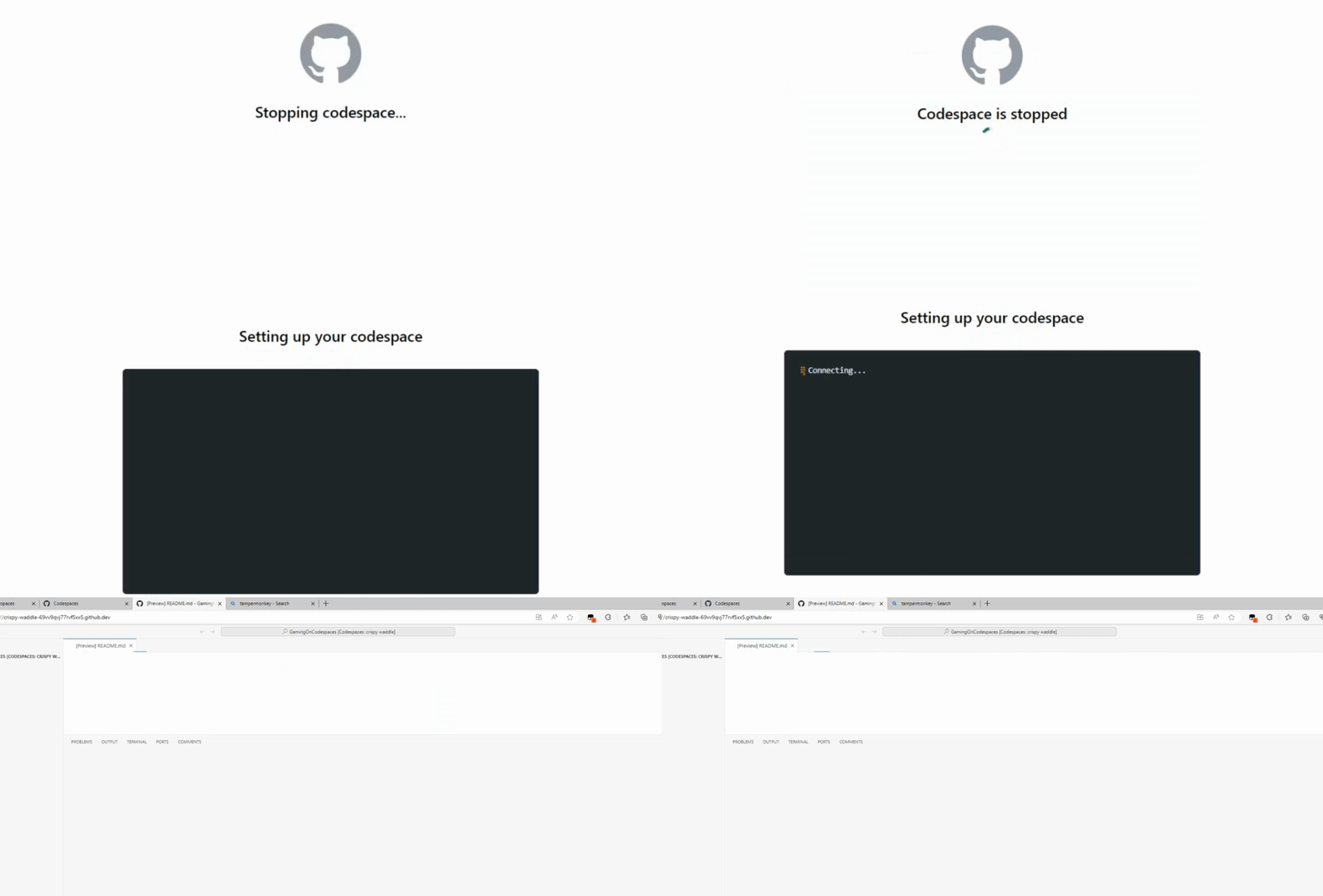

Inactive Codespace

Supported Browsers

Supported Browsers

DISCLAIMER:

If you leave your Codespace active using this method too much on the Free billing plan, you will not be able to use any codespaces for a month.