flutter packages site toolkit script

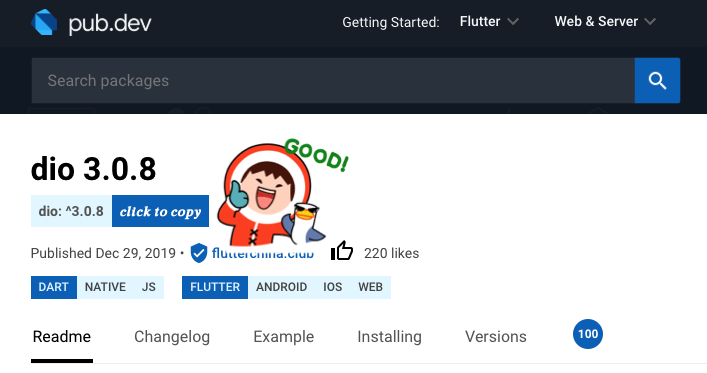
1. copy dependencies info cash as: "dio: ^1.2.3"; ~~2. open package page by search string~~

Ekde 2020/02/19. Vidu La ĝisdata versio.

You will need to install an extension such as Tampermonkey, Greasemonkey or Violentmonkey to install this script.

You will need to install an extension such as Tampermonkey or Violentmonkey to install this script.

You will need to install an extension such as Tampermonkey or Violentmonkey to install this script.

You will need to install an extension such as Tampermonkey or Userscripts to install this script.

You will need to install an extension such as Tampermonkey to install this script.

You will need to install a user script manager extension to install this script.

(I already have a user script manager, let me install it!)

You will need to install an extension such as Stylus to install this style.

You will need to install an extension such as Stylus to install this style.

You will need to install an extension such as Stylus to install this style.

You will need to install a user style manager extension to install this style.

You will need to install a user style manager extension to install this style.

You will need to install a user style manager extension to install this style.

(I already have a user style manager, let me install it!)
Aŭtoro
SublimeCT
Ratings
0 0 0
Versio
1.0.0
Kreita
2020/02/19
Ĝisdatigita
2020/02/19
Size
3,67 kb
Licenco
GPL-3.0-only
Aplikiĝas al

flutter packages site toolkit script

copy dependencies infomation on pub.dev or flutter-io.cn

pub_dev_script.png