Awesome LinuxDo Reader

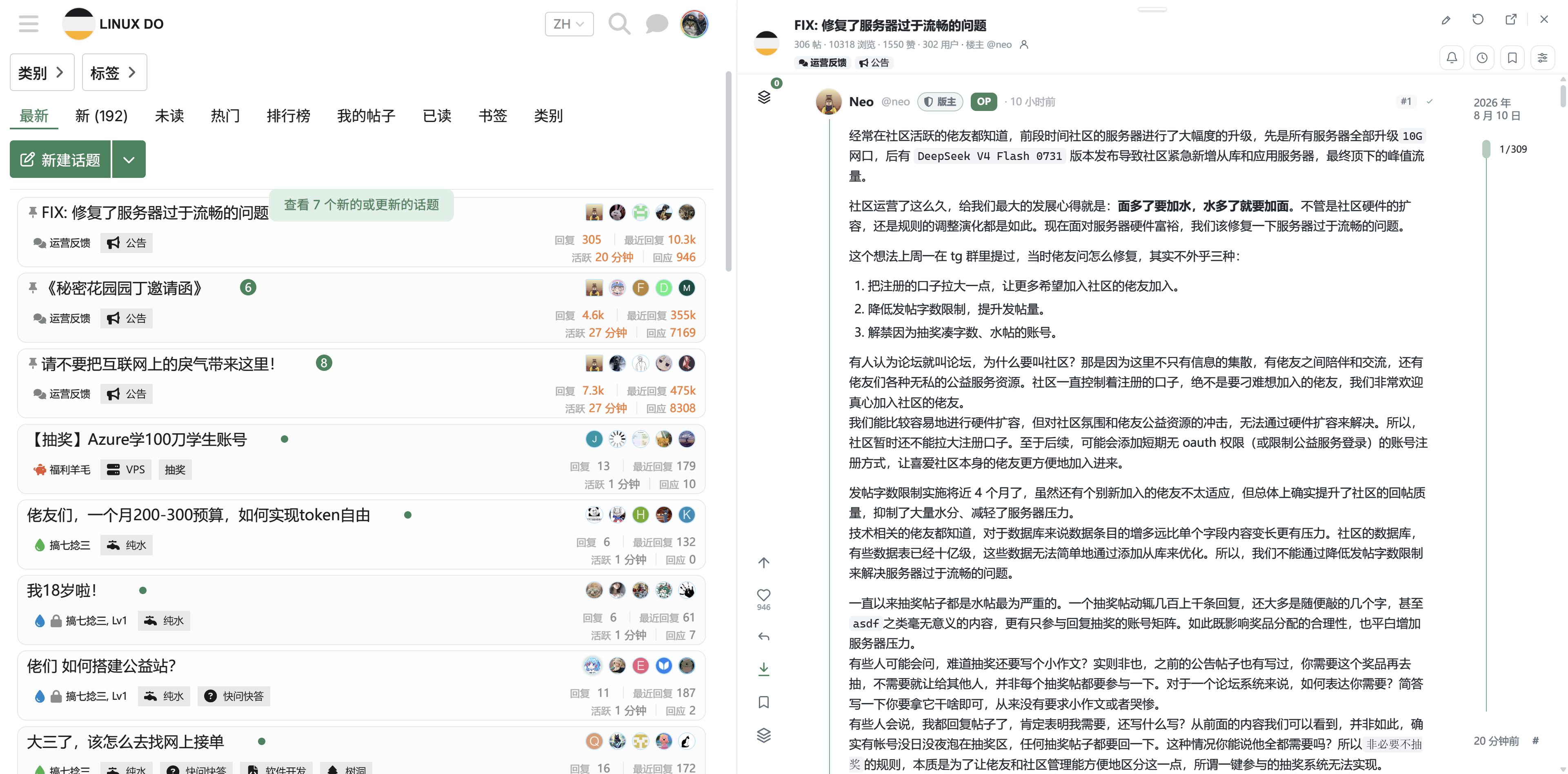
面向 LINUX DO 的沉浸式增强阅读器,支持父回复预览、消息/历史/收藏、原图灯箱、主题布局、请求限流、缓存与 DOM 渲染管理。

Du musst eine Erweiterung wie Tampermonkey, Greasemonkey oder Violentmonkey installieren, um dieses Skript zu installieren.

You will need to install an extension such as Tampermonkey to install this script.

You will need to install an extension such as Tampermonkey or Violentmonkey to install this script.

You will need to install an extension such as Tampermonkey or Userscripts to install this script.

You will need to install an extension such as Tampermonkey to install this script.

Sie müssten eine Skript Manager Erweiterung installieren damit sie dieses Skript installieren können

(Ich habe schon ein Skript Manager, Lass mich es installieren!)

You will need to install an extension such as Stylus to install this style.

You will need to install an extension such as Stylus to install this style.

You will need to install an extension such as Stylus to install this style.

You will need to install a user style manager extension to install this style.

You will need to install a user style manager extension to install this style.

You will need to install a user style manager extension to install this style.

(I already have a user style manager, let me install it!)

Autor
bigfly sun
Installationen heute
15
Installationen gesamt
15
Bewertungen
0 0 0
Version
0.1.3
Erstellt am
23.07.2026
Letzte Aktualisierung
23.07.2026
Größe
1,71 MB
Lizenz
MIT
Wird angewandt auf

更流畅的 LinuxDo 阅读器

面向 LINUX DO 的沉浸式增强阅读器。在不离开列表页的情况下完成阅读、回复与社区互动,减少页面跳转和重复返回。

核心特性

  • 看图灯箱:原图、图片序列与关联评论集中查看。
  • 父回复预览:保留楼层关系和讨论上下文。
  • 消息、历史、收藏:在阅读器内访问常用社区面板。
  • 左右切换历史:快速返回上一条或前往下一条阅读记录。
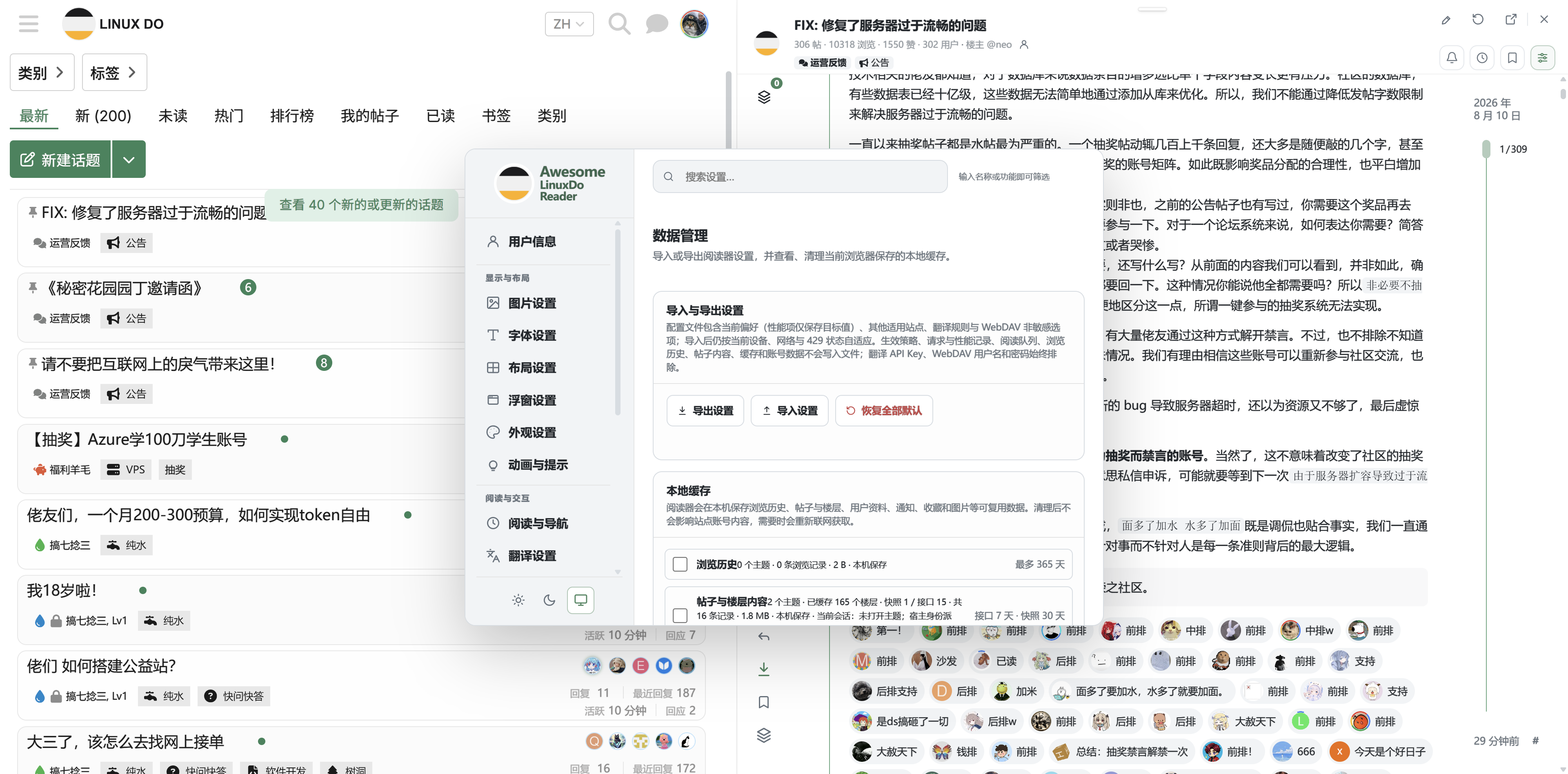
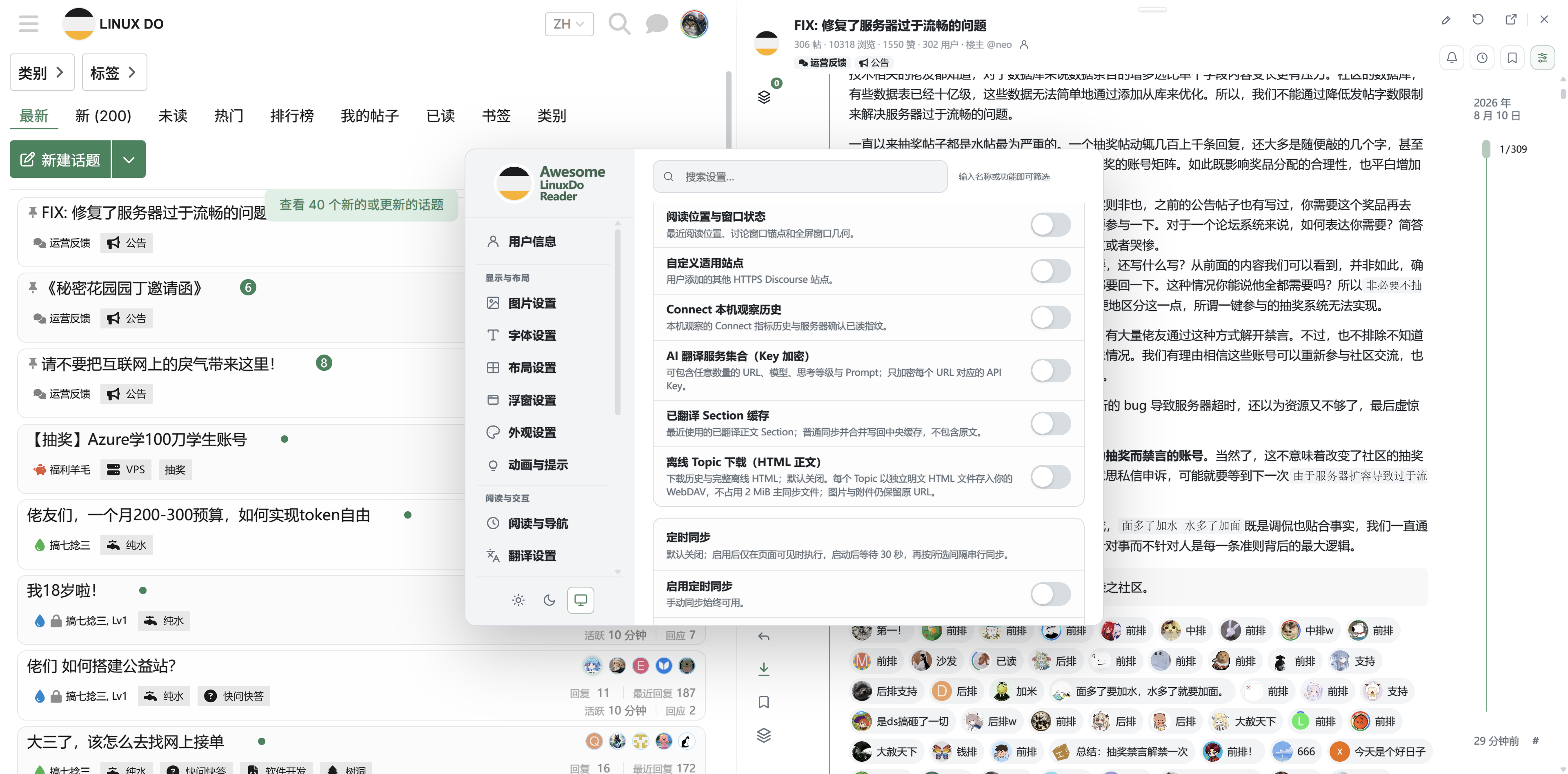
  • 设置中心:用户信息、外观主题、浮窗、全屏与移动端布局。
  • 请求流控制:共享调度、排队放行和 HTTP 429 退避恢复。
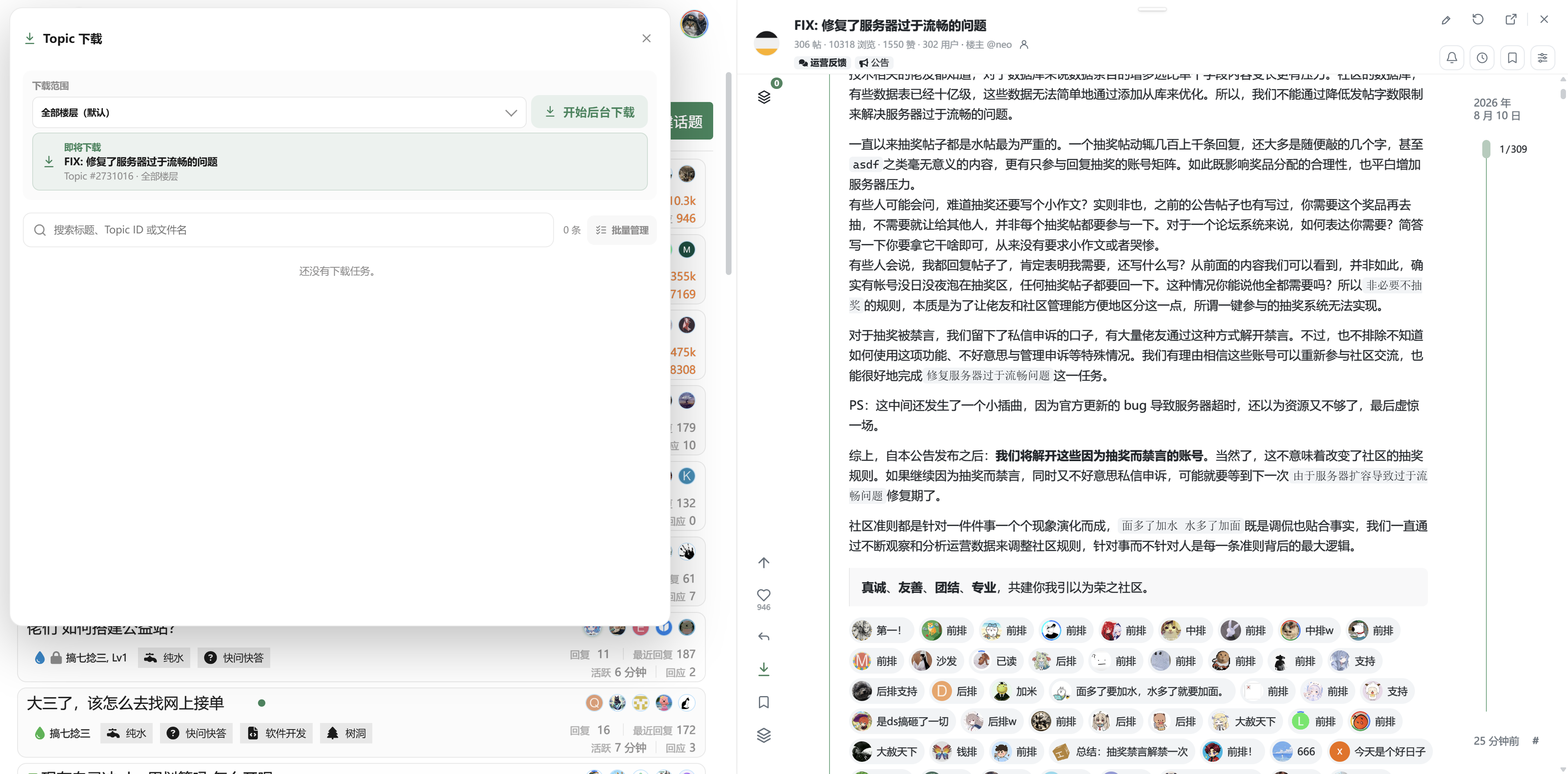
  • 缓存管理:按资源类型查看和管理本地缓存。
  • DOM 渲染管理:窗口化挂载、缓冲区和渲染上限。

界面预览

父回复预览

父回复预览

消息中心

消息中心

浏览历史

浏览历史

收藏与回应

收藏与回应

请求流与 429 控制

请求流与 429 控制

使用

  1. 安装 Tampermonkey 或兼容的 userscript 管理器。
  2. 在本页安装脚本。
  3. 打开 https://linux.do/
    点击主题标题开始使用。

项目主页与完整截图: https://github.com/sunbigfly/awesome-linuxdo-reader

许可证:MIT License