FA Webcomic Auto Loader

Gives you the option to load all the subsequent comic pages on a FurAffinity comic page automatically. Even for pages without given Links

Voor het installeren van scripts heb je een extensie nodig, zoals Tampermonkey, Greasemonkey of Violentmonkey.

Voor het installeren van scripts heb je een extensie nodig, zoals {tampermonkey_link:Tampermonkey}.

Voor het installeren van scripts heb je een extensie nodig, zoals Tampermonkey of Violentmonkey.

Voor het installeren van scripts heb je een extensie nodig, zoals Tampermonkey of Userscripts.

Voor het installeren van scripts heb je een extensie nodig, zoals {tampermonkey_link:Tampermonkey}.

Voor het installeren van scripts heb je een gebruikersscriptbeheerder nodig.

(Ik heb al een user script manager, laat me het downloaden!)

Voor het installeren van gebruikersstijlen heb je een extensie nodig, zoals {stylus_link:Stylus}.

Voor het installeren van gebruikersstijlen heb je een extensie nodig, zoals {stylus_link:Stylus}.

Voor het installeren van gebruikersstijlen heb je een extensie nodig, zoals {stylus_link:Stylus}.

Voor het installeren van gebruikersstijlen heb je een gebruikersstijlbeheerder nodig.

Voor het installeren van gebruikersstijlen heb je een gebruikersstijlbeheerder nodig.

Voor het installeren van gebruikersstijlen heb je een gebruikersstijlbeheerder nodig.

(Ik heb al een beheerder - laat me doorgaan met de installatie!)

Maker
Midori Dragon
Dagelijks aantal installaties
0
Totaal aantal installaties
123
Beoordelingen
1 0 0
Versie
2.2.11
Gemaakt op
06-01-2023
Bijgewerkt op
02-03-2026
Grootte
41,3 KB
Licentie
MIT
Wordt toegepast op

FA Webcomic Auto Loader

A userscript/browser extension that enhances FurAffinity webcomic navigation by automatically detecting and loading comic pages.

See documentation on FA-Webcomic-Auto-Loader.
How to use

  • Load this script from GreasyFork or use it inside the browser extensions
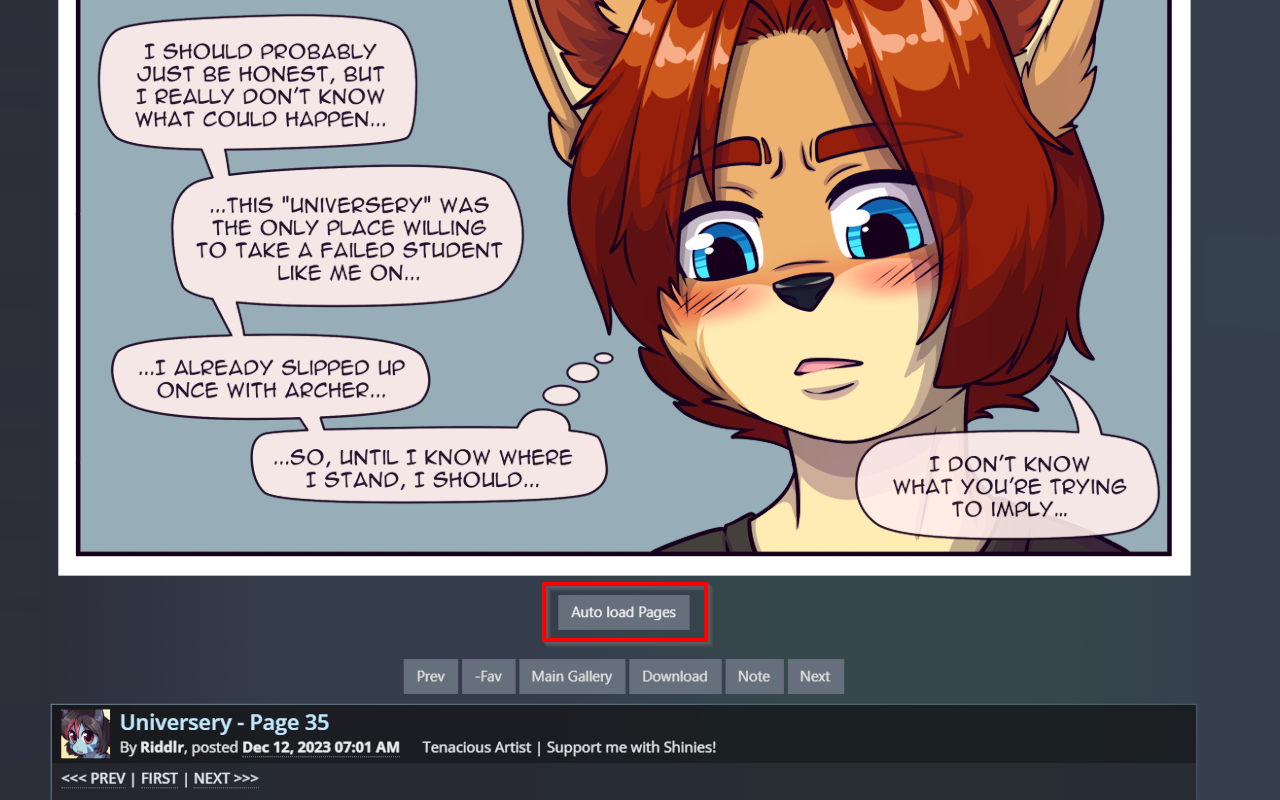
  • A new Button for "Auto loading" and "Searching for similar Submissions" will be shown below the Image on a submission page
  • The loader will automatically:
    • Detect comic navigation elements and use them for loading next and previous pages
    • Enable forward/backward navigation using the actual comic navigation
    • Handle lightbox integration if enabled
  • When no comic navigation is found, the loader will search for similar pages

Feature Roadmap

Feature Status
Comic navigation detection ✅ Completed
Forward/backward searching ✅ Completed
Custom lightbox integration ✅ Completed
Loading animations ✅ Completed
Navigation button customization ✅ Completed
Folder support ✅ Completed

Settings

  • showSearchButton - Enable/disable the search for similar pages button (default: true)
  • loadingSpinSpeed - Control loading animation speed (default: 1000)
  • backwardSearch - How many pages to search backwards (default: 3)
  • overwriteNavButtons - Whether to overwrite navigation buttons with comic navigation (default: true)
  • useCustomLightbox - Enable/disable custom lightbox (default: true)
  • Custom Lightbox Show Nav - Enable/disable custom lightbox navigation (default: true)