An ultra-fast video script allowing you to drag-and-drop local or web-based video files into your browser for seamless, high-definition viewing.

[](https://www.gnu.org/licenses/agpl-3.0)
[](https://i-ali.ir/)
[](https://github.com/AliAshori78)
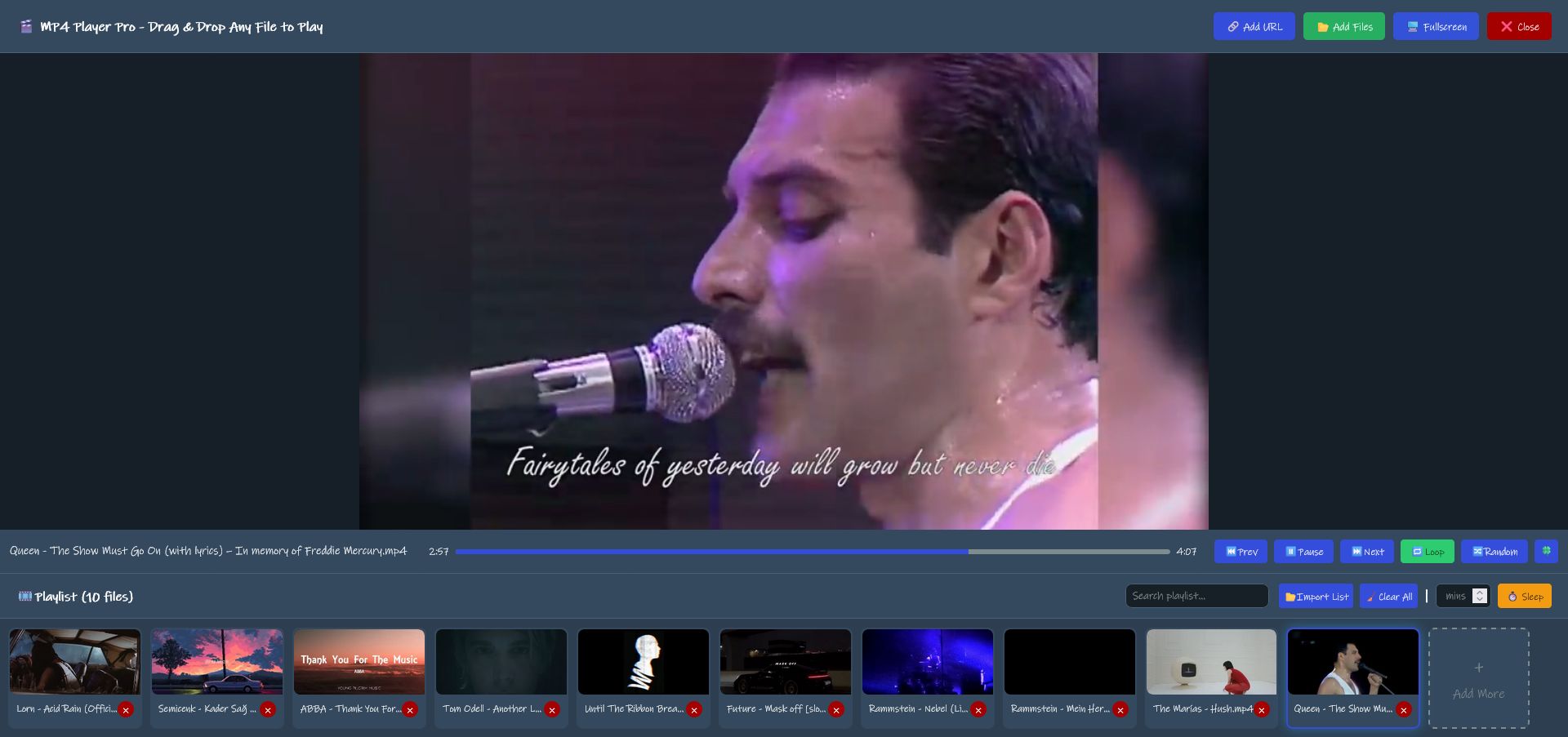
**MP4 Player Pro** is an ultra-fast, lightweight UserScript that turns your browser into a high-definition video powerhouse. Drag and drop your local files or web-based video links for a seamless viewing experience without the need for external software.
---
## ✨ Features
- 🚀 **Ultra-Fast Performance:** Optimized for high-definition playback with minimal latency.
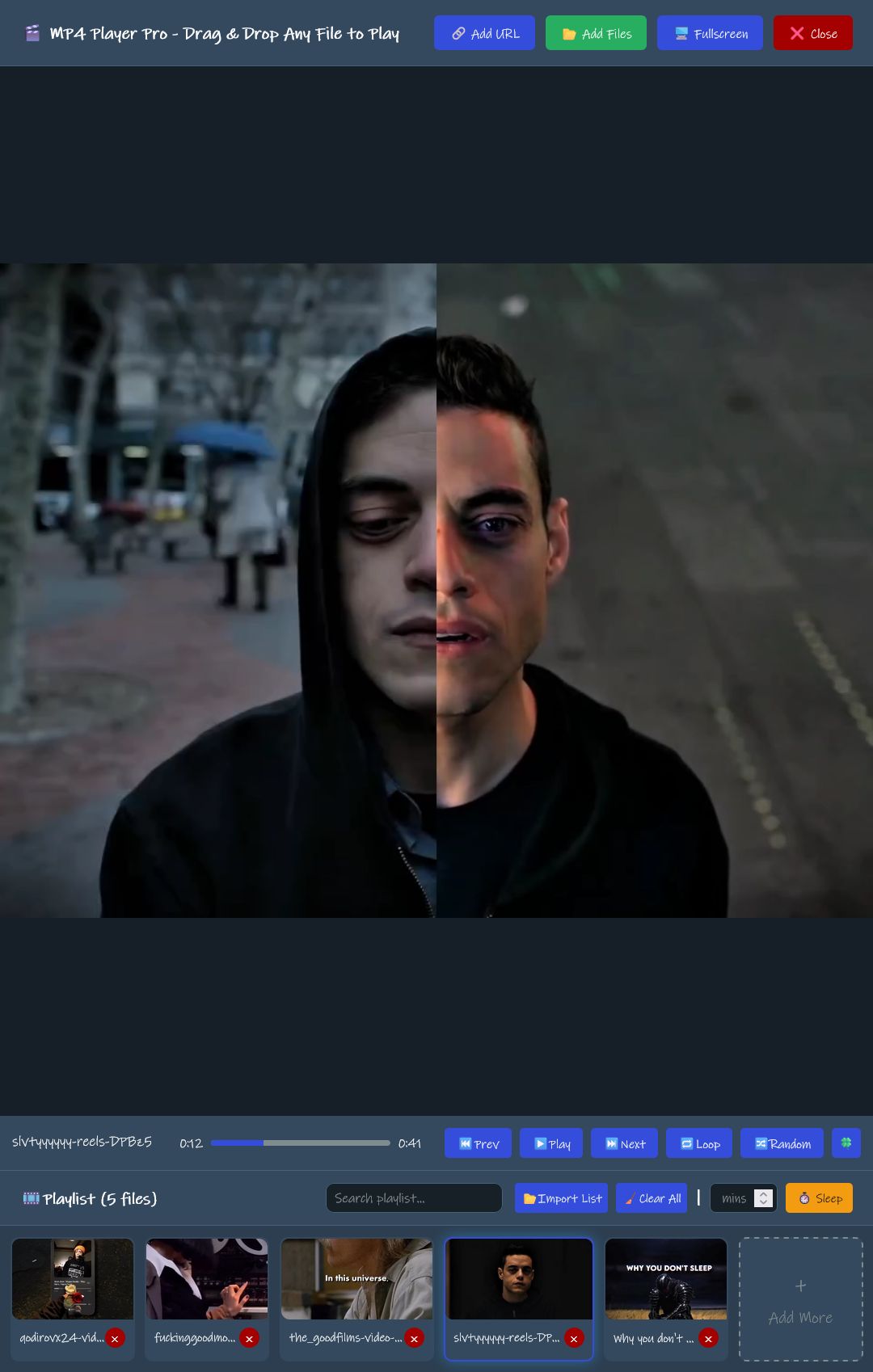
- 🖱️ **Drag-and-Drop Support:** Easily load videos by dragging them from your folders directly into the browser (And direct web URLs).
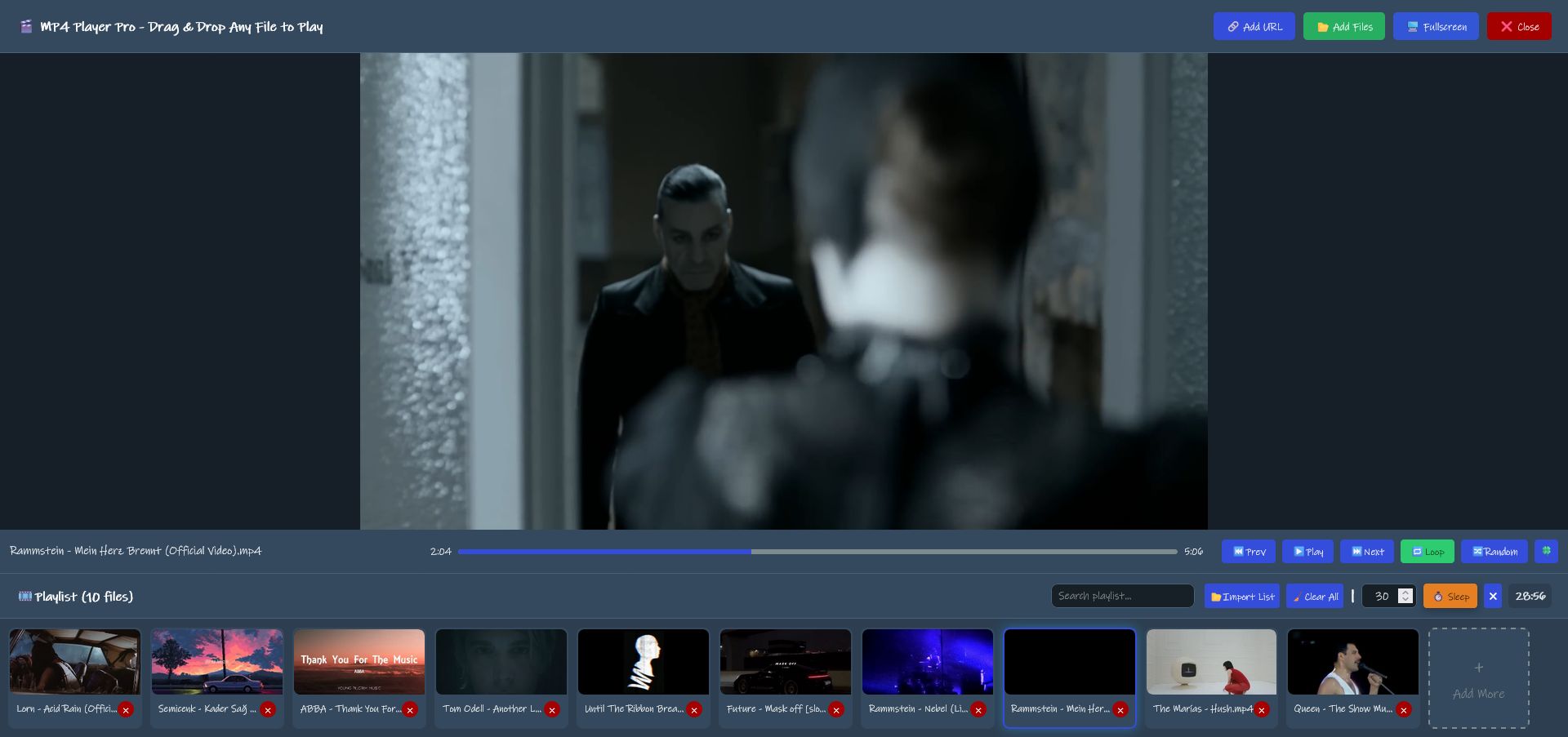
- 🌙 **Sleep Timer:** Built-in timer to automatically stop playback after a set duration.
- 🎬 **Floating Interface:** Includes a sleek floating launch button for instant access on any webpage.
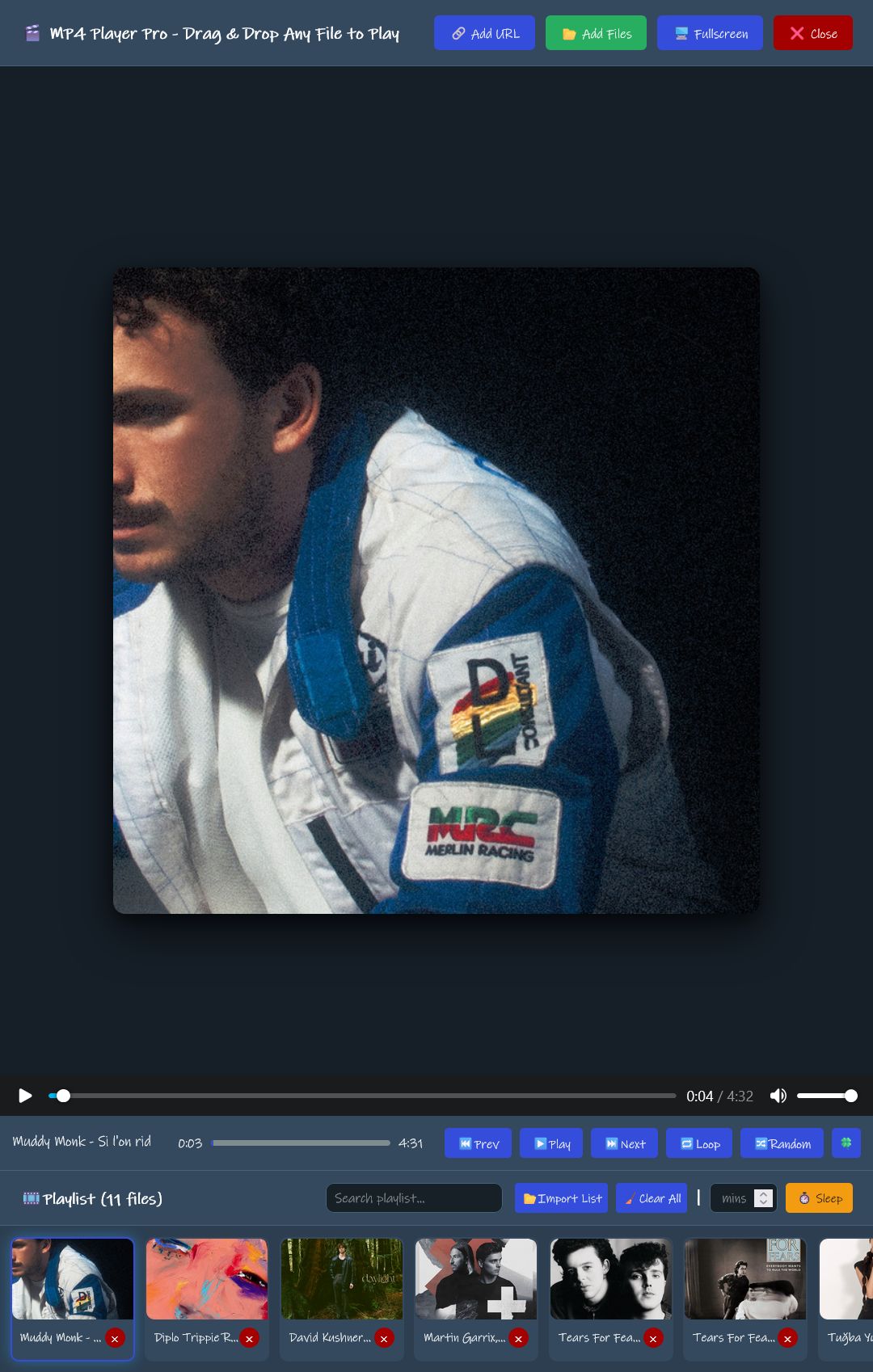
- 🌐 **Web & Local Playback:** Works with both local `.mp4` files and web-hosted video URLs.
- 🎨 **Modern Design:** High-definition UI components for a professional look and feel.
* 🛠️ **Global API:** Features like `openMP4Viewer` and `closeMP4Viewer` are exposed to the `window` object for manual control via console.
 |  |
---
## 🚀 Installation
1. **Install a UserScript Manager:**
- [Tampermonkey](https://www.tampermonkey.net/) (Recommended)
- [Greasemonkey](https://www.greasespot.net/)
2. **Add the Script:**
- Copy the content of `MP4 Player Pro.js`.
- Open your UserScript manager dashboard and create a "New Script".
- Paste the code and save.
3. **Enjoy:** Refresh any tab, and the player container will be ready for your music!
---
## 🛠️ Usage
1. **Launch:** Click the floating **🎬 MP4 Player Pro** button located on the side of your browser window.
2. **Add Video:** - Drag a video file from your computer and drop it into the player area.
- Or, provide a web link to a video file.
3. **Controls:** Use the built-in HD player controls for playback, volume, and full-screen mode.
4. **Close:** Click the close icon on the launcher or within the player to hide the interface.
https://github.com/user-attachments/assets/2c858289-e274-44ef-8947-c66fc3e391ee
---
## 📜 License
This project is licensed under the **GNU AGPLv3** - see the script header for details.
## 👤 Author
**Ali Ashori** 🌐 [Website](https://i-ali.ir/)
📧 Feel free to reach out for suggestions or bug reports!




