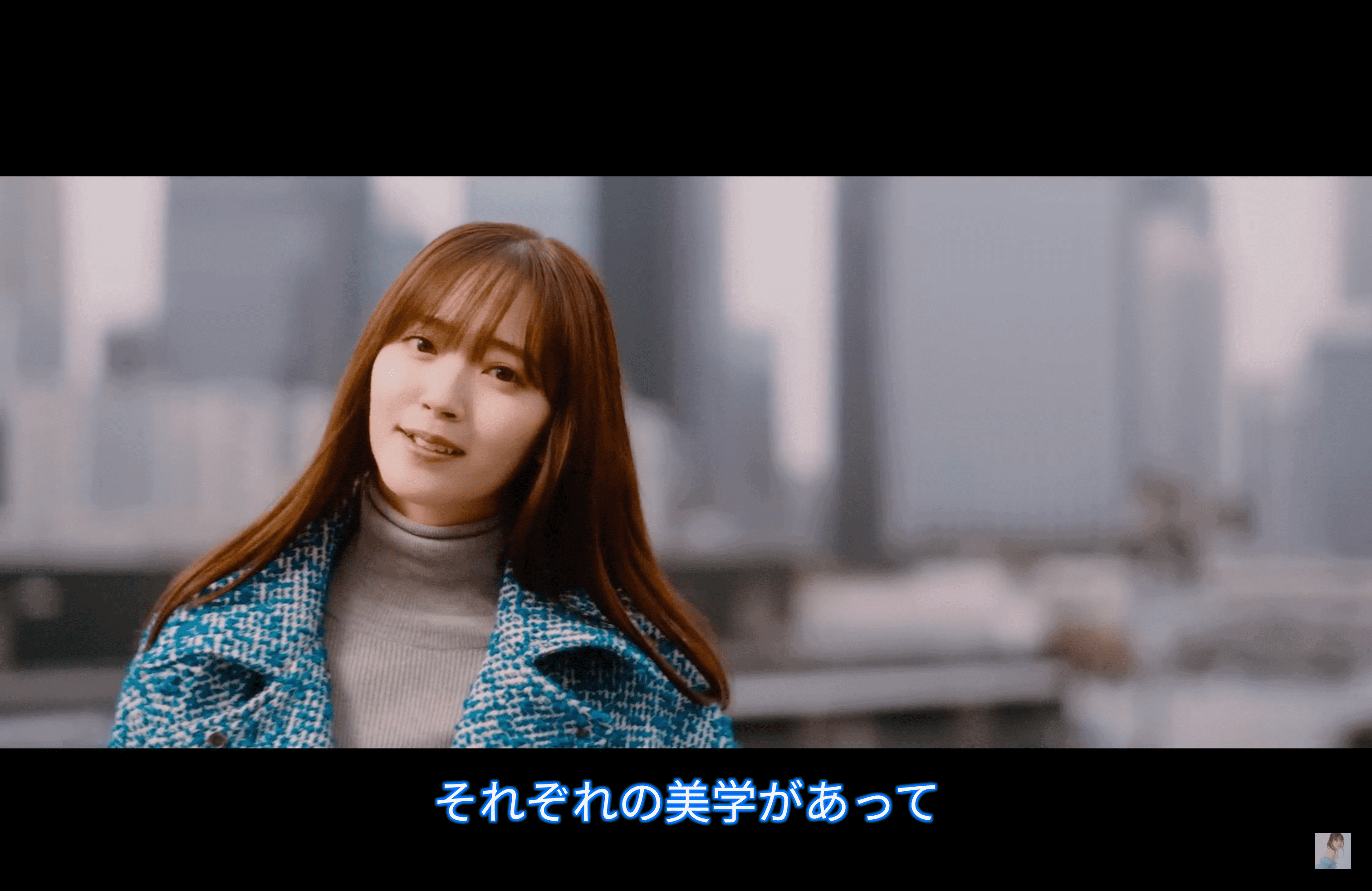
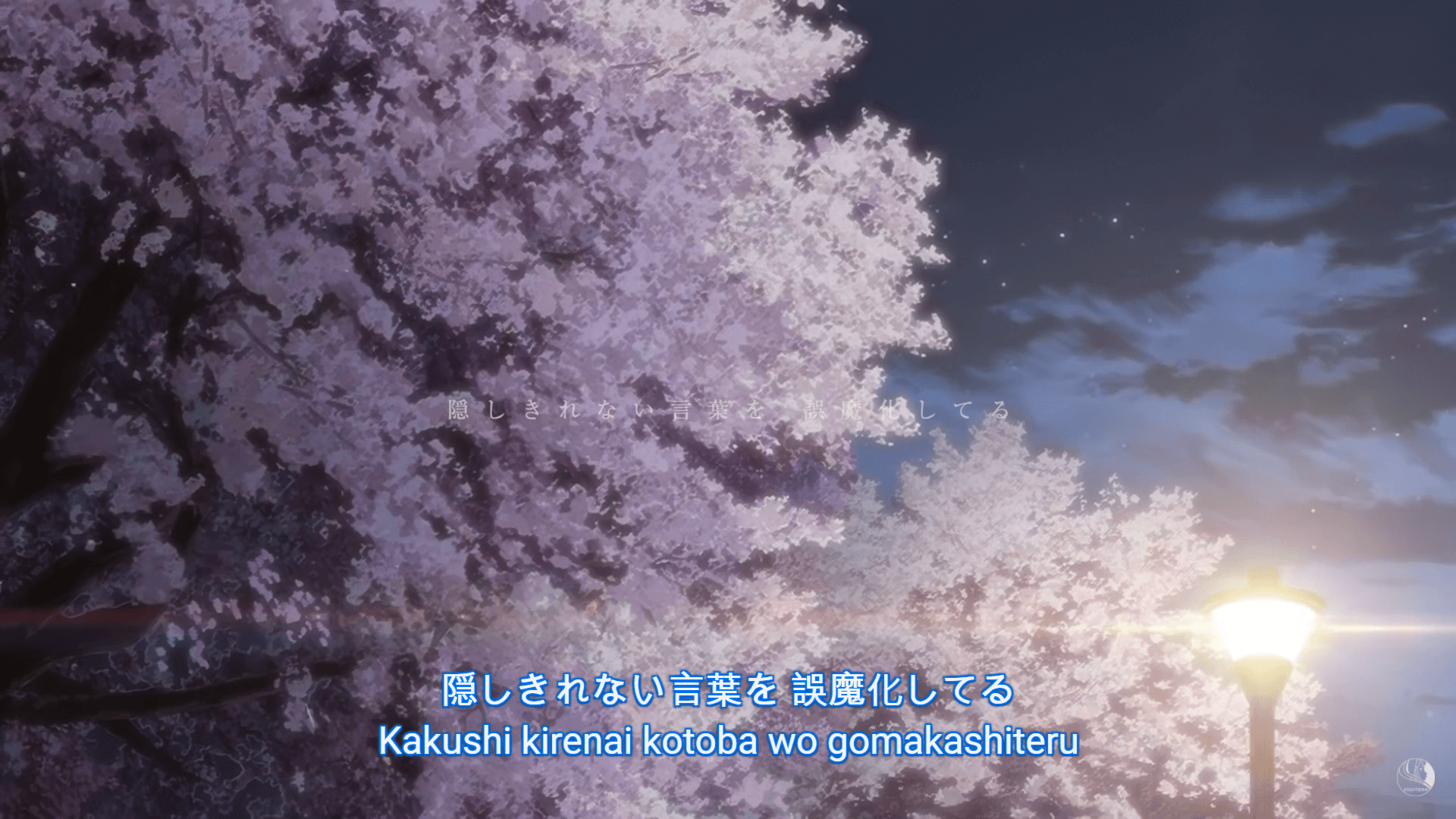
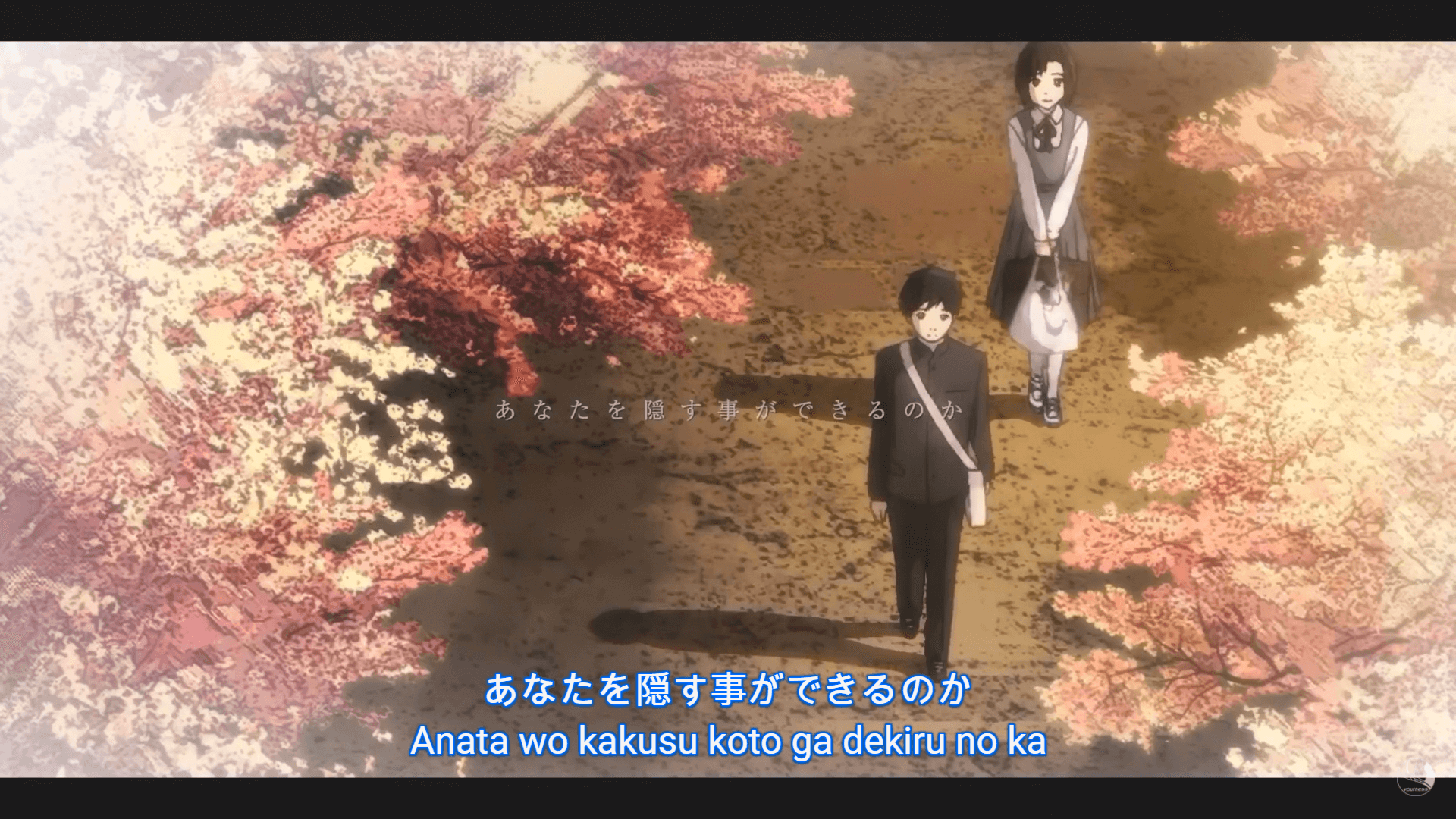
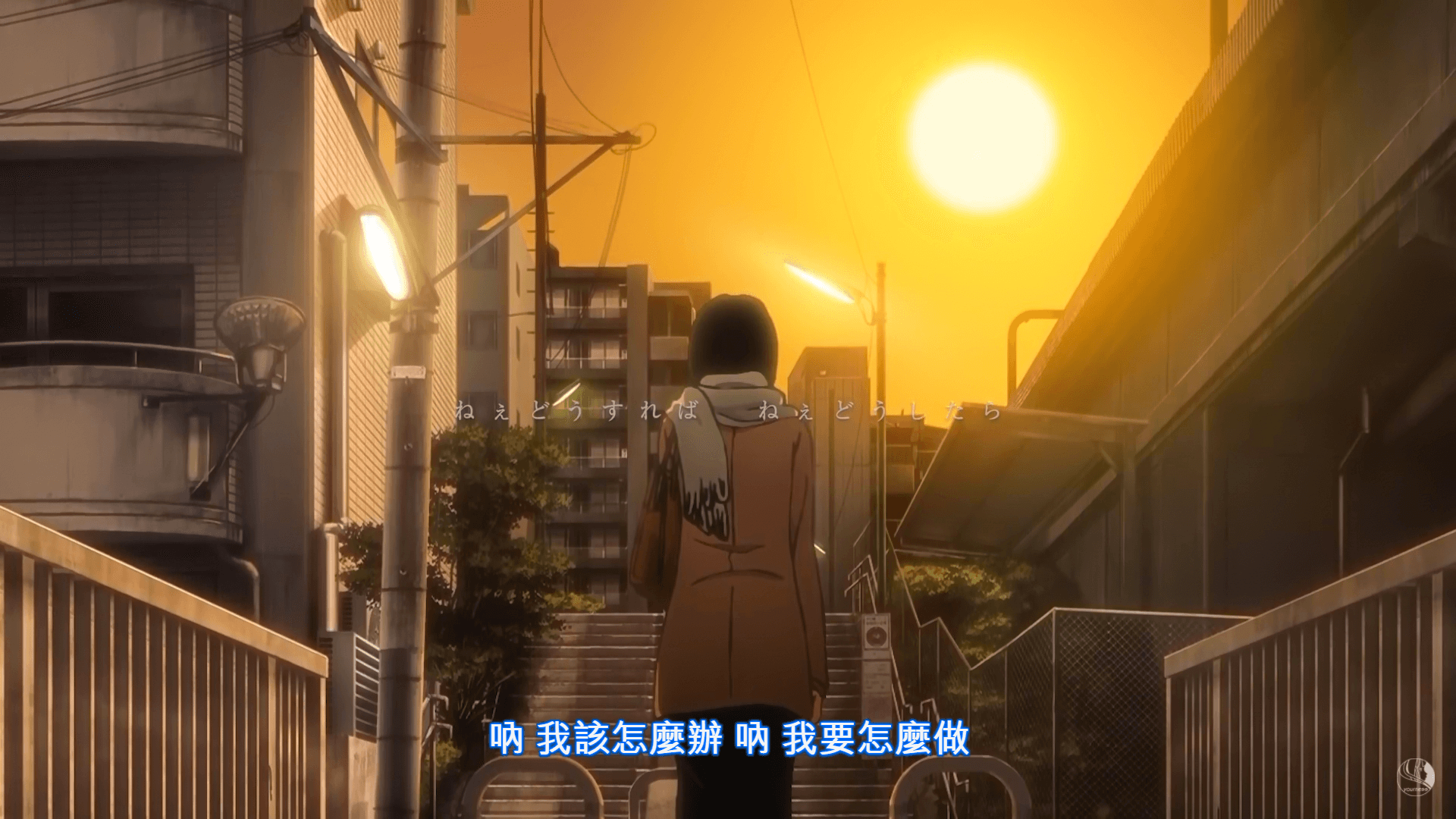
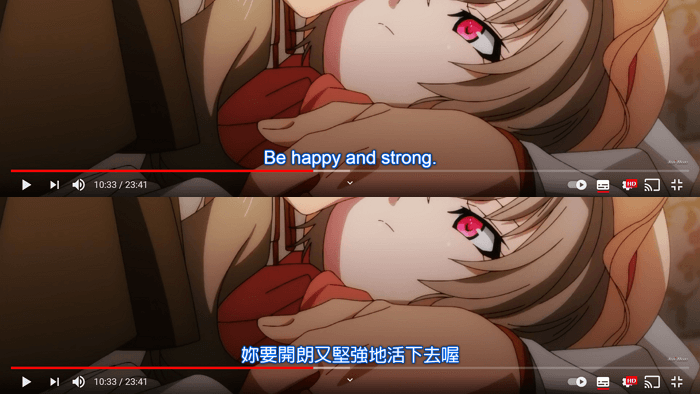
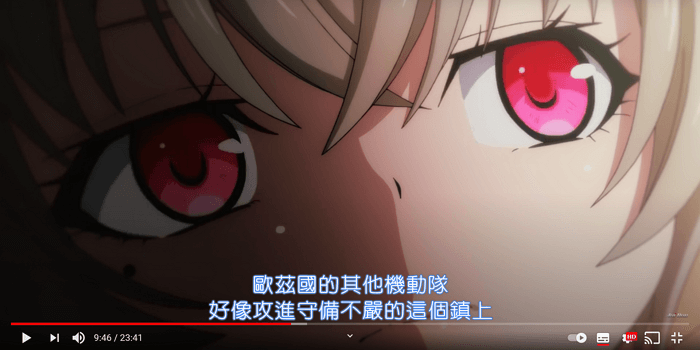
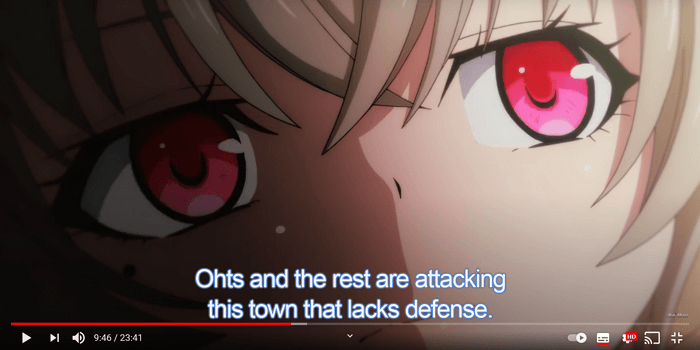
Youtubeで使用している 字幕(キャプション)のスタイル を置き換えるためのものです。
English | 日本語
GreasyFork (Latest) / UserStyles.world (Hourly Update)
@preprocessor stylus. Please install stylus / stylus beta to use the Userstyles.次のリンクでこのUserscriptを試すことができます。
--- Multi-lang ---
- ミテイノハナシ - 忘れじの映画(Music Video) https://www.youtube.com/watch?v=zUa3SUmvjhI
- あたしが隣にいるうちに/藤川千愛 https://www.youtube.com/watch?v=DS2sP8CDLas
- Porter Robinson & Madeon - Shelter (39 langs) https://www.youtube.com/watch?v=fzQ6gRAEoy0
- Reol - '第六感 / THE SIXTH SENSE' Music Video https://www.youtube.com/watch?v=Ue6VQTcKPQo
---Others----
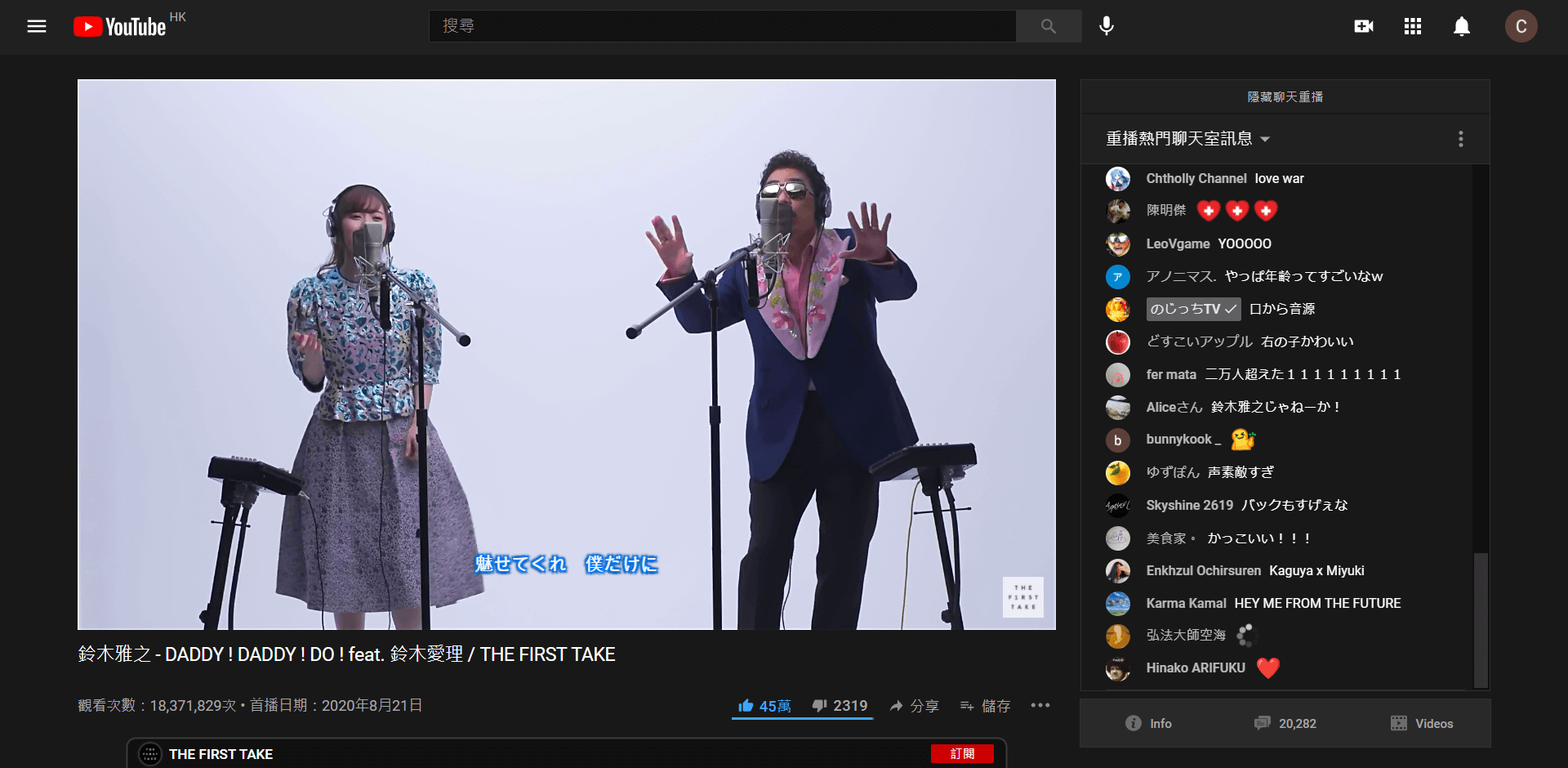
- 鈴木雅之 - DADDY ! DADDY ! DO ! feat. 鈴木愛理 / THE FIRST TAKE https://www.youtube.com/watch?v=qIBWRPqJcGQ
- アニメ「イエスタデイをうたって」主題歌 https://www.youtube.com/watch?v=5CklZVlT7Hs
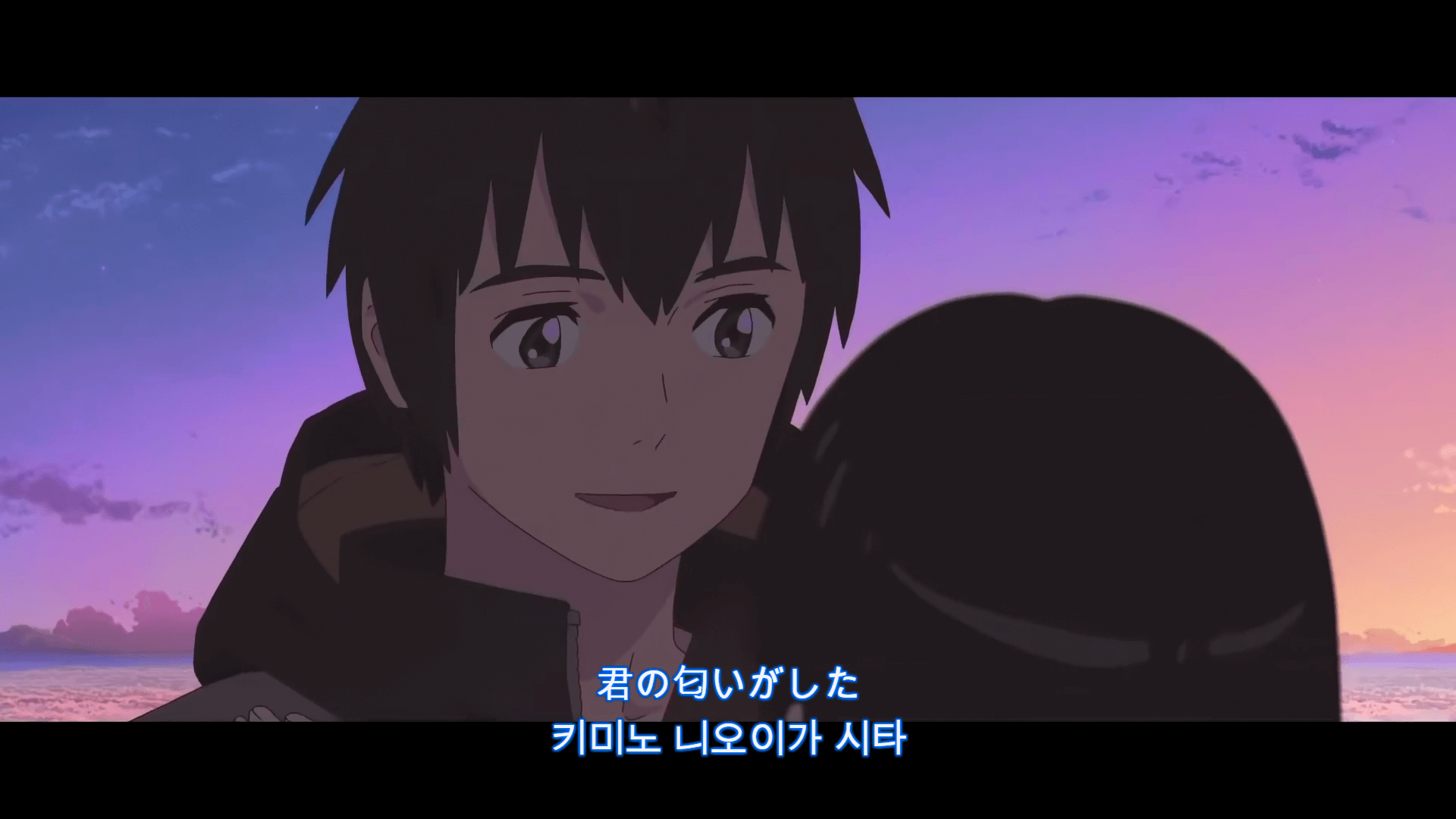
- Sparkle | 너의 이름은 OST https://www.youtube.com/watch?v=CYTnZV_NywU
- Ani-one https://www.youtube.com/watch?v=xh4dJPE3xVY
Also See...
- TabView Youtube https://greasyfork.org/scripts/428651-tabview-youtube