Greasy Fork is available in English.

Spotify Web - Salin Informasi Lagu

Tambahkan entri menu konteks yang menyalin nama lagu dan artis yang dipilih ke clipboard

You will need to install an extension such as Tampermonkey, Greasemonkey or Violentmonkey to install this script.

You will need to install an extension such as Tampermonkey to install this script.

You will need to install an extension such as Tampermonkey or Violentmonkey to install this script.

You will need to install an extension such as Tampermonkey or Userscripts to install this script.

You will need to install an extension such as Tampermonkey to install this script.

You will need to install a user script manager extension to install this script.
(I already have a user script manager, let me install it!)

You will need to install an extension such as Stylus to install this style.

You will need to install an extension such as Stylus to install this style.

You will need to install an extension such as Stylus to install this style.

You will need to install a user style manager extension to install this style.

You will need to install a user style manager extension to install this style.

You will need to install a user style manager extension to install this style.

(I already have a user style manager, let me install it!)

Penulis
cuzi
Pemasangan harian
2
Total pemasangan
4.576
Nilai
19 0 0
Versi
27
Dibuat
27 Desember 2017
Diperbarui
07 November 2025
ukuran
22,2 KB
Lisensi
MIT
Berlaku untuk

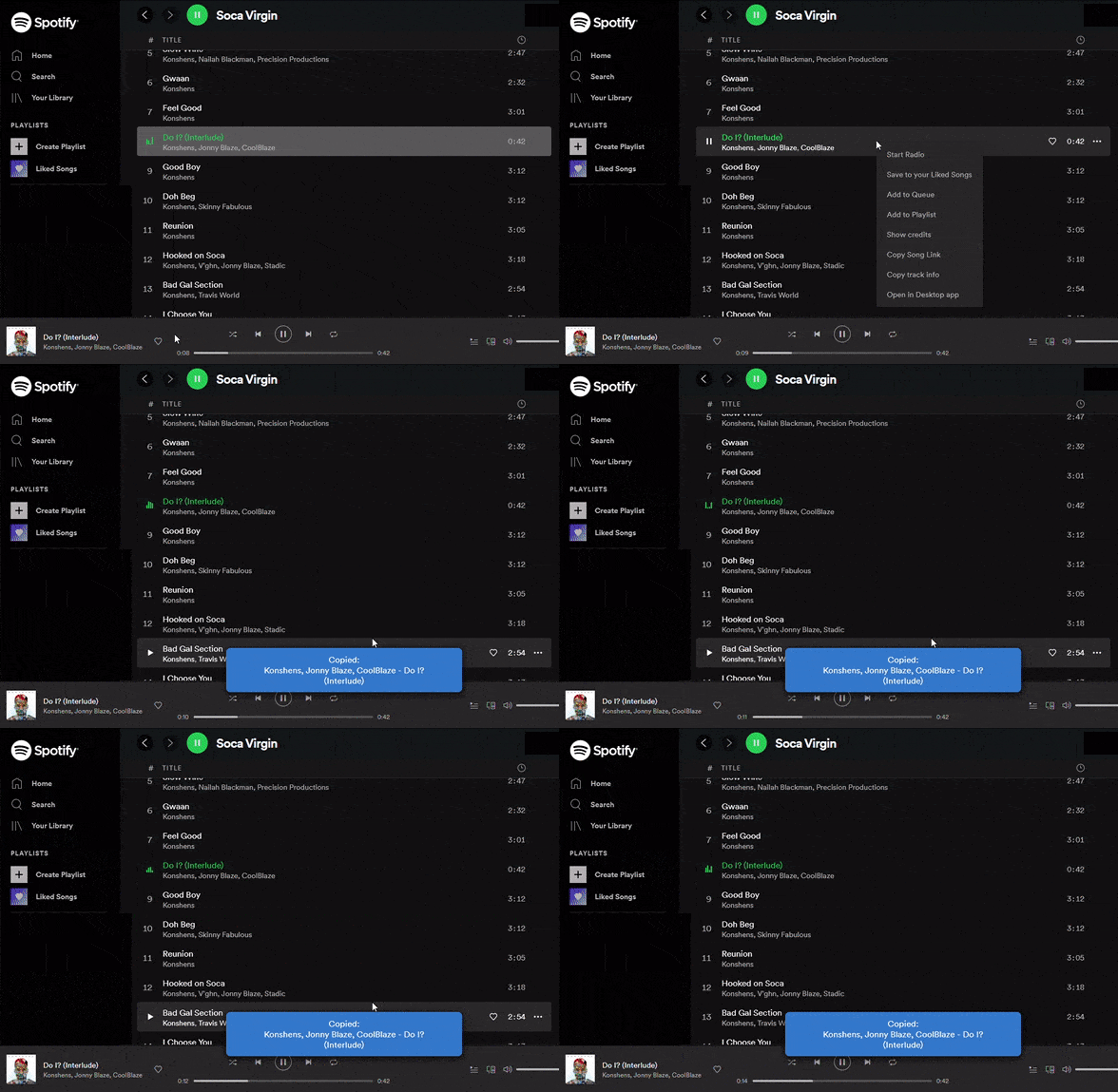
Adds an entry to the context menu (right mouse click) of the Spotify Web Player that let's you copy the selected song name and artist to the clipboard.

You can copy the info of multiple songs at the same time, if you select them with CTRL or SHIFT key.

Animation of spotify web player