PlayIt-Monkey-Script

Configurable frontend for PlayIt Service

За да инсталирате този скрипт, трябва да имате инсталирано разширение като Tampermonkey, Greasemonkey или Violentmonkey.

За да инсталирате този скрипт, трябва да инсталирате разширение, като например Tampermonkey .

За да инсталирате този скрипт, трябва да имате инсталирано разширение като Tampermonkey или Violentmonkey.

За да инсталирате този скрипт, трябва да имате инсталирано разширение като Tampermonkey или Userscripts.

За да инсталирате скрипта, трябва да инсталирате разширение като Tampermonkey.

За да инсталирате този скрипт, трябва да имате инсталиран скриптов мениджър.

(Вече имам скриптов мениджър, искам да го инсталирам!)

За да инсталирате този стил, трябва да инсталирате разширение като Stylus.

За да инсталирате този стил, трябва да инсталирате разширение като Stylus.

За да инсталирате този стил, трябва да инсталирате разширение като Stylus.

За да инсталирате този стил, трябва да имате инсталиран мениджър на потребителски стилове.

За да инсталирате този стил, трябва да имате инсталиран мениджър на потребителски стилове.

За да инсталирате този стил, трябва да имате инсталиран мениджър на потребителски стилове.

(Вече имам инсталиран мениджър на стиловете, искам да го инсталирам!)

Автор
rkaradas
Инсталации дневно
0
Инсталации общо
91
Рейтинг
1 0 0
Версия
0.5
Създаден
18.09.2016
Обновен
18.09.2016
Размер
20 КБ
Лиценз
Няма
Работи на
Всички сайтове

PlayIt-Monkey-Script

Here is another aproach of a simple, yet useful client for the PlayIt Service for Kodi.

This time I implemented a Greasemonkey/Tampermonkey script, that adds a play & settings button on the left side of all websites, so you are able to access the functionality from everywhere.

Installation

Of course you need Grease- or Tampermonkey to get this script to work. So lets start with the installation of the extension. I tested it with Tampermonkey on Chrome and Firefox and also with Greasemonkey on Firefox, so I can't guarantee, that it will work with other extensions, that support User Scripts.

  1. Choose your favorite extension and install it. For Firefox Tampermonkey or Greasemonkey and for Chrome Tampermonkey
  2. You may need to restart your Browser
  3. Follow the link to download my script.
  4. Confirm the following messages to finish the installation.

Overview

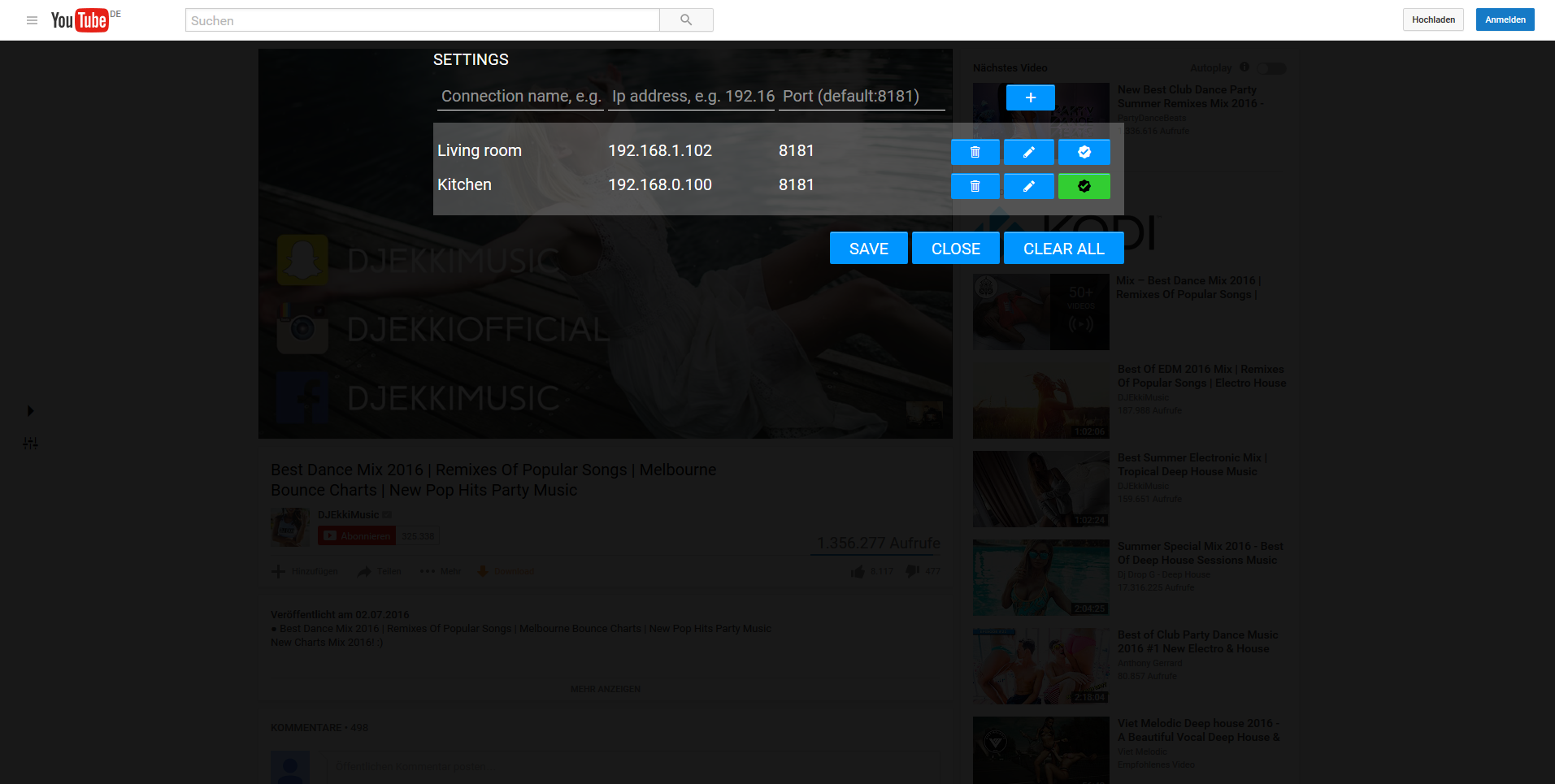
Now you should see nothing :smiley:, but if you point to the left edge of a website in your browser, you should see the navigation bar (see the gif below). Click the play button to send the current url to the PlayIt Service and the settings button, to configure the kodi connection information (at least the ip-address). You can add as many entries as you want, update and delete them.
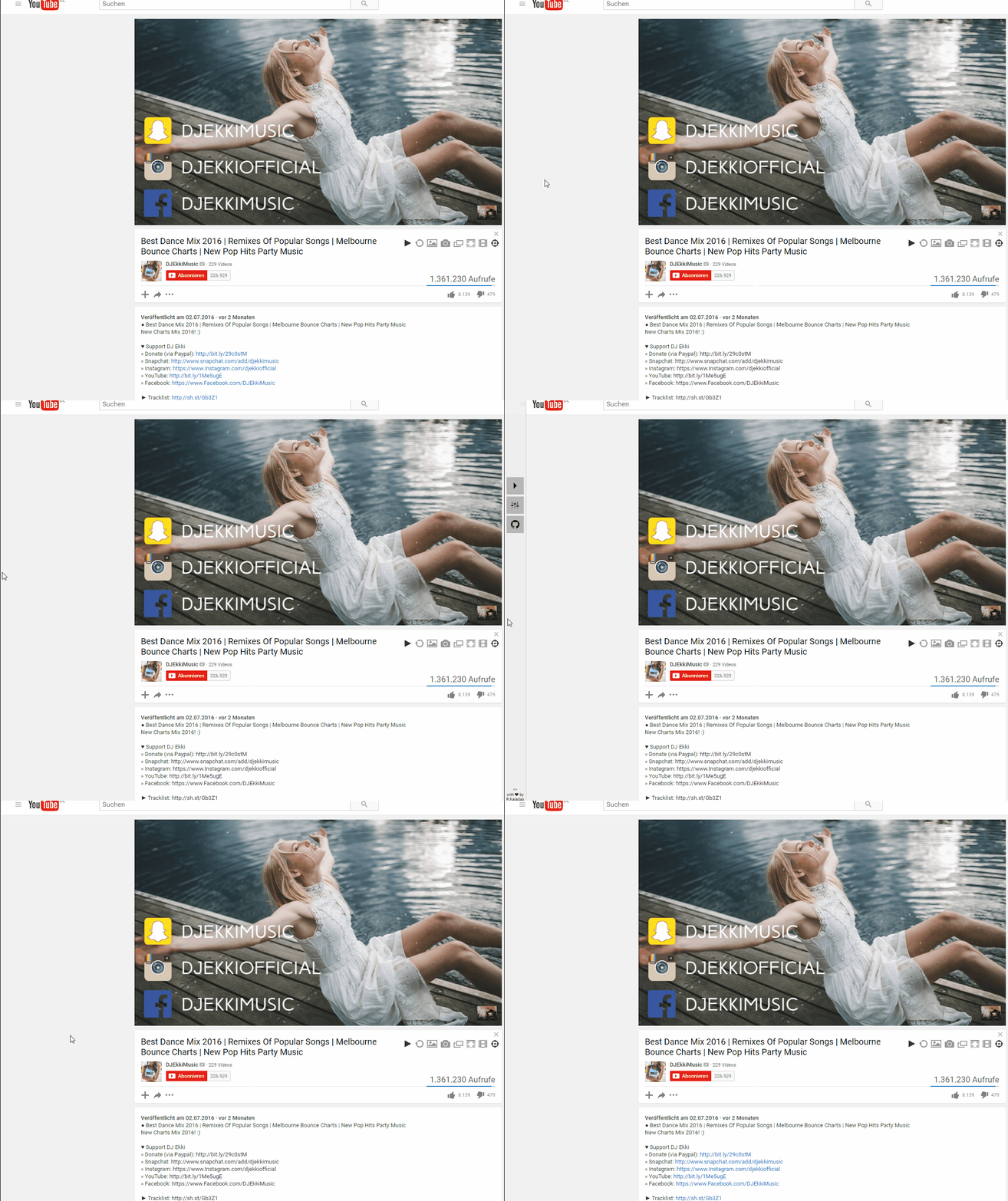
Main icons

Settings overlay

Known problems

It is possible that you won't see the icons on some websites, because other elements are laying over the icons. Let me know, if you find a page where this happens. So that was it... My night project, so there might be some bugs. You can keep them or share them with me :smiley:

Thanks and have fun :wink: